About this app
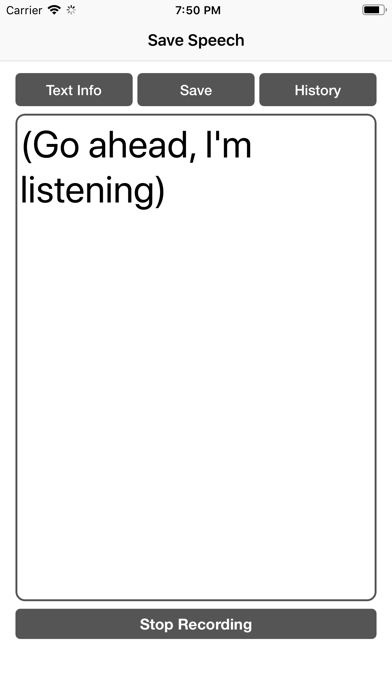
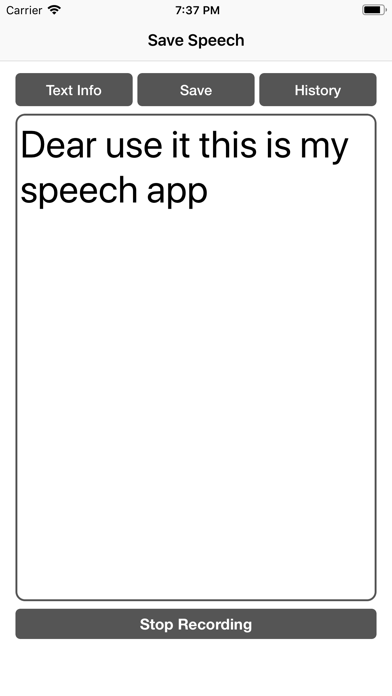
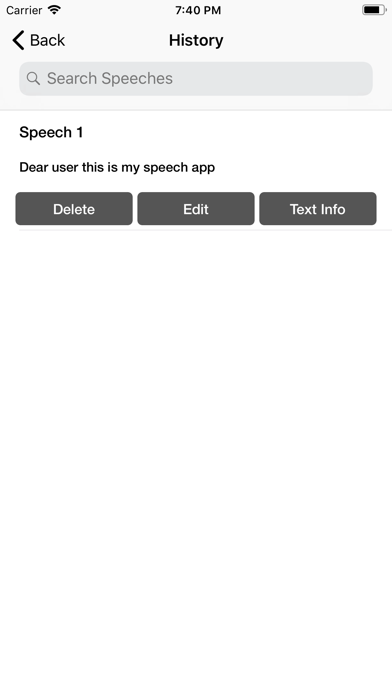
If you want to send a text message to someone, you need to type out the entire message, which can take a lot of time. However, with the Save Speech app, you can easily send a text message. Simply click the "Start Recording" button, and the app will begin recording your speech. Once you finish speaking, click the "Stop Recording" button. You can then save your speech by clicking the "Save" button and share the text message by going to the "History" section. Many people attend speeches but may forget the content a few days later. The Save Speech app helps them by allowing users to save the speech, enabling them to revisit and edit it later. With this app, users can practice the pronunciation of words.
Latest release
What’s New
Minor bug fixes. UI improvements.
Audience growth
Ratings growth
Baseline captured. Growth appears after the crawler observes a changed rating count.
Momentum comes from crawler snapshots for the tracked storefront. “Viral growth signal” means unusually fast recent rating gains; it is an indicator, not download data.
Price tracking
Price intelligence
First snapshot captured. The trend line starts after the next crawler price observation.
- First observed Aug 15, 2026 · 4:49 PM Free
Screenshots