About this app
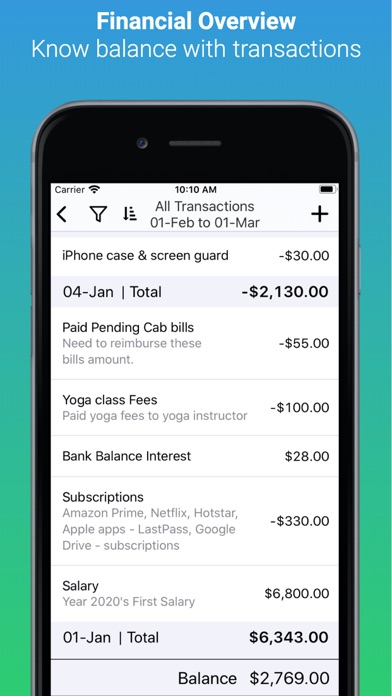
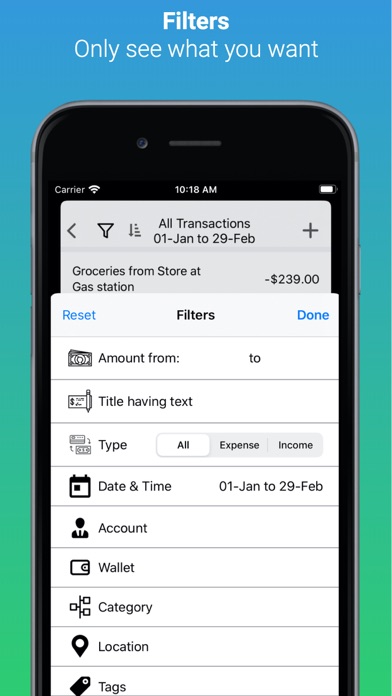
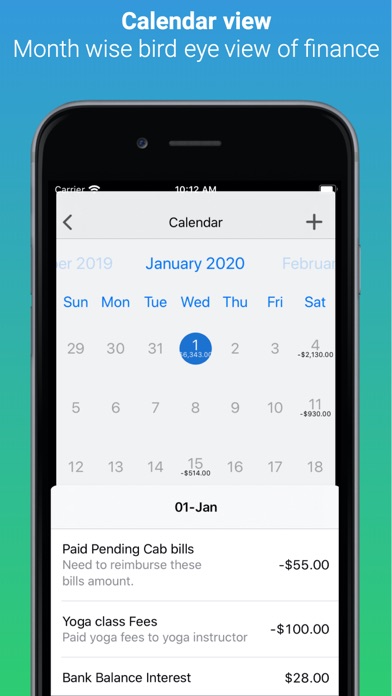
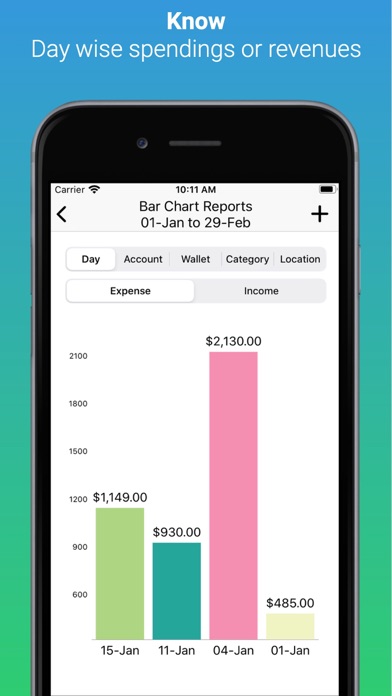
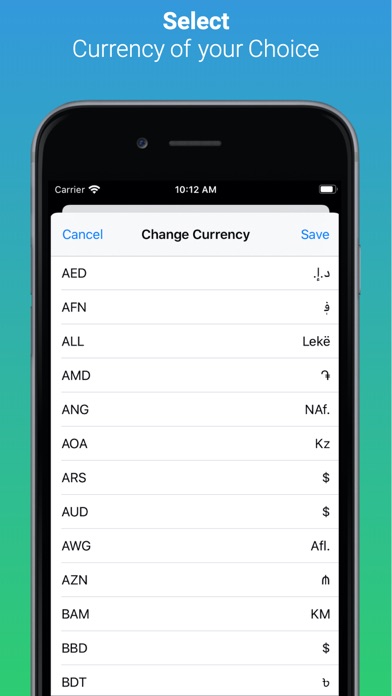
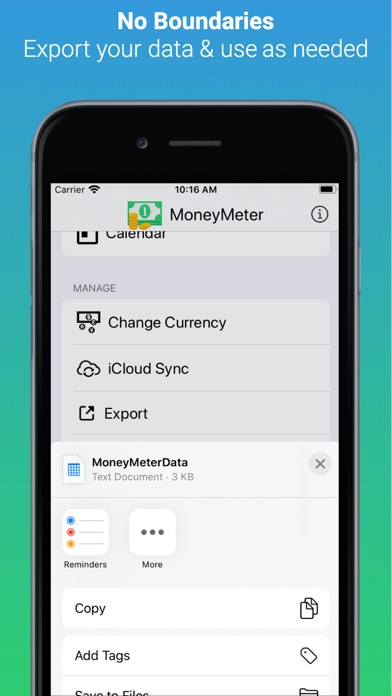
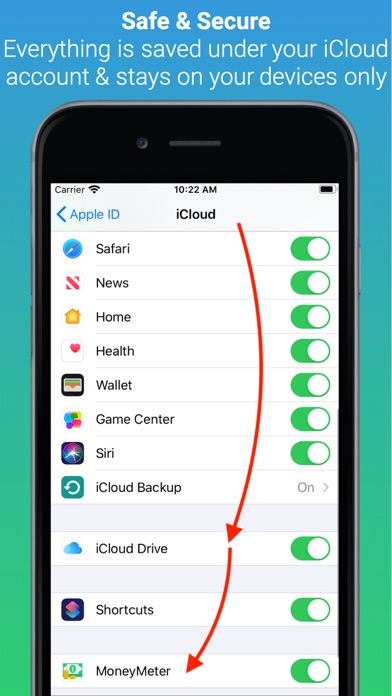
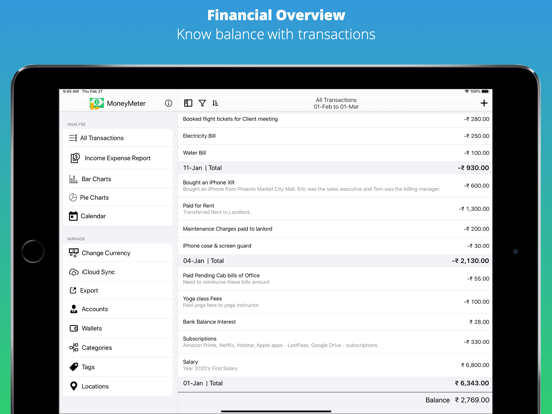
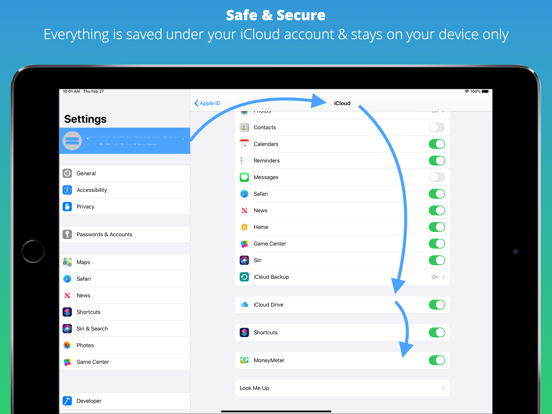
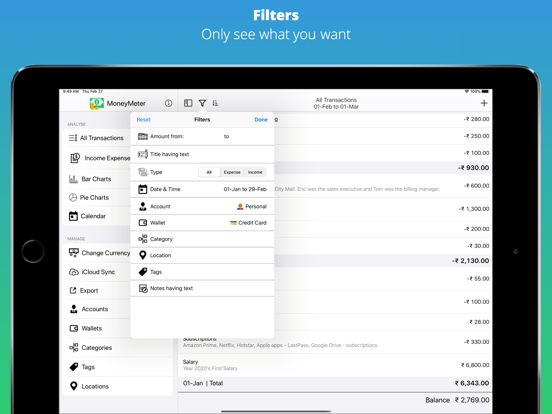
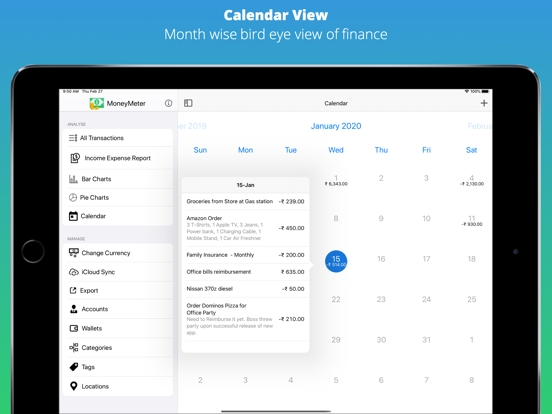
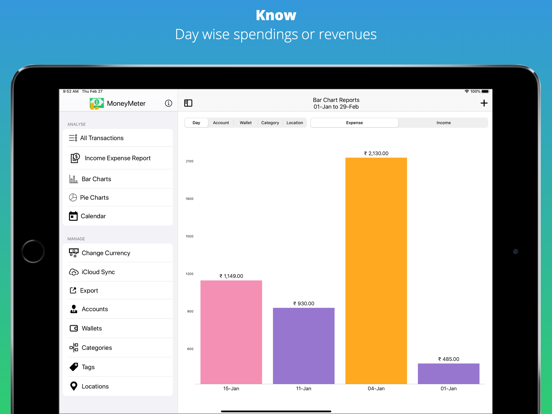
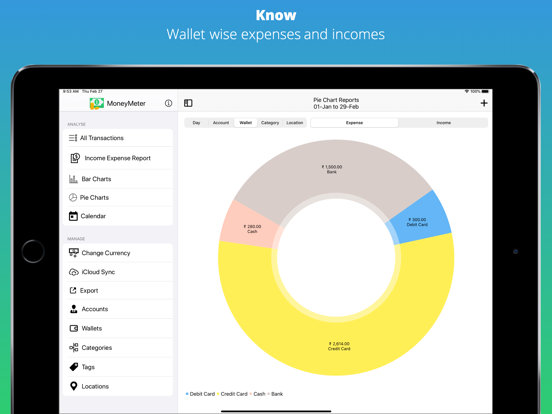
Simple & Smart Money tracker MoneyMeter helps you answer for following questions - How much did you spend using "Cash" or "Credit card"? (Wallet) - How much did you spend on your "Business" / "Personal"? (Account) - How much did you spend on "Shopping" / "Fitness" / "Bills" / "Food" / "Travel"? (Categories) - How much did you spend at "Amazon" / "Subway" / "McDonalds" / "BigBasket"? (Locations) - How much did you spend on the date "20-Jan-2020"? MoneyMeter allows you to: - Keep track of your personal, family, Business, Travel expenses - Quickly enter your expenses - View expenses grouped by date/account/category/wallet/location - Know exactly where your money goes - View reports for all accounts, wallets, categories, locations ***IMPORTANT: Works only when iCloud is enabled*** WE DON'T STORE YOUR FINANCIAL DATA. Yes, You read it right. Everything is stored under your iCloud account & stays on your on the device only. Strictly. You are the owner of your data & you can go to iCloud settings & delete app-data anytime you want. WE DON'T DO ANALYTICS We all love the privacy & specifically when it comes down to our finances. Anytime if you've any doubt, I can share my screen to show you the code to make you understand that there is no-analytics library integrated.
Latest release
What’s New
Bug Fix - Amount with double value instead of formatted value.
Audience growth
Ratings growth
Baseline captured. Growth appears after the crawler observes a changed rating count.
Momentum comes from crawler snapshots for the tracked storefront. “Viral growth signal” means unusually fast recent rating gains; it is an indicator, not download data.
Price tracking
Price intelligence
First snapshot captured. The trend line starts after the next crawler price observation.
- First observed Aug 20, 2026 · 12:20 PM Free
Screenshots