About this app
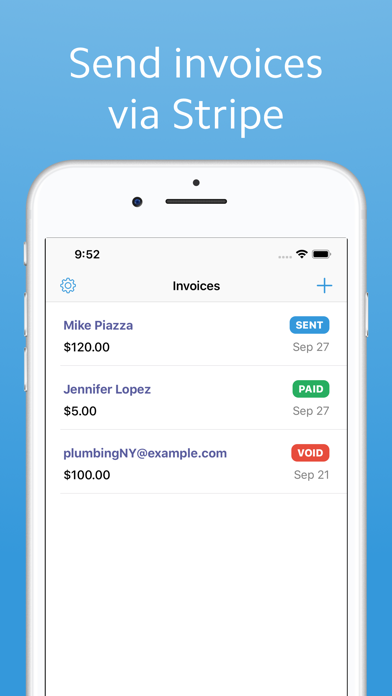
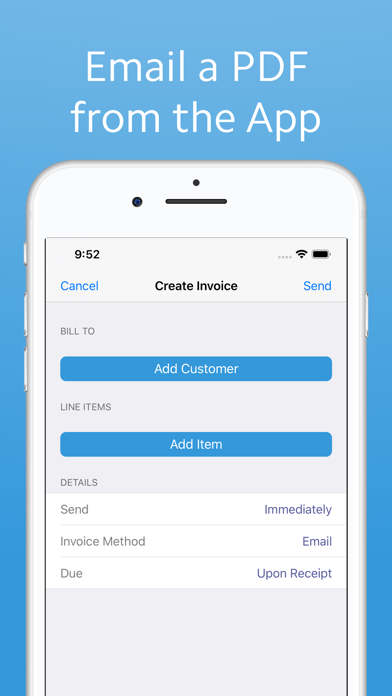
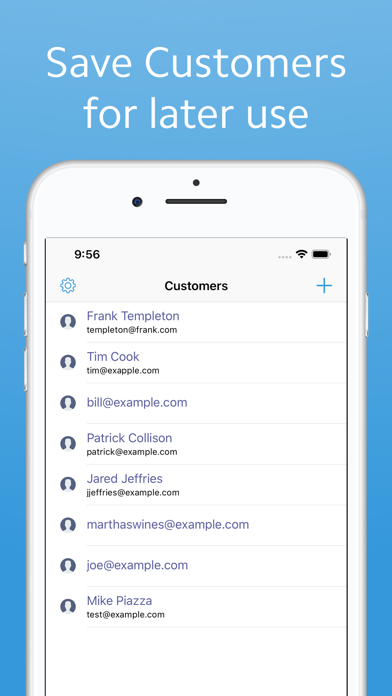
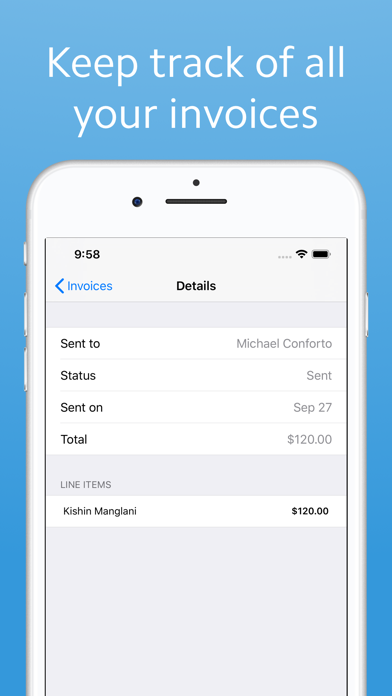
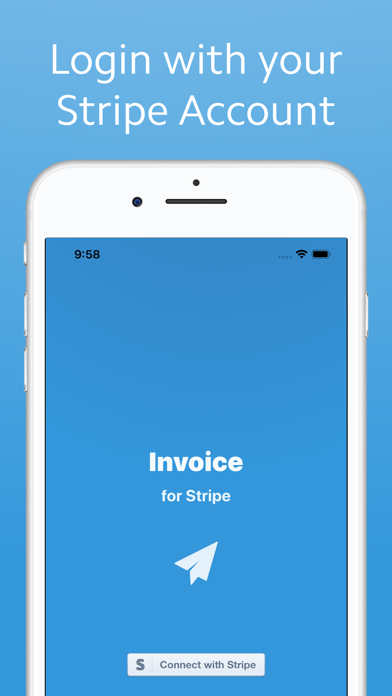
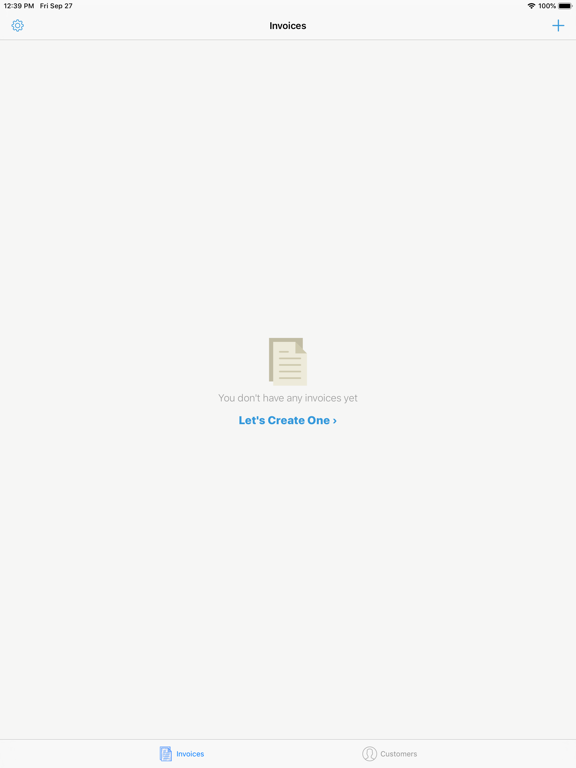
With Invoice for Stripe, creating invoices has never been easier. Invoice connects directly with your Stripe account via Stripe Connect. Once you've logged in, you can create an invoice. To create an invoice, just assign a customer and then add line items. Invoice not only creates and sends an invoice to your customers, but it also allows you to collect payments from customers. Invoice will send an email to your customer with a PDF and a payment link to allow your customer to pay you. Sending an invoice and collecting payment has never been easier. Please note that standard Stripe fees do apply when using Invoice. In addition, there is a 1% fee when collecting payment via Invoice.
Latest release
What’s New
+ Bug fixes and performance enhancements
Audience growth
Ratings growth
Baseline captured. Growth appears after the crawler observes a changed rating count.
Momentum comes from crawler snapshots for the tracked storefront. “Viral growth signal” means unusually fast recent rating gains; it is an indicator, not download data.
Price tracking
Price intelligence
First snapshot captured. The trend line starts after the next crawler price observation.
- First observed Aug 21, 2026 · 1:08 AM Free
Screenshots