About this app
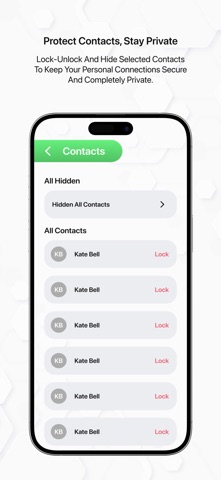
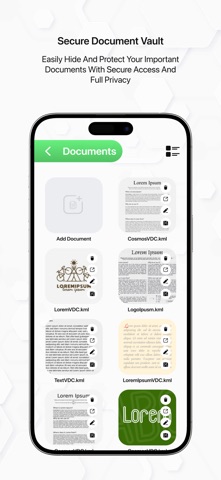
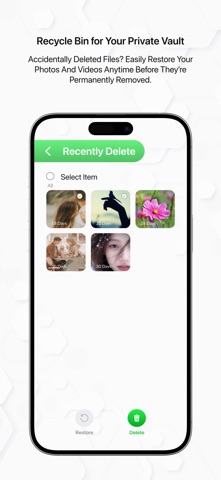
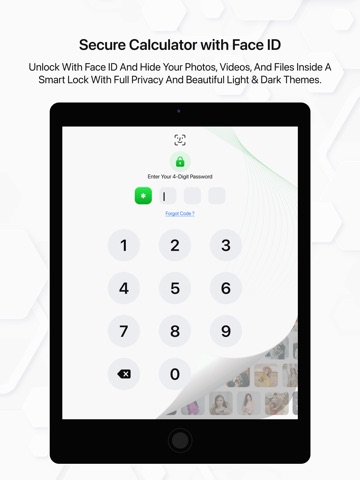
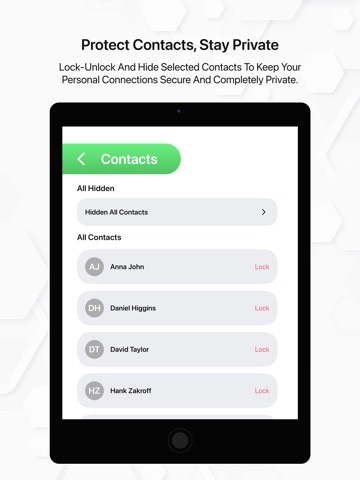
LockBox is a powerful privacy vault app that creates a secure, encrypted copy of your photos, videos, documents, audio files, and contacts — all protected behind advanced security so only you can access them. Easy to secure your files here to store your cards details via camera captures with fully customizable vault. A secure vault with password, pattern, face lock or touch lock, set as you want and more secure your files. * Why LockBox? In today's digital world, keeping your personal files safe is more important than ever. LockBox gives you a private, encrypted space to store sensitive files with military-grade protection — simple to use, and built for complete privacy. * Security Options Passcode protected vault Face ID & Touch ID support Pattern lock available Easy password recovery * What You Can Secure Photos & Videos Documents & Files Audio Files & Music Contacts Secret Notes Custom private folders * Intruder Selfie Alert Automatically captures a photo when a wrong passcode is entered Saves intruder image with date & time stamp View all unauthorized access attempts in one place * Vault Features Encrypted private storage for all file types Create and organize files in private folders Recycle bin to recover deleted files Securely share files when needed Restore or permanently delete files anytime Fully customizable vault settings * Why Choose LockBox? All-in-one encrypted file vault Simple, clean and easy to use interface Strong multi-layer security No data collected or shared — ever Works completely offline * Your Privacy, Guaranteed LockBox never collects, shares, or uploads your personal data. Everything stays on your device, protected by encryption, accessible only through your passcode or biometrics. You get a simple LockBox vault with a high-security document locker to protect your personal and important files. Easy to hidden your private photos, videos, contacts and documents securely without anyone knowing you’re using a secret vault app. App never collect or share user's data anywhere. Privacy Policy: https://shadowphotovideoeditorzoneappspolicy.blogspot.com/2024/02/shadow-photo-video-editor-zone-privacy.html Terms of Use (EULA): https://www.apple.com/legal/internet-services/itunes/dev/stdeula/
Latest release
What’s New
New UI Updated. Known bug fixed in new version. Add password, pattern, touch lock or face lock. Intruder captures on wrong password. Secure document from camera scanner. Secure contacts. Update new version of an app.
Audience growth
Ratings growth
Baseline captured. Growth appears after the crawler observes a changed rating count.
Momentum comes from crawler snapshots for the tracked storefront. “Viral growth signal” means unusually fast recent rating gains; it is an indicator, not download data.
Price tracking
Price intelligence
First snapshot captured. The trend line starts after the next crawler price observation.
- First observed Sep 16, 2026 · 1:45 PM Free
Screenshots