About this app
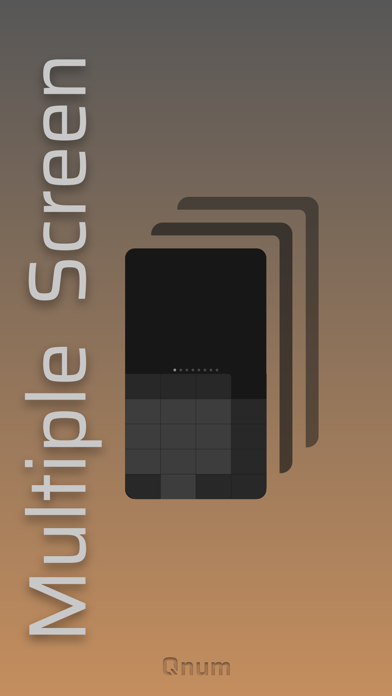
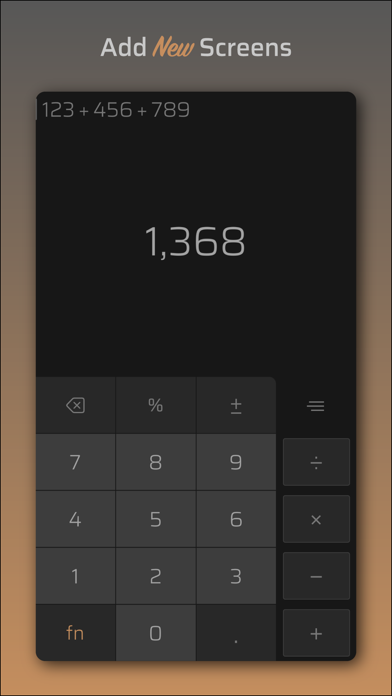
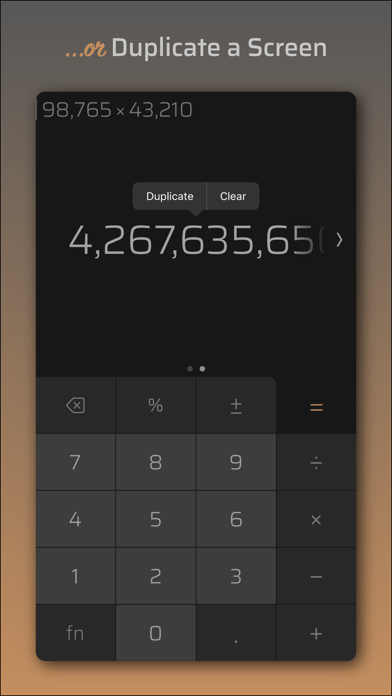
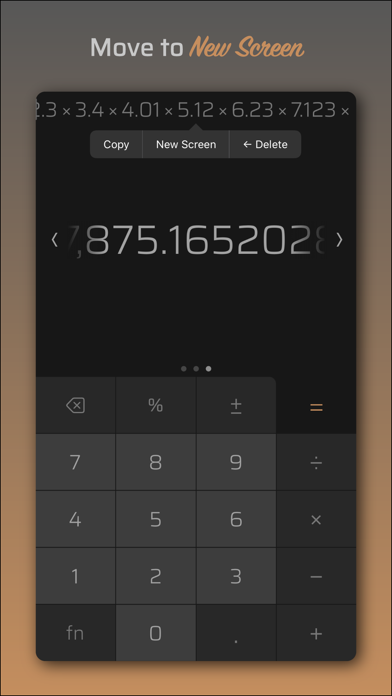
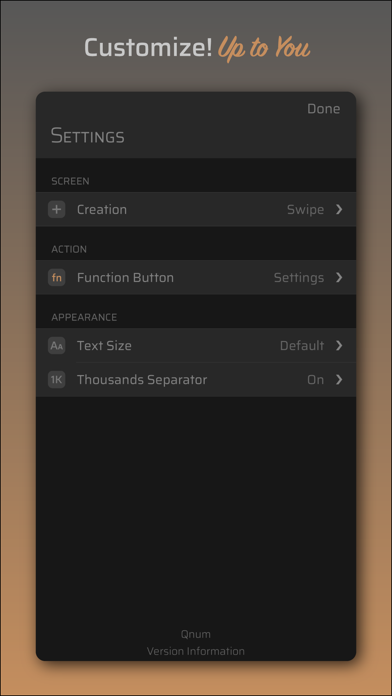
Swipe to the next screen and continue on that screen without having to clear your equation. It's that effective and easy! Stop taking notes; switch between screens for values you can not remember, copy the value or keep working on that history. Qnum › Calculator | Multi-Screen Experience The most flexible and powerful way of the calculation process. Features ∙ Create Screens up to 8 ∙ Duplicate current screen ∙ Edit any variables of the equations ∙ Start new screen with equation variable or equation result ∙ Assign shortcut keys to the Function (fn) button Advert Policy In Qnum › Calculator, there are no surprise ads that pop up suddenly. As exception, classic (banner) ads are shown. The billboard is positioned only on the top edge of the home screen, without affecting the design. On the other hand, it has the same abilities and features as the paid version. Optionally, the ad-free version is available separately. To reach this, you can go to the developer page or start a new search with the name Qnum. Thank you for your interest | Qnum
Latest release
What’s New
Release Notes • We made improvements and bug fixes in this version. • The role of your feedback is important in development of Qnum › Calculator. We could not have made this improvements without your ideas. Thank you for your interest and comments | Qnum
Audience growth
Ratings growth
Baseline captured. Growth appears after the crawler observes a changed rating count.
Momentum comes from crawler snapshots for the tracked storefront. “Viral growth signal” means unusually fast recent rating gains; it is an indicator, not download data.
Price tracking
Price intelligence
First snapshot captured. The trend line starts after the next crawler price observation.
- First observed Aug 19, 2026 · 10:09 AM Free
Screenshots