About this app
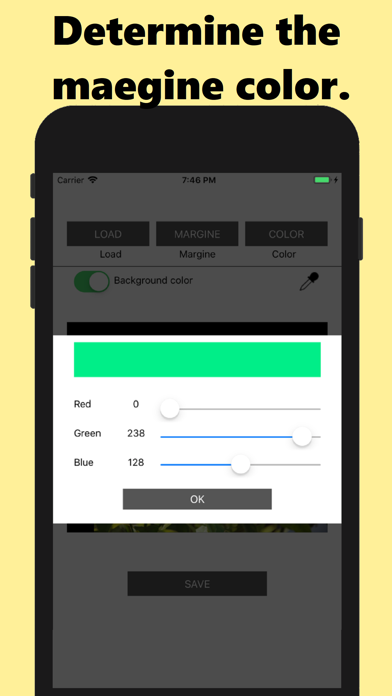
This app is a simple and easy-to-use app that allows you to add margins to images and save them with just a few taps. With this app, you can easily add margins to all sides of your images to make them stand out and make them look more professional. Margin colors can be specified from the original image using the eyedropper function, or you can specify RGB pixel values to create custom colors. Additionally, the app allows you to adjust the size of the margins according to your preferences, giving you more control over the final look of your images. The margins can be simple, such as black or white, or repeated multiple times to create double or triple colors. , Whether you want to add borders to your photos or add space to your illustrations, this app is perfect for all your image editing needs. Great for quick touch-ups and helps optimize images for uploading to social media. If you're looking for an easy-to-use image editor that helps you add margins to your images, this app is for you.
Latest release
What’s New
fixed layout
Audience growth
Ratings growth
Baseline captured. Growth appears after the crawler observes a changed rating count.
Momentum comes from crawler snapshots for the tracked storefront. “Viral growth signal” means unusually fast recent rating gains; it is an indicator, not download data.
Price tracking
Price intelligence
First snapshot captured. The trend line starts after the next crawler price observation.
- First observed Aug 20, 2026 · 10:41 PM Free
Screenshots