About this app
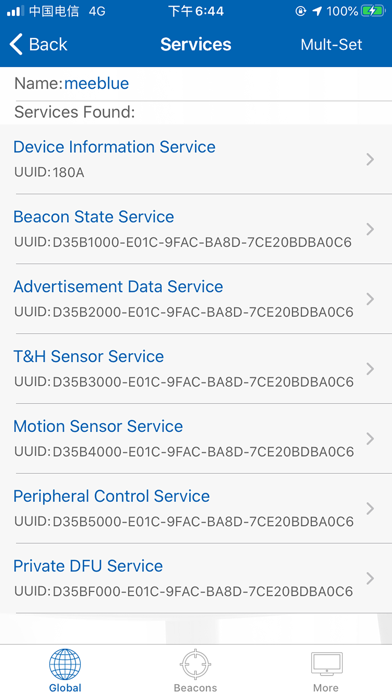
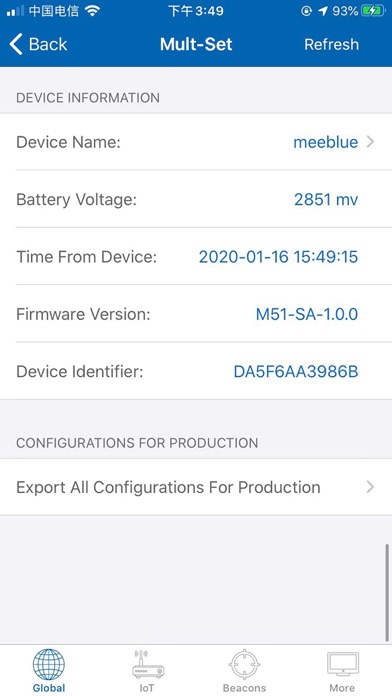
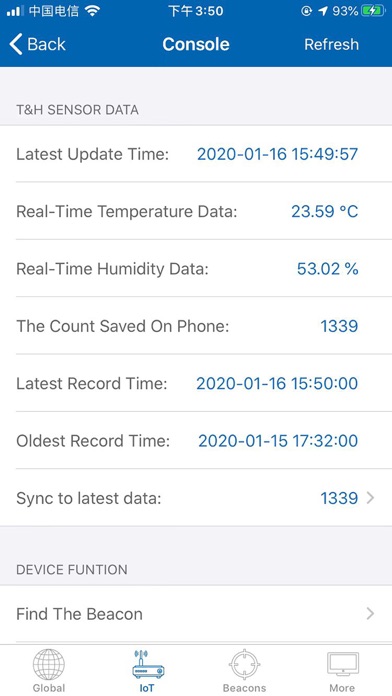
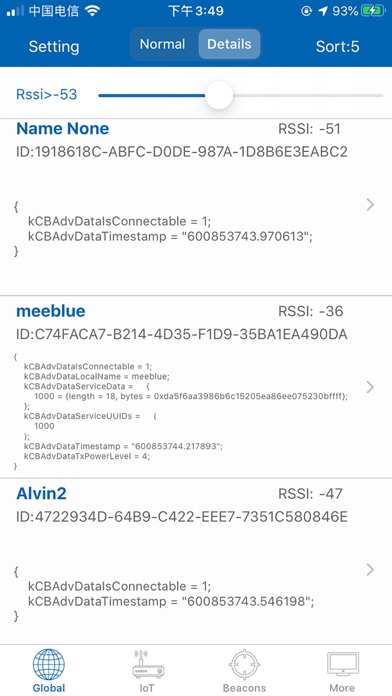
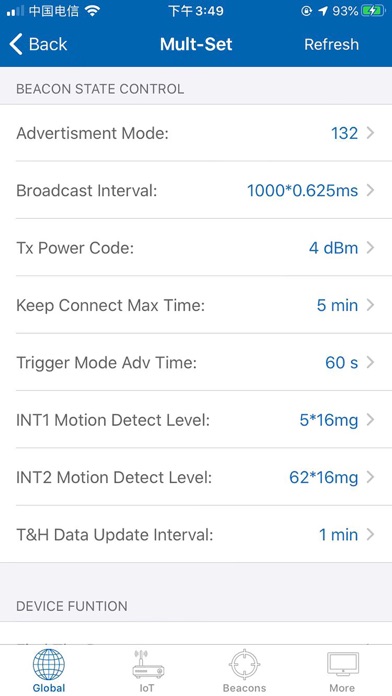
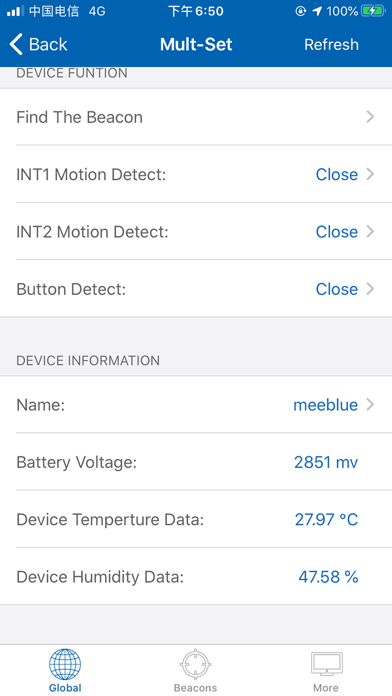
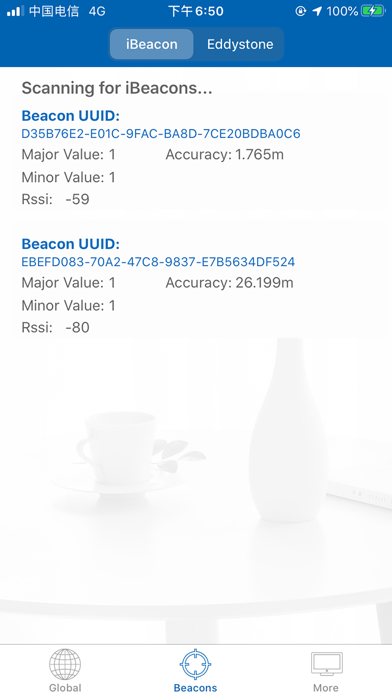
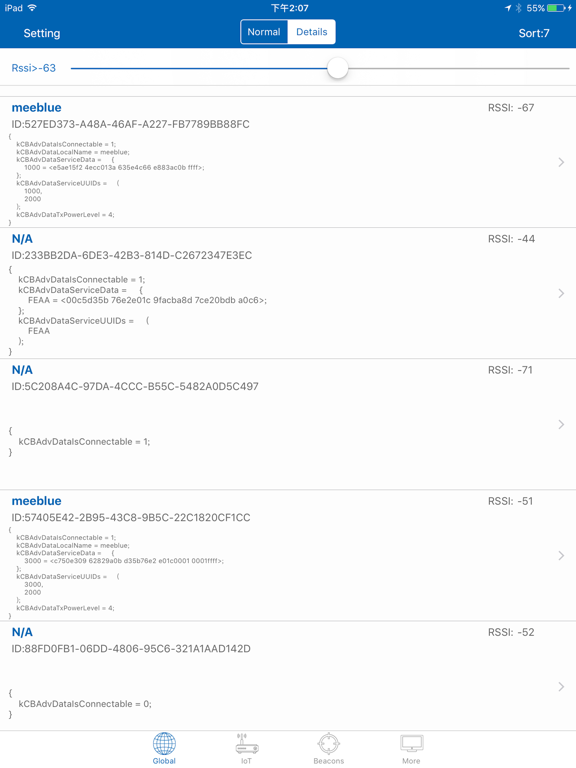
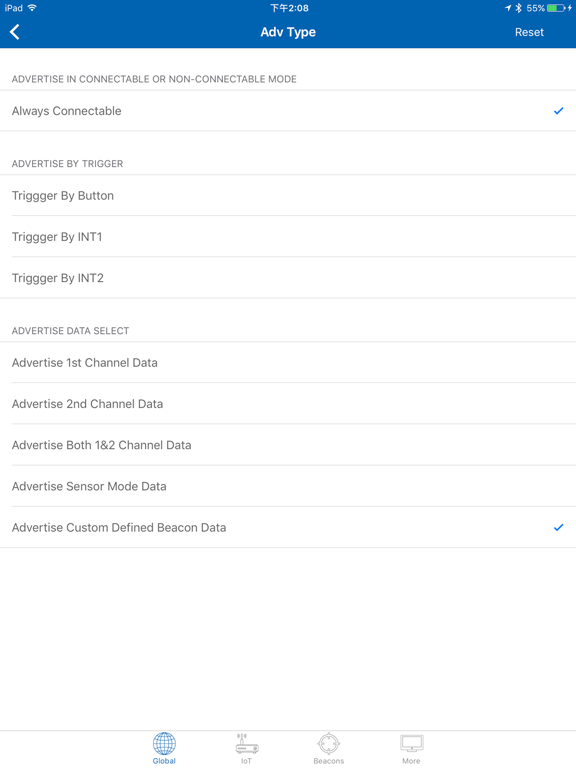
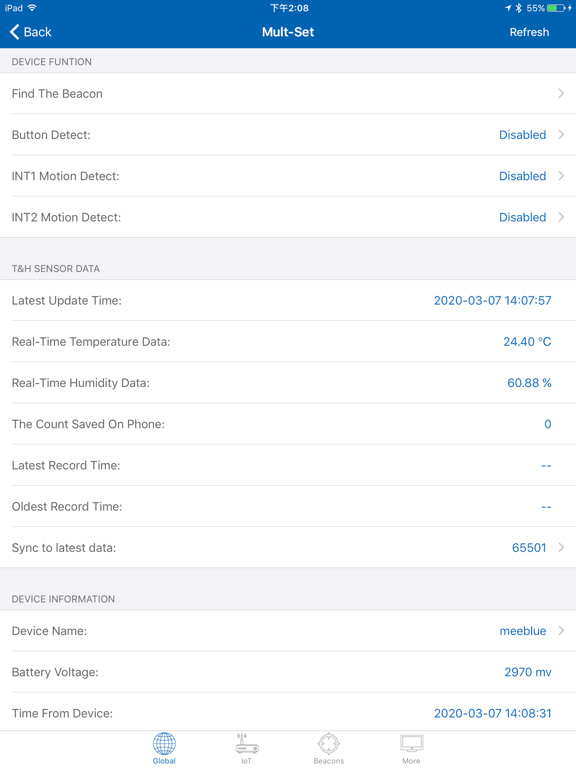
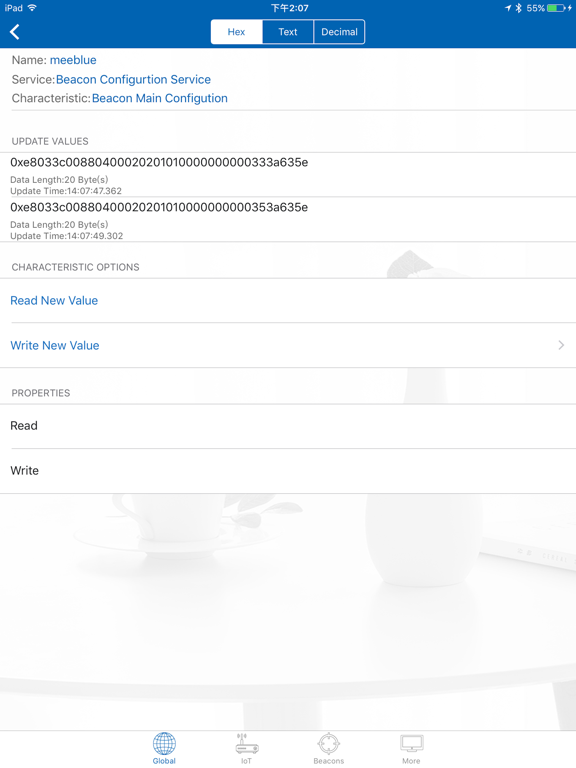
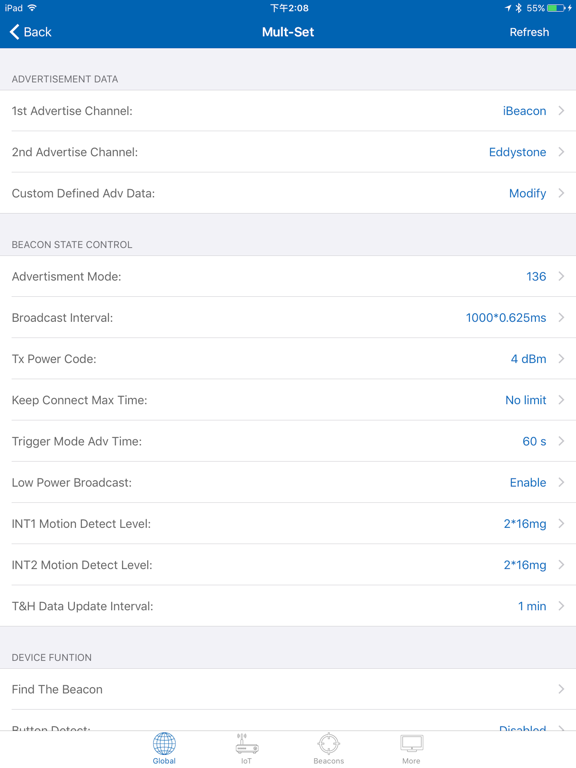
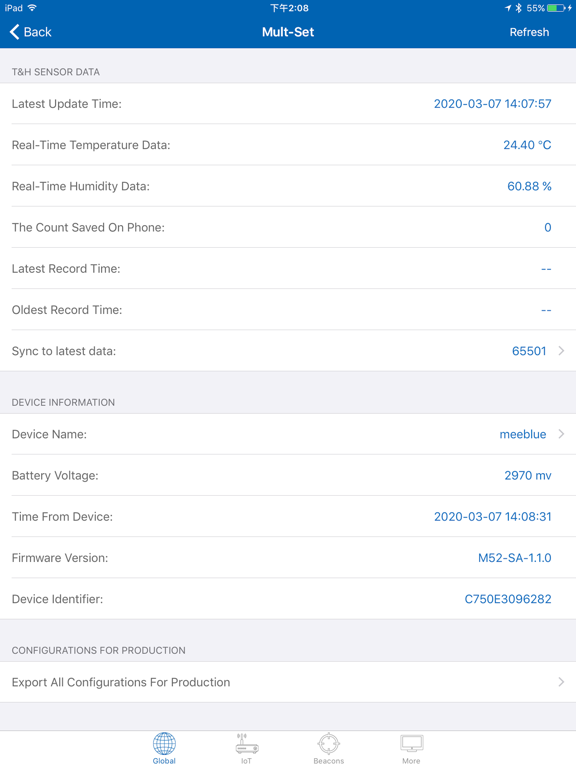
CheckBlue can find all BLE devices that use Bluetooth 4.0+ Low Energy(also known as Bluetooth Smart) Full Support of read, write, and notify is included. Developers can use CheckBlue to write, read or notify the especial characteristics This is a simple, efficient and universal BLE tool. We will try our best to help you save time and money. Key Features: -Scan the BLE devices -Scan iBeacons -Support Eddystone-UID & Eddystone-URI -Calculated Broadcast Interval Supported -Read and Configure the Beacon -Browse Services and Characteristics -Read Characteristics -Write Characteristics in Hex, Text or Decimal - Scanning Beacons from multiple manufacturers. Like Estimote, Meeblue ect. - Support real-time data of temperature and humidity. - Support to obtain and export historical data. - Support UWB device We will update the app from time to time. In order to experience the latest features faster, it is suggested to open the app's automatic update in the settings.
Latest release
What’s New
1.Function improvement 2.Bug Fixes.
Audience growth
Ratings growth
Baseline captured. Growth appears after the crawler observes a changed rating count.
Momentum comes from crawler snapshots for the tracked storefront. “Viral growth signal” means unusually fast recent rating gains; it is an indicator, not download data.
Price tracking
Price intelligence
First snapshot captured. The trend line starts after the next crawler price observation.
- First observed Aug 26, 2026 · 12:43 AM Free
Screenshots