About this app
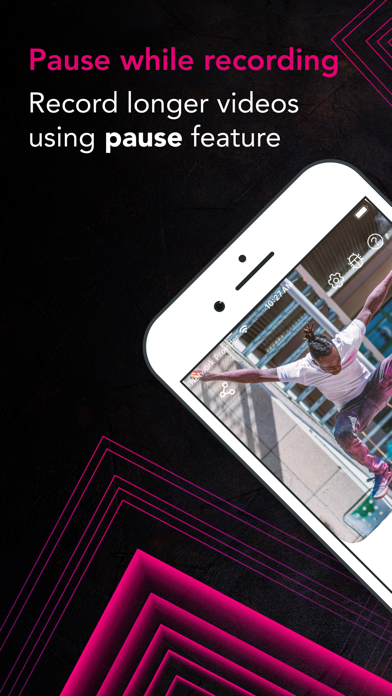
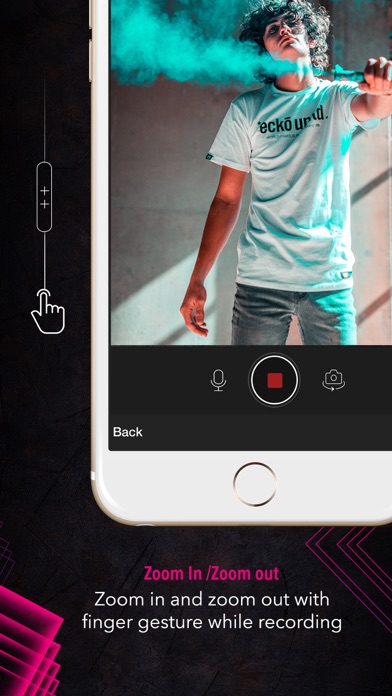
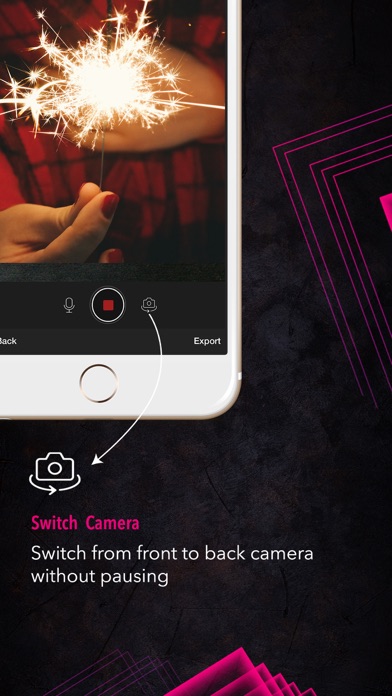
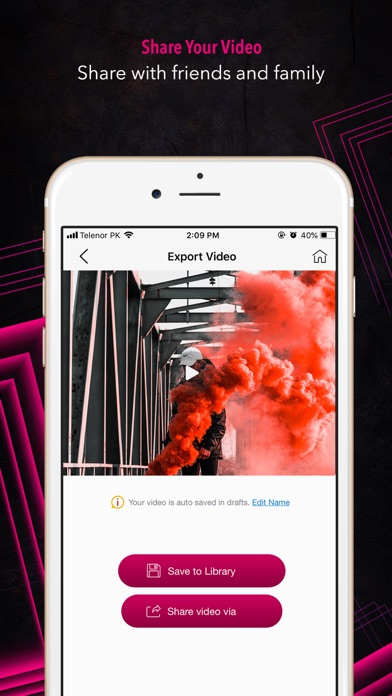
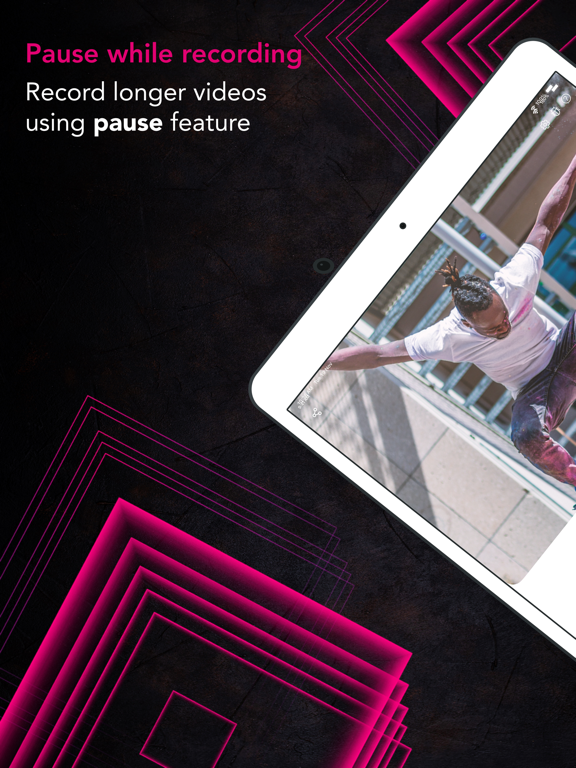
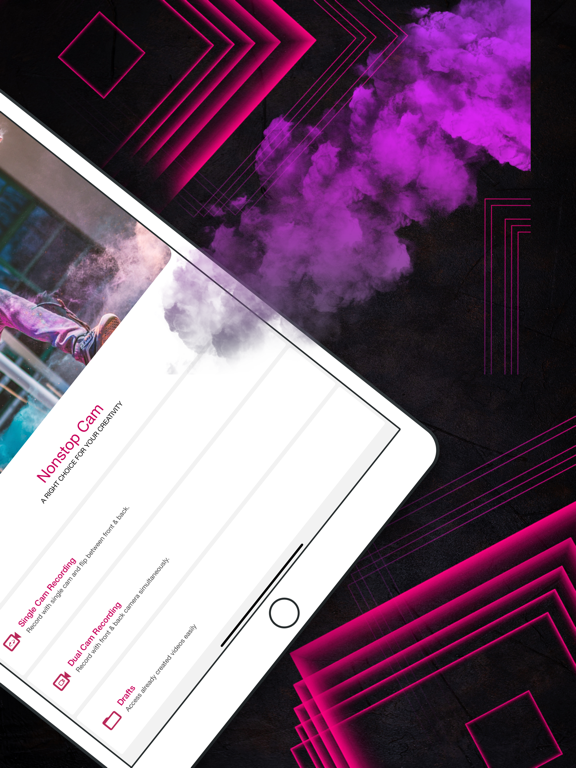
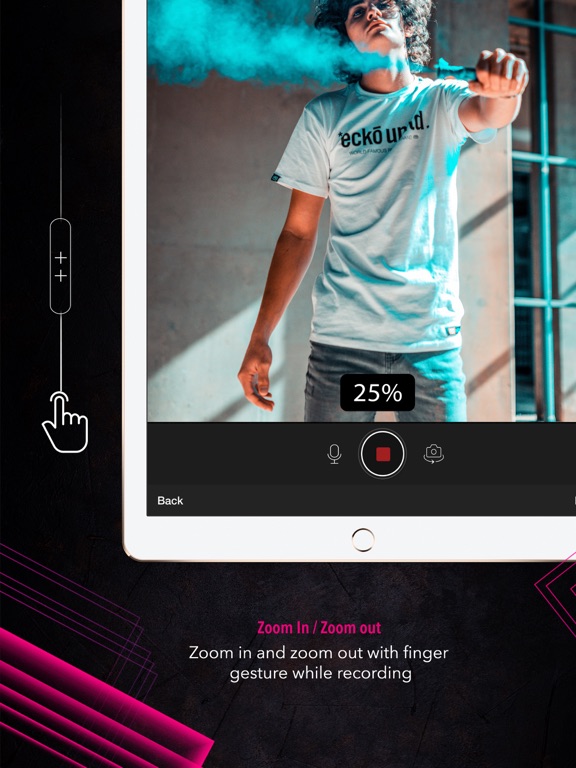
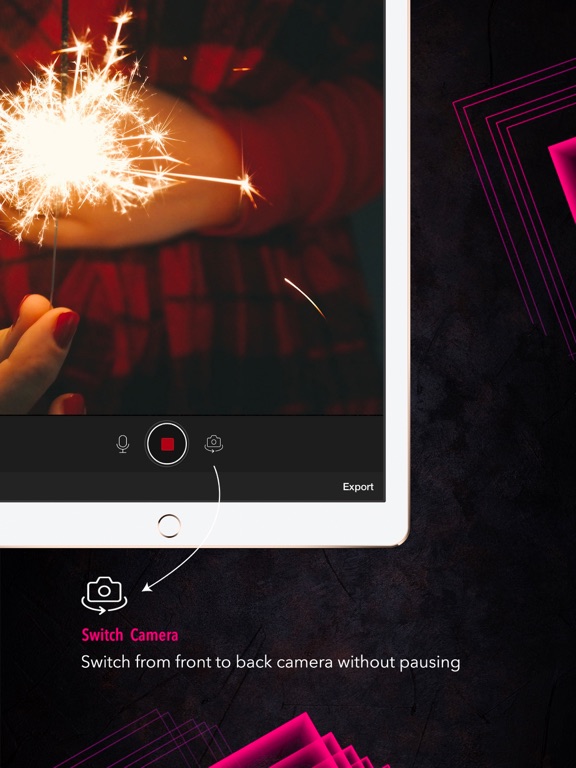
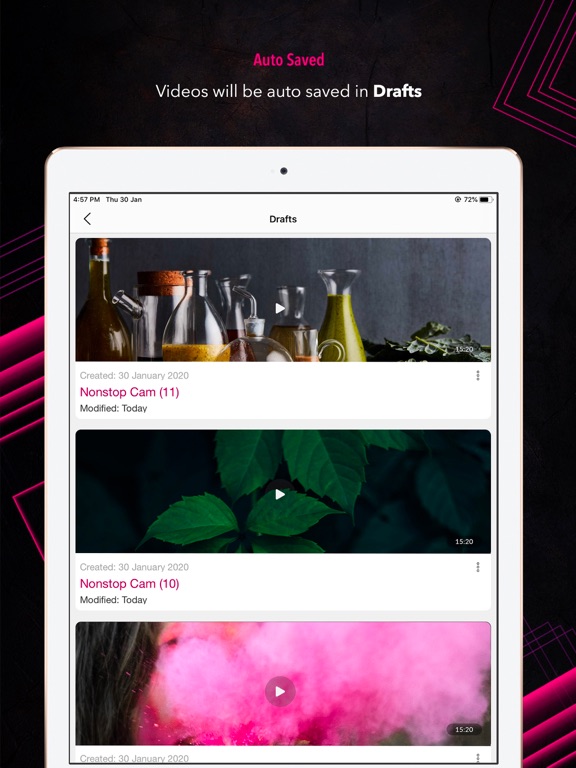
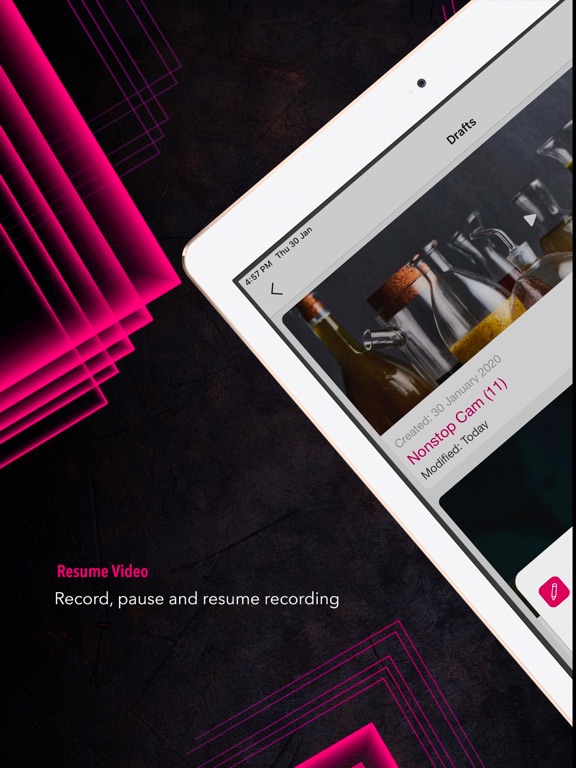
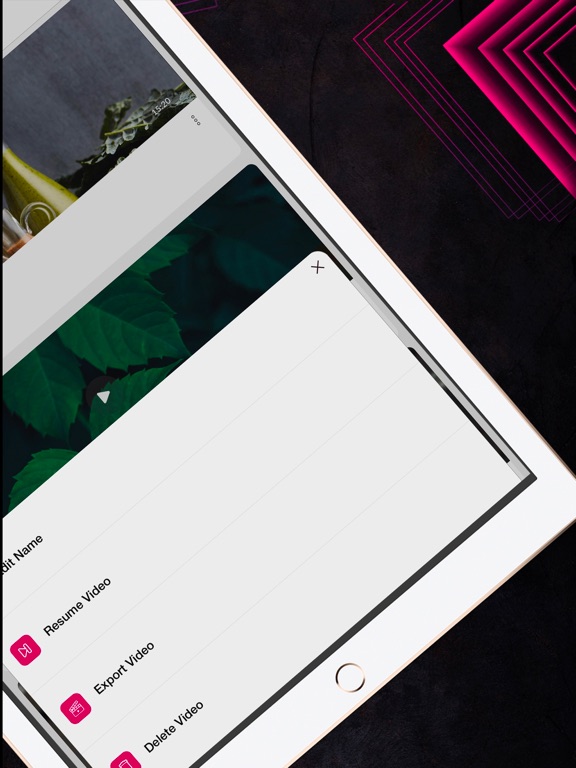
Record & Pause single nonstop video from camera and continue anytime where you left off even when you pause and switch cams while recording. You do not have to go through the hassle of merging clips together in a single video. With Nonstop Video Cam, you can pause the unwanted and record the fun part, and switch between the cameras without losing the footage. A perfect app for all the Vloggers out there! No tedious editing and merging of clips when all you really needed was a pause button. This app allows you to start recording, pause unwanted, and then resume recording later on where you left off- all in one video! This app is super easy and free to use and makes it easy to pause and continue recording into a single video clip. You do not have to record videos in chunks and splice them together later. Videos will be auto-saved in drafts. No editing, no waiting, just fast and fun! Features: • SWITCH CAMS: You can switch between the front and back cameras while recording. The video will be smoothly recorded and you would not have to edit out clips. • PAUSE & RESUME: Pause and resume the recording anytime where you left off without worrying about the footage. • AUTOSAVE IN DRAFTS: When you are done recording the current session, simply close the app and the video will be waiting for you in Drafts within the app. • RECORD DIFFERENT VIDEOS: Record as many different videos as you want with the nonstop video cam. No video duration limit! • ZOOM IN & ZOOM OUT: Easy zoom in and zoom out with finger gestures while recording the videos. • MUTE & UN-MUTE: Mute and un-mute audio during the recording. • VLOG CAMERA: With Nonstop Video Cam, you can Vlog on the go. It saves a lot of your time in editing the video. This is probably going to be the best vlogging camera app for your everyday use! • SHARE: Multiple share options on social media with friends and family. • HD VIDEOS: Record HD videos within the app. • EASY TO USE: Sleek and user friendly. More features on the way! https://ezywatermark.com/privacy-policy.php?app=Nonstop%20Cam https://ezywatermark.com/terms-of-service.php?app=Nonstop%20Cam
Latest release
What’s New
Exciting new features in this update: - Say goodbye to ads with "Remove Ads" option - Get ready to slow things down with our new Slow-Mo video recording! - Experience the clarity of 4k video at 24, 30, and 60 fps - Enhanced app stability and resolved bugs for a smoother experience Thank you for choosing Nonstop Cam! We're on a mission to make your video-making experience amazing. For any questions or suggestions, please email us at: support+nonstopcam@whizpool.com
Audience growth
Ratings growth
Baseline captured. Growth appears after the crawler observes a changed rating count.
Momentum comes from crawler snapshots for the tracked storefront. “Viral growth signal” means unusually fast recent rating gains; it is an indicator, not download data.
Price tracking
Price intelligence
First snapshot captured. The trend line starts after the next crawler price observation.
- First observed Aug 15, 2026 · 5:09 PM Free
Screenshots