About this app
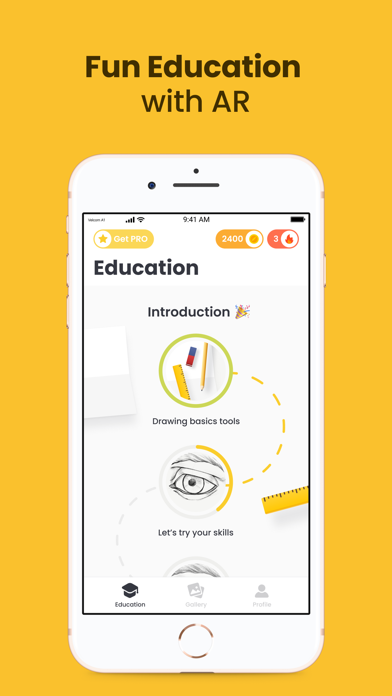
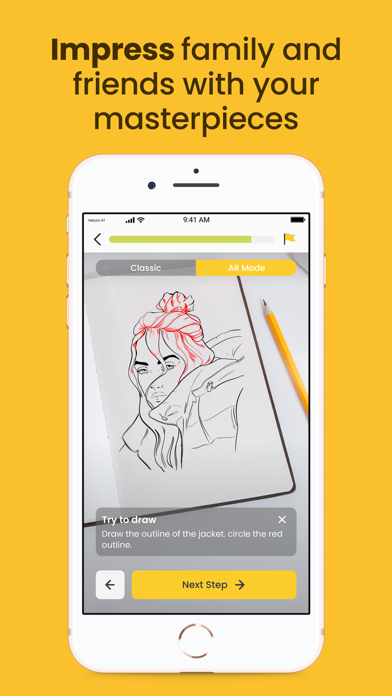
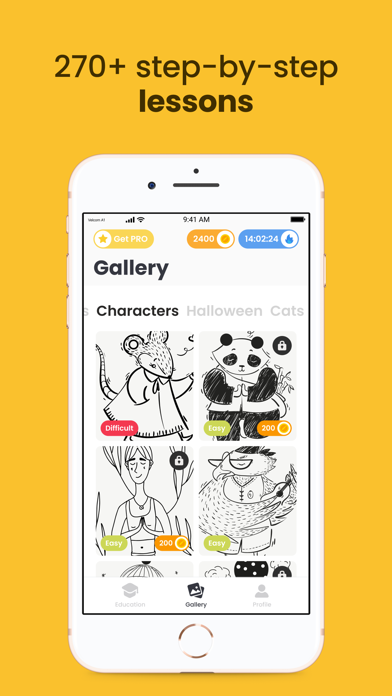
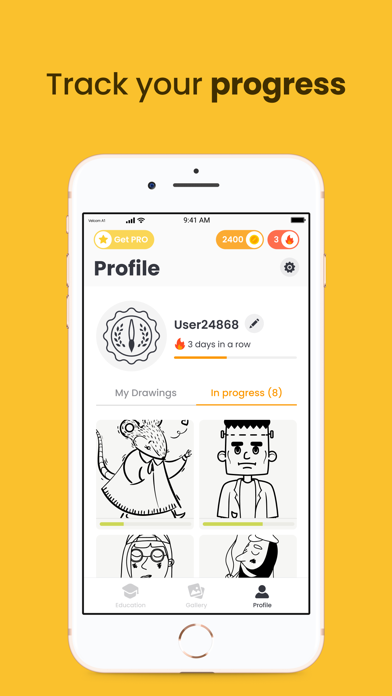
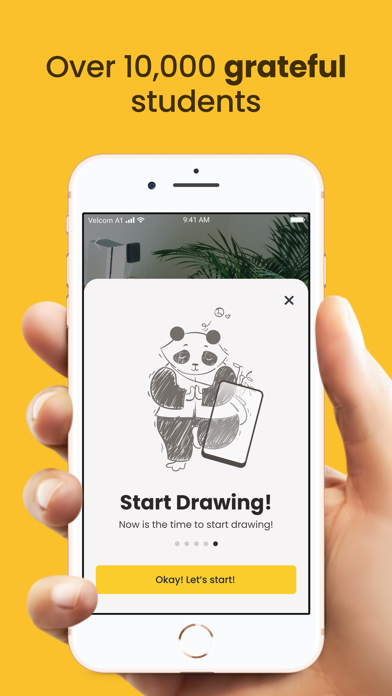
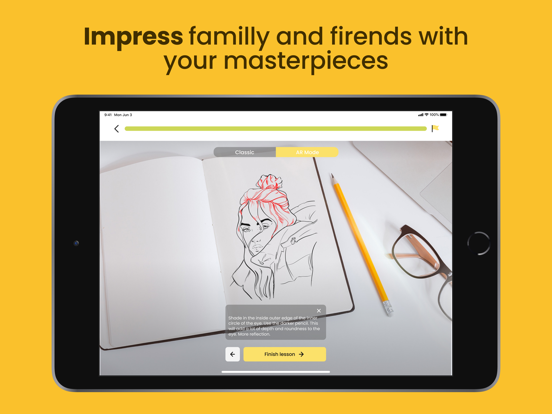
If you have always dreamed of drawing cool, creating all kinds of illustrations and pictures, then our “Artville” application is ideal for you. We do not require special skills, talents or extraordinary skills from you. All you need is to download our application and follow simple instructions! Features of the “Artville” application In our program you will find a wide selection of different drawings on various topics that you can draw step by step . For whom is the “Artville” app? And no matter that you are a beginner, you never painted or just want to try yourself in the art of drawing. The application allows you to draw any cool picture of any complexity using fun tutorials on your phone or tablet. Our program uses special technology - this is something new, it is a combination of computer vision and augmented reality, these are new methods that allow you to speed up the process of learning to draw. Now you can improve your skills easily, quickly and interestingly. The application benefits Together with our program you will be able to appreciate such cool features: the latest version of ARkit 3.5. You only need to show a sheet of paper to your camera, and a virtual sketch will appear on the surface; many courses of drawing lessons. You can choose any step by step instructions for drawing. Start with something simple or go straight to the battle and master heavy, but interesting drawings, or choose the specifics you need: portraits, landscapes, anime, animals, and so on; step-by-step clear drawing tools. Our application gives you the right tool at every stage, when you need it, for example, a pencil, marker, paint brush, and you can use them even if you do not have paper at hand. Practice in a special mode in our application, save your drawing in your profile and share your achievements with friends if you wish. When using our app remember that drawing on surfaces other than A4 or A5 sheet: wall, canvas, paper, and is only possible with a smartphone with ARKit or iPhone models 6s and newer. For other smartphones, the app will only work correctly on A4 or A5 paper. SUBSCRIPTION PRICING AND TERMS Subscription options: Weekly Premium Membership offers $9.99 weekly subscription after 3-day free trial for unlocking all content, features and removing ads. Monthly Premium Membership offers $19.99 subscription for unlocking all content, features and removing ads. Subscription automatically renews unless auto-renew is turned off at least 24-hours before the end of the current period. Account will be charged for renewal within 24-hours prior to the end of the current period, and identify the cost of the renewal. Privacy Policy: https://lumos.mobi/drawar/policy.html Terms of Use: https://lumos.mobi/drawar/terms.html
Latest release
What’s New
Good news everyone! One annoying bug fixed.
Audience growth
Ratings growth
Baseline captured. Growth appears after the crawler observes a changed rating count.
Momentum comes from crawler snapshots for the tracked storefront. “Viral growth signal” means unusually fast recent rating gains; it is an indicator, not download data.
Price tracking
Price intelligence
- First observed Aug 13, 2026 · 5:16 AM Free
Screenshots