About this app
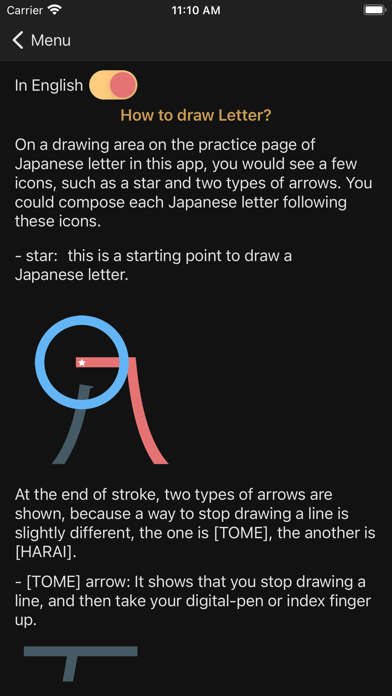
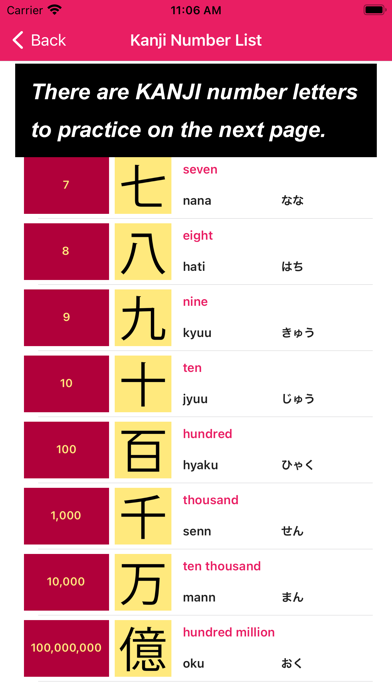
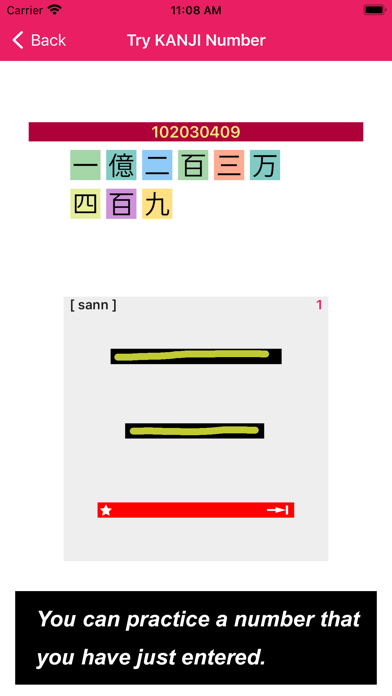
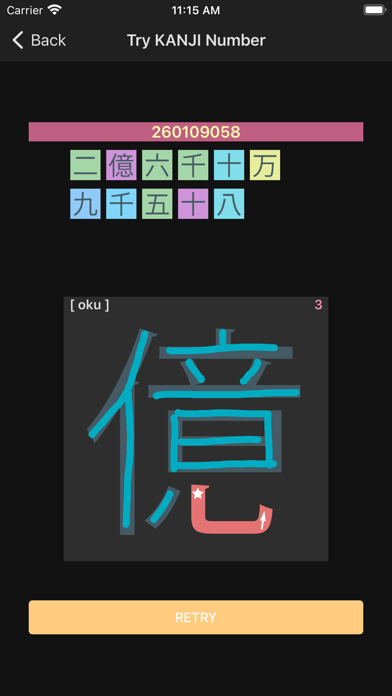
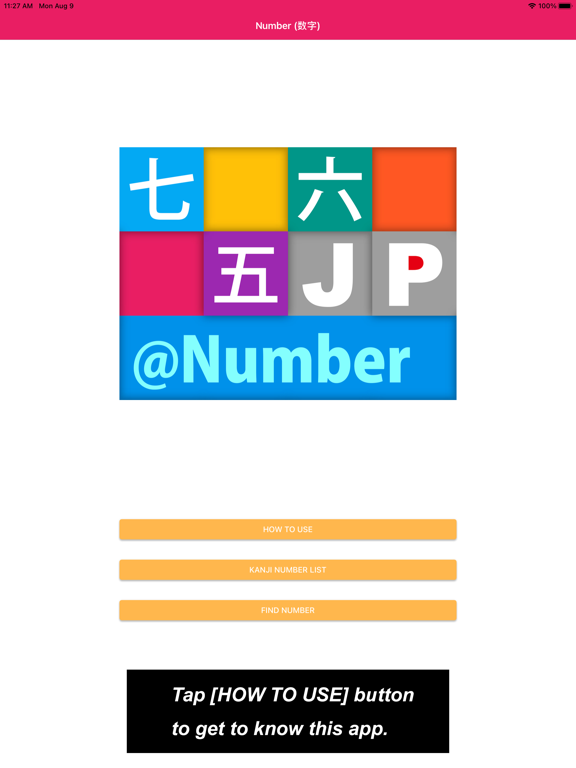
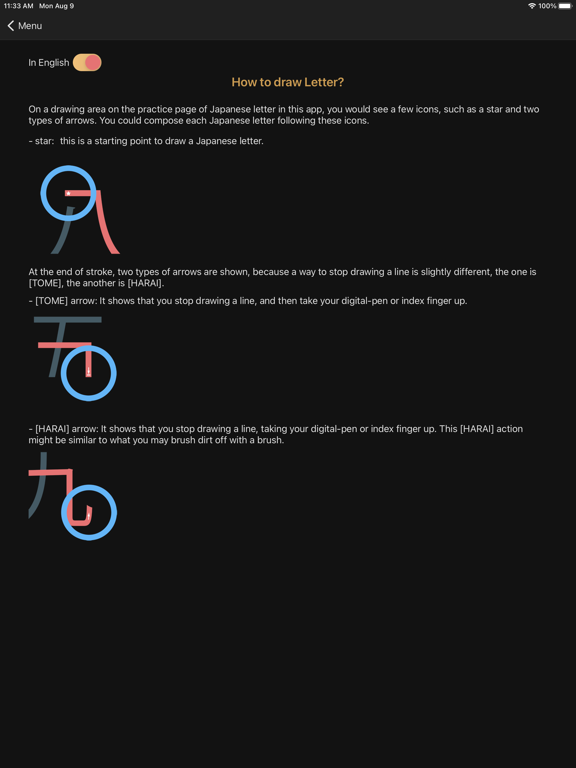
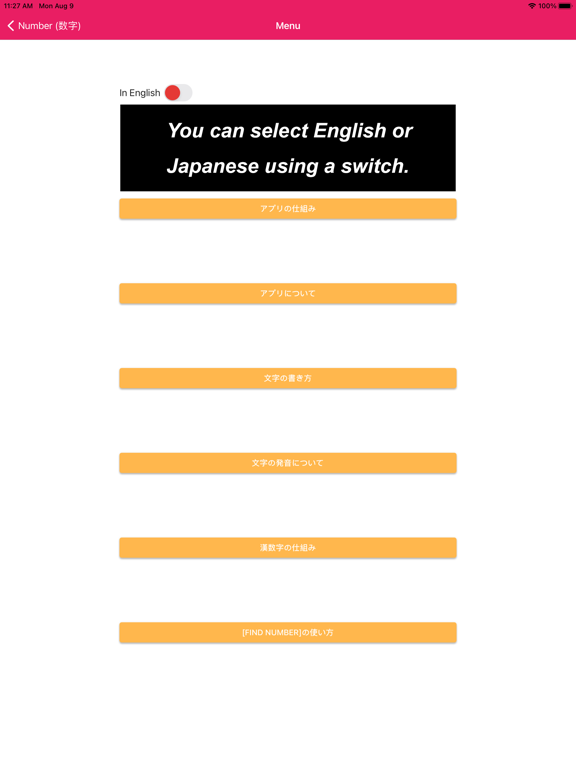
If you dropped by a Japanese-style restaurant in Japan, such as Izakaya (Japanese-style pub), Rio-tei (Japanese restaurant), buckwheat noodle restaurant, you would probably see price on menu that is written in Kanji (Chinese character). Then, this app would come in hoping to help you to read how much it is naturally. In the "How to use" section, the first thing to be seen when you tap [How to use] button is a list of buttons to explain the app, such as [How to draw Kanji letter?], [How to pronounce Kanji letter?], [How to build Kanji number?], [How to use FIND NUMBER button] etc. In the "Kanji number List" section, the first thing to be seen when you tap [Kanji number List] button is a list page where you can choose "Kanji number letter". Each cell of the list is composed of Five sections, such as "number", "image of Kanji number", "its number in English", "its number in Japanese" and "its number in Hiragana". The second thing to be seen when you tap one of these letter is a practice page of "Kanji letter". The third thing to be seen when you tap [Test my Kanji] button is a test your Kanji page where you can write letter without any hints. If you were comfortable with its Kanji letter, you might tap [Kanji word list] button to choose other numbers related to its Kanji letter. The last thing to be seen when you tap one of these cell is a practice page of Kanji number that is composed of more than two Kanji letters. In the "Find Number" section, the first thing to be seen when you tap [Find Number] button is a page composed with three section. On the top, there is an area of entering number. As you see, you can input a number, between 1 and 999999999, you want to know how to write using KANJI letter. On the middle, there is an area of showing a number using KANJI letters as well as how to read in English, after entering the number on the top area. On the bottom, there is a Write Number button. As you imagine, if you tap the button, you are taken to the next page where you can practice KANJI number you have just entered on the previous page. I hope that you would get used to write any KANJI number as you use this page. Well, to begin with, why don't you enter a number, such as your age or your year of birth, to be able to write in KANJI number. Enjoy writing Kanji-Number :-)
Latest release
What’s New
Add a new function named [Find Number] on which you can find KANJI number by entering a number, such as between 1 and 999,999,999. Add switch to select English or Japanese on How To Use pages. Add Hiragana notation on Practice JP letter pages.
Audience growth
Ratings growth
Baseline captured. Growth appears after the crawler observes a changed rating count.
Momentum comes from crawler snapshots for the tracked storefront. “Viral growth signal” means unusually fast recent rating gains; it is an indicator, not download data.
Price tracking
Price intelligence
First snapshot captured. The trend line starts after the next crawler price observation.
- First observed Aug 19, 2026 · 12:19 PM Free
Screenshots