About this app
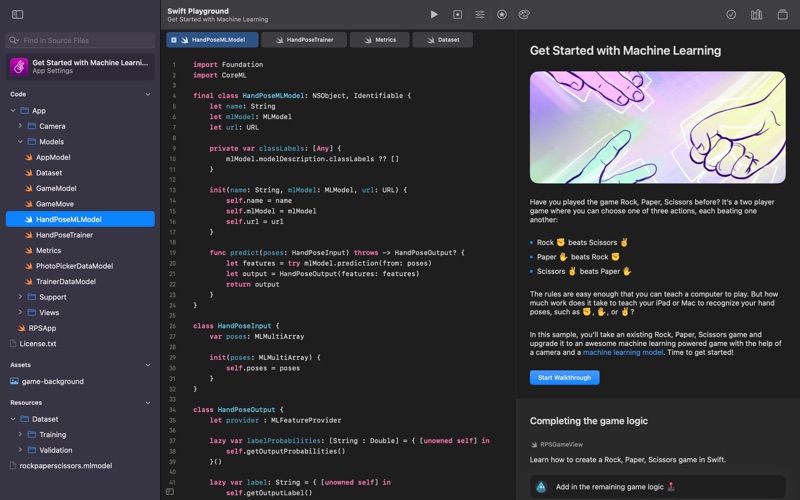
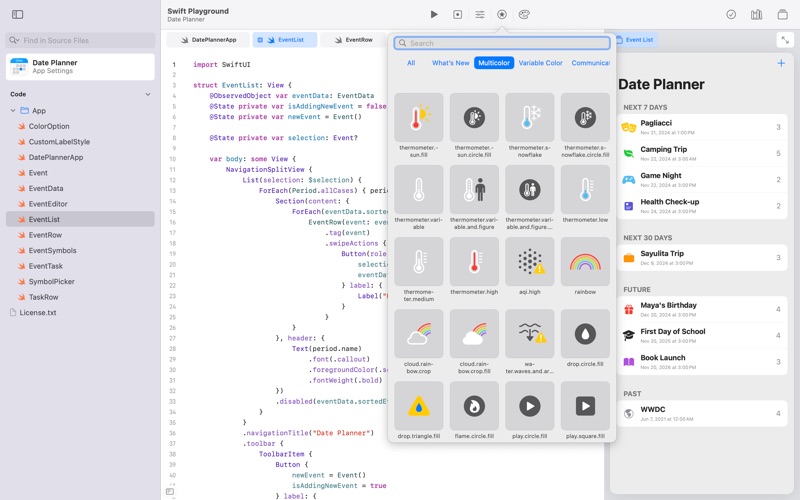
Swift Playground makes it fun to learn to code and build real apps. You solve interactive puzzles in the guided “Get Started with Code” and learn the basics of building apps in “Get Started with Apps.” You experiment with a wide range of challenges and samples that let you explore unique coding experiences. Swift Playground doesn’t require any coding experience — it’s perfect for anyone just starting out, from eight to one-hundred-and-eight. The whole time you are learning Swift and SwiftUI, the powerful programming technologies created by Apple and used by professionals around the globe to build many of today’s most popular apps. And because it’s built to take advantage of real frameworks, Swift Playground provides a one of a kind learning experience. Lessons Built-in • Apple-created lessons guide you through the core concepts of programming by using code to solve puzzles • See your code run in a beautiful, interactive 3D world that you can rotate and pinch to zoom using the trackpad • Animations introduce each new coding concept at a high-level before you dive into the puzzles • Glossary and built-in help pages give detailed information about available commands, frameworks, and terminology Explore and Create • Interactive coding shows the results of your code instantly, alongside your work • Step through code in playground books to highlight each line as it runs • Books provide a head start to create your own playgrounds that use graphics and sound • App Gallery walks you through the building blocks of apps, like tabbed navigation and downloading data Build Apps • Create real apps using SwiftUI • See your code changes reflected live while you type • Type quickly and accurately with inline code suggestions • Extend your app with an ecosystem of Swift packages • Navigate your code with project-wide search Smart Coding Assistance • Click and drag a brace to wrap a block of code inside a loop or conditional statement Drag and drop snippets of commonly-used code directly into your playground • Fix common code errors with helpful inline suggestions • Stay organized with automatic code formatting Real Swift and SwiftUI Code • Learn the same powerful Swift programming language used by the pros to create apps in the App Store Build dynamic, elegant apps using SwiftUI, a modern way to create user interfaces Access powerful frameworks such as SpriteKit for 2D games • Use Bluetooth APIs to write programs that communicate with real-world devices Share or Publish Send your projects to friends and family using Messages, Mail, AirDrop, or other Share Sheet extensions • Bring your app projects to Xcode on Mac and back again • Submit your completed apps to the App Store with App Store Connect
Latest release
What’s New
Swift Playground 4.7 includes Swift 6 and the macOS 26 SDK, along with bug fixes and improved stability.
Audience growth
Ratings growth
Baseline captured. Growth appears after the crawler observes a changed rating count.
Momentum comes from crawler snapshots for the tracked storefront. “Viral growth signal” means unusually fast recent rating gains; it is an indicator, not download data.
Price tracking
Price intelligence
First snapshot captured. The trend line starts after the next crawler price observation.
- First observed Aug 6, 2026 · 5:52 AM Free
Screenshots