About this app
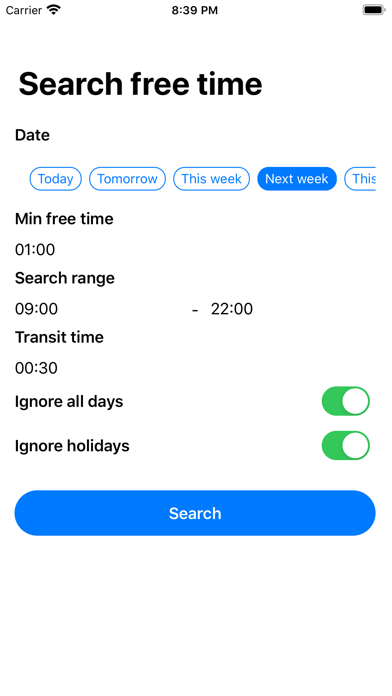
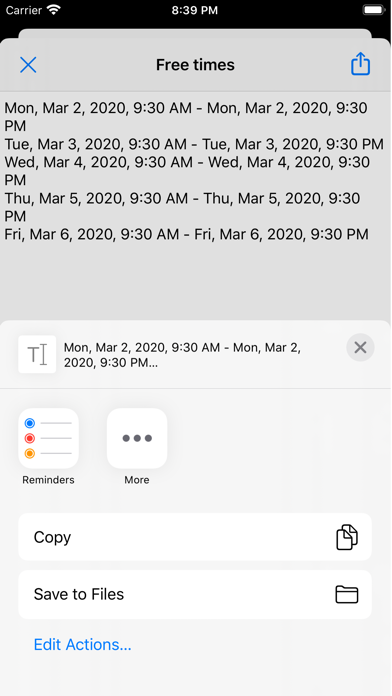
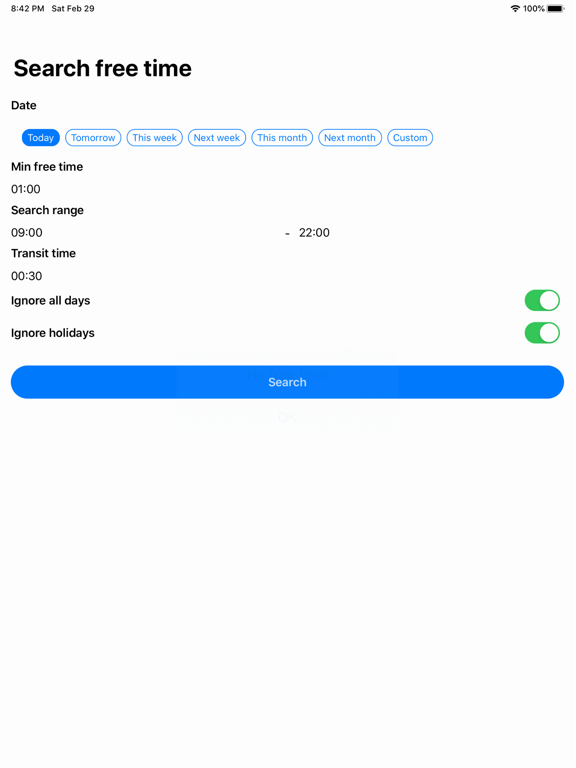
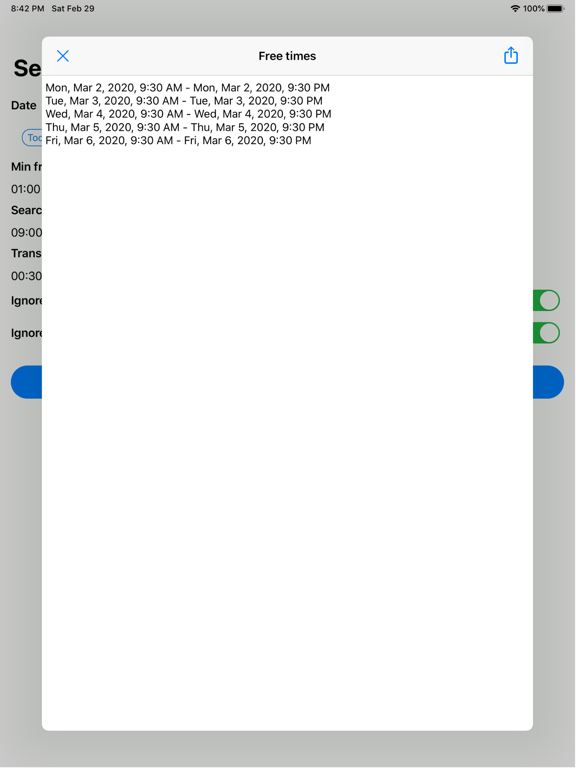
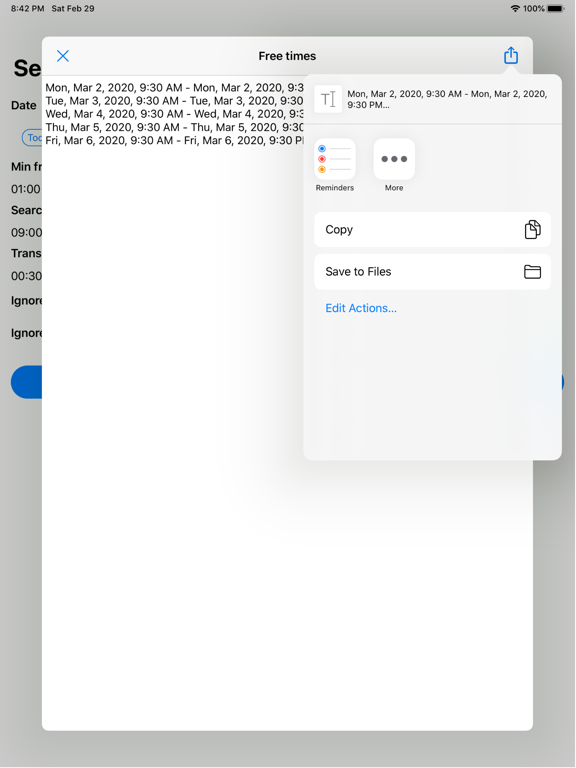
■ How to use When you open the app, you will be asked for permission to access the calendar. Select the date you want to search for free time from today, tomorrow, this week, next week, this month, next month, or custom. For the minimum free time, enter the required free time. If there is more free time than the time entered here, it will be selected. Transit time is the time it takes to transit to the actual event location. The free time considering the minimum free time and transit time is selected. If you want to ignore the all day schedule, check Ignore all day. If you want to ignore the holiday schedule, check Ignore Holiday. Finally, tap the search button to display the available time in a list. Please copy the free time from the share button on the upper right and paste it on e-mail or SNS. ■ More If you register Pity in SiriShortcut, you can search for free time by voice. Paste the search result to the clipboard, attach it to the mail as it is, or check the free time without launching the application.
Audience growth
Ratings growth
Baseline captured. Growth appears after the crawler observes a changed rating count.
Momentum comes from crawler snapshots for the tracked storefront. “Viral growth signal” means unusually fast recent rating gains; it is an indicator, not download data.
Price tracking
Price intelligence
First snapshot captured. The trend line starts after the next crawler price observation.
- First observed Sep 2, 2026 · 10:36 AM Free
Screenshots