About this app
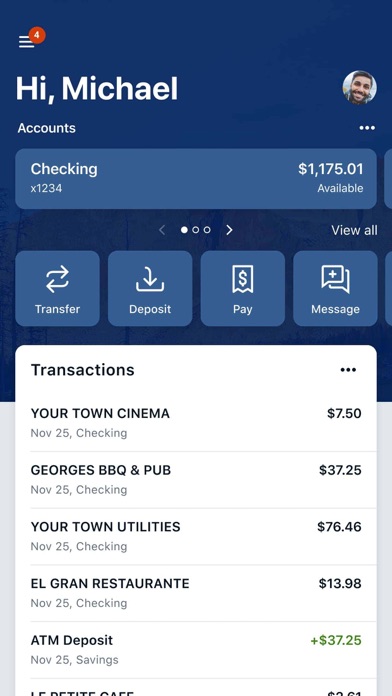
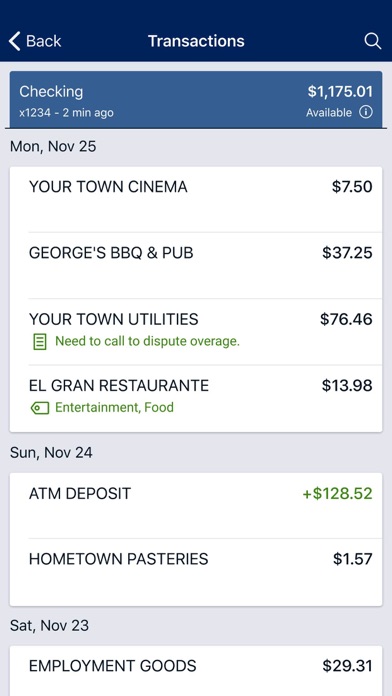
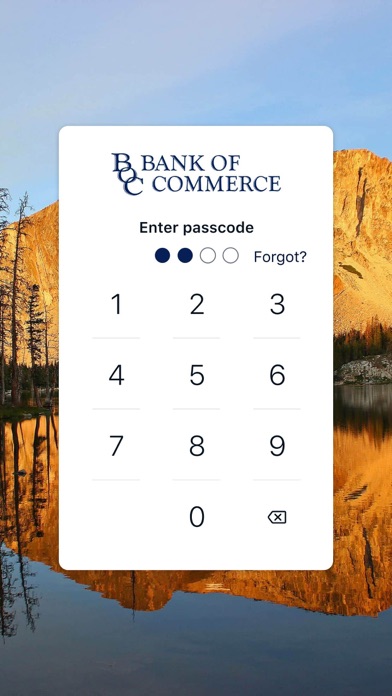
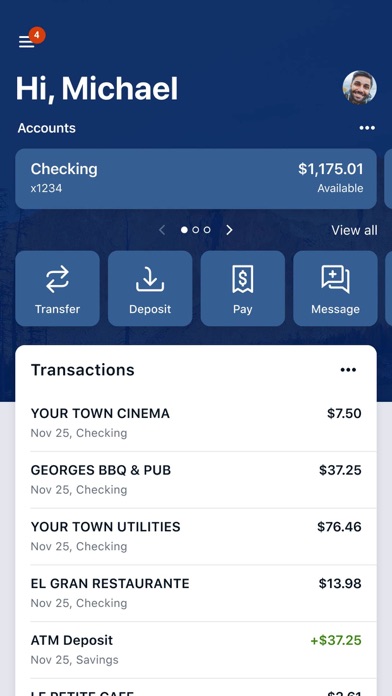
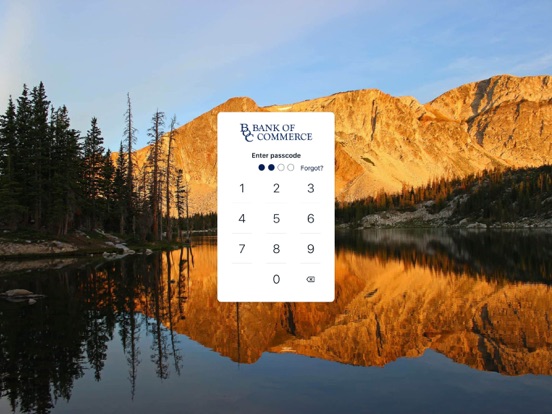
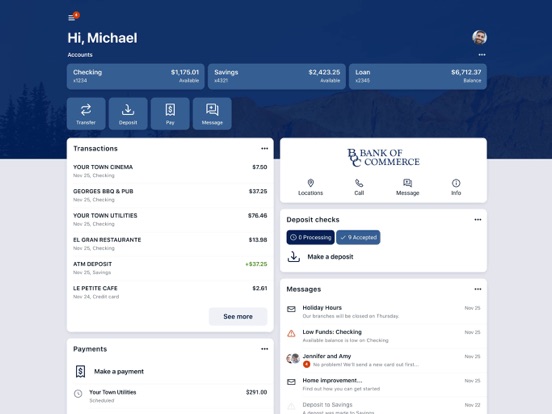
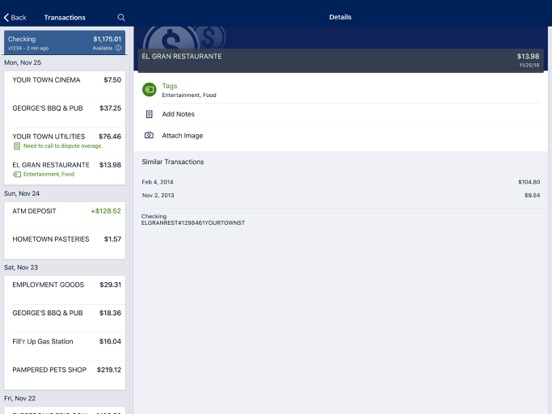
myBOC Mobile is your one stop mobile banking platform for all your Bank of Commerce deposit and loan accounts. Designed your your personal security in mind, this new platform utilizes multi-factor authentication to enhance security and protect your financial information. Here’s what else you can do with myBOC Mobile: Keep your transactions organized by allowing you to add tags, notes and photos of receipts and checks. Set up alerts so you know when your balance drops below a certain amount Make payments, whether you’re paying a company or a friend Transfer money between your accounts Deposit checks in a snap by taking a picture of the front and back View and save your monthly statements Find branches and ATMs near you Secure your account with a 4-digit passcode and fingerprint or face reader on supported devices. To use the myBOC Mobile app, you must be enrolled as a Bank of Commerce digital banking user. If you currently use our Internet Banking, simply download the app, launch it, and login with the same Internet Banking credentials.
Latest release
What’s New
Version 3.37.0 • Bug fixes and performance improvements
Audience growth
Ratings growth
Baseline captured. Growth appears after the crawler observes a changed rating count.
Momentum comes from crawler snapshots for the tracked storefront. “Viral growth signal” means unusually fast recent rating gains; it is an indicator, not download data.
Price tracking
Price intelligence
- First observed Aug 31, 2026 · 6:54 AM Free
Screenshots