About this app
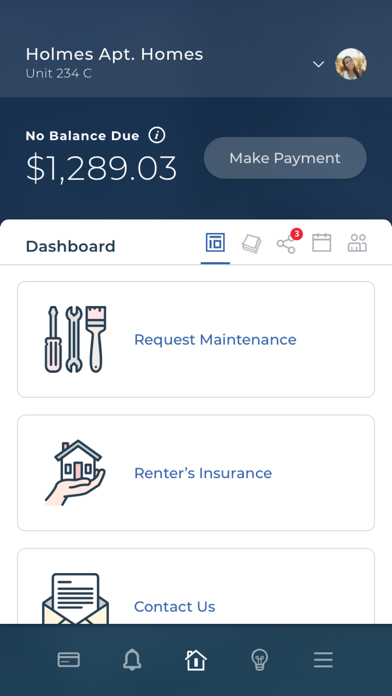
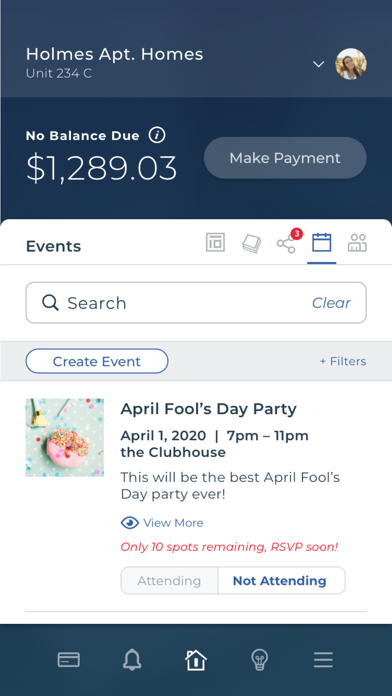
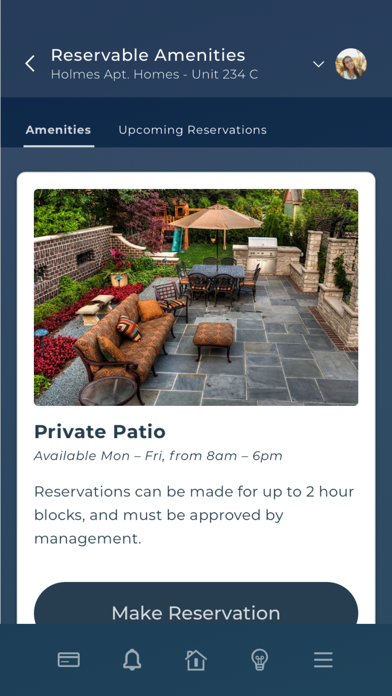
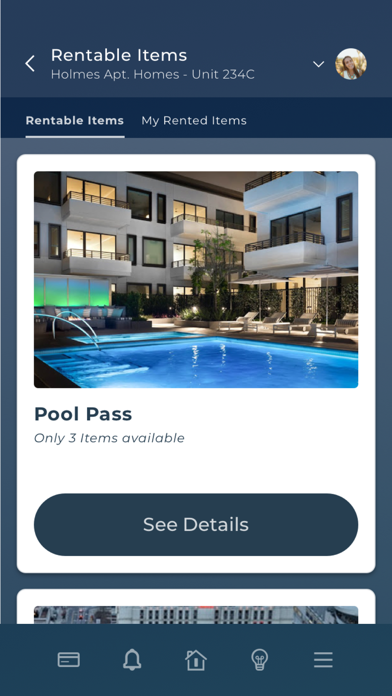
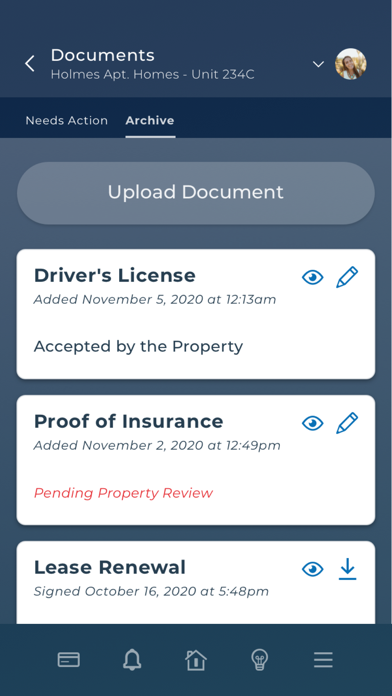
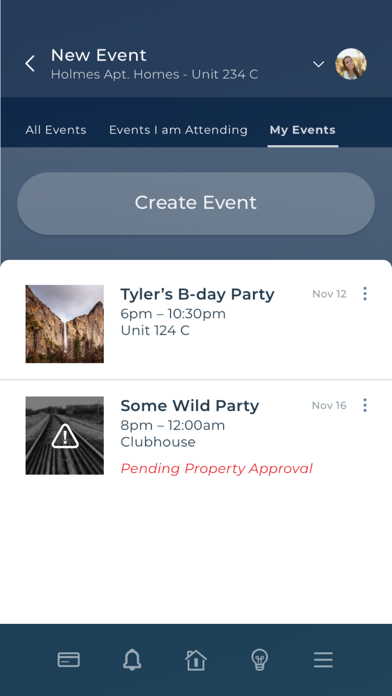
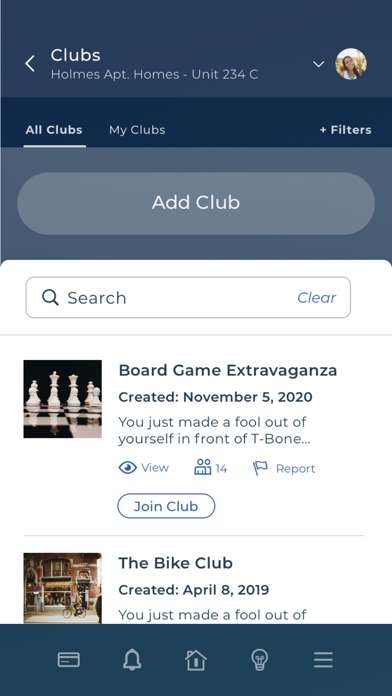
The Greystar Resident App provides a convenient way to pay rent, submit maintenance orders with photos, and communicate with your apartment community all from your mobile phone. Residents have the ability to pay rent with a single tap, manage one-time or recurring rent payments and receive rent reminder push notifications with the app (see below for a list of key features). If you have feedback, suggestions or bugs about the app itself, please email rpapp@entrata.com, we would love to hear from you! Greystar Resident App Features: • Make a One Time Payment - Easily submit a one time payment with the same trusted payment platform you have always used. • Add/Delete Recurring Payments - Easily schedule new auto-payments ensuring your rent will never be late. • One-Tap Pay - Pay rent with a single tap right from your smartphone. The app remembers your last used payment method and knows your exact balance due. • RentNotify - Sends push notifications to your device, reminding you to pay rent. • Contact Property - Contact your property directly from the app. The app automatically routes your call to the appropriate after-hours number when the office closes. • Submit Maintenance Requests - Submit a maintenance request right from the app. • Take a Picture of the Problem - Use your smart phone's camera to take a picture of the maintenance issue without leaving the app. • Inspections - Complete move-in, maintenance, and other inspections right from your mobile device. • Touch ID Login - After initial setup, securely log in to the app by scanning your finger print • Face ID Login - Authenticate with your face with iPhone X+ • 3D Touch Support - Quickly pay rent, submit a maintenance request, or view your balance by tapping and holding the app icon. Please note: The Greystar Resident App is only for residents of properties using Entrata's ResidentPortal and ResidentPay products at Greystar property locations.
Latest release
What’s New
• Flex Payments Integration: Added Flex as a payment option, allowing residents to submit rent payments with a seamless payment experience. • General & Security Improvements: Implemented behind-the-scenes fixes, security enhancements, and performance improvements to deliver a more secure and smoother app experience.
Audience growth
Ratings growth
Baseline captured. Growth appears after the crawler observes a changed rating count.
Momentum comes from crawler snapshots for the tracked storefront. “Viral growth signal” means unusually fast recent rating gains; it is an indicator, not download data.
Price tracking
Price intelligence
First snapshot captured. The trend line starts after the next crawler price observation.
- First observed Aug 14, 2026 · 10:05 PM Free
Screenshots