About this app
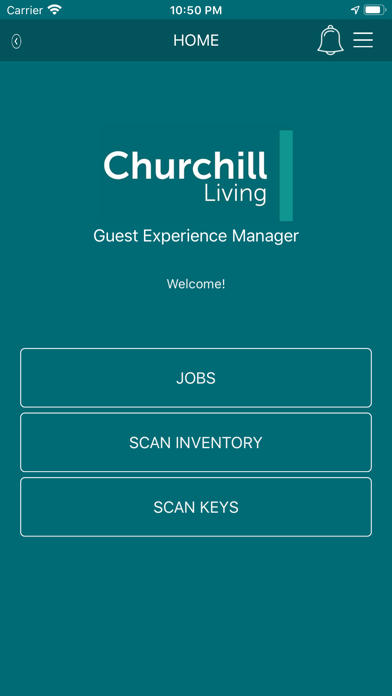
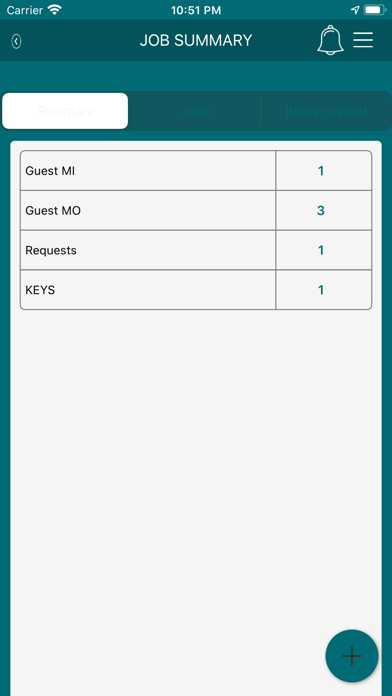
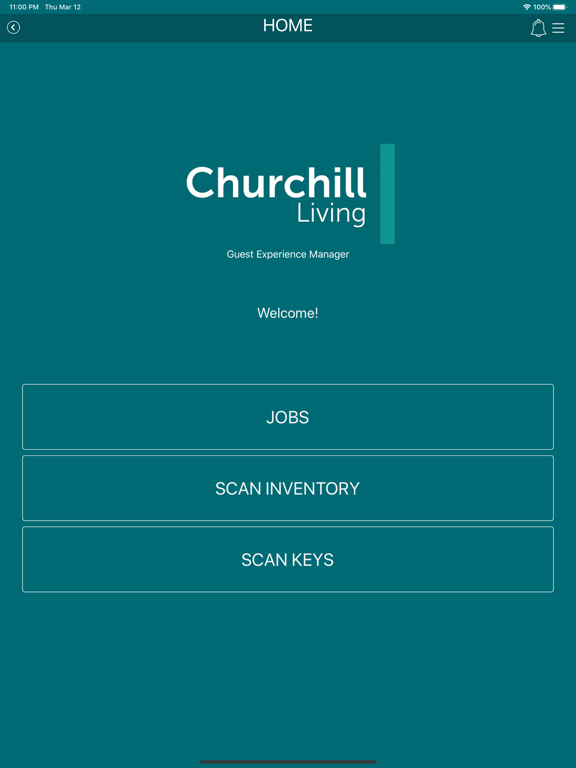
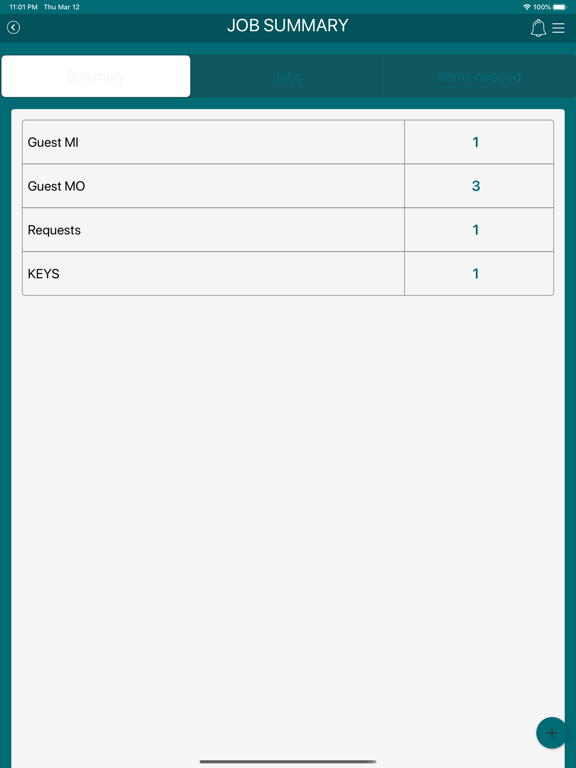
Guest Experience Manager helps to keep track of your daily tasks. Jobs Feature: You can view your job list by tapping Jobs. In each job, you can start the job, suspend/resume the job, and complete the job. You can view guest information and all special requests. You can also send a note to the dispatcher, or request more time to complete the job. Scan Feature: Keep track of your supplies with the scan inventory feature. Tap to scan the barcode of the item. You can then change the quantity of that item. To review your scanned items, tap the ‘Review’ button.
Latest release
What’s New
Bug fixes and speed improvement in uploading photos. New feature: Get a notification when there is a task that is nearby your current location.
Audience growth
Ratings growth
Baseline captured. Growth appears after the crawler observes a changed rating count.
Momentum comes from crawler snapshots for the tracked storefront. “Viral growth signal” means unusually fast recent rating gains; it is an indicator, not download data.
Price tracking
Price intelligence
First snapshot captured. The trend line starts after the next crawler price observation.
- First observed Aug 13, 2026 · 4:49 PM Free
Screenshots