About this app
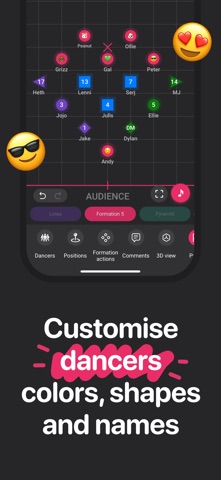
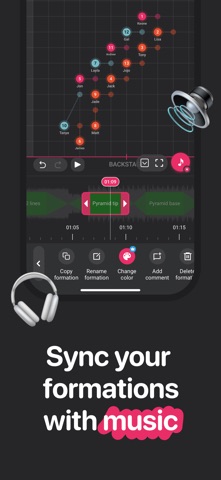
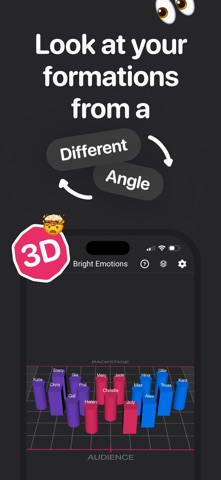
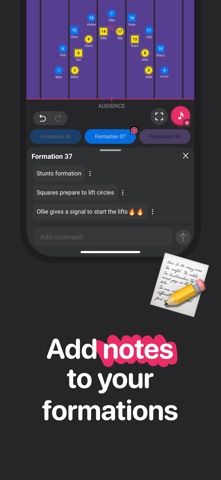
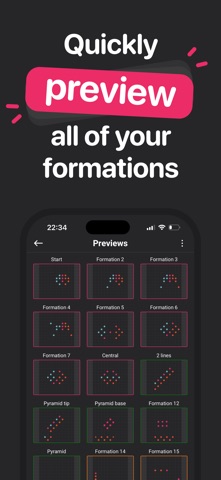
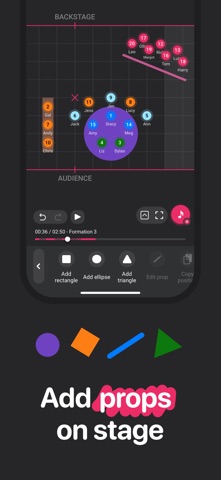
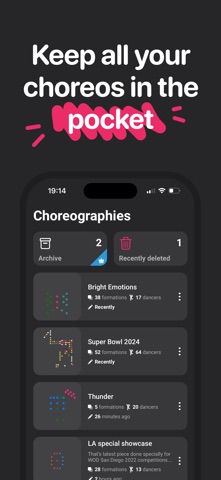
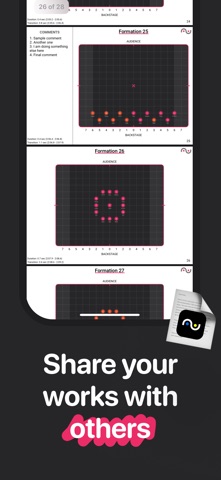
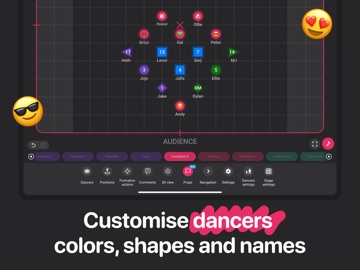
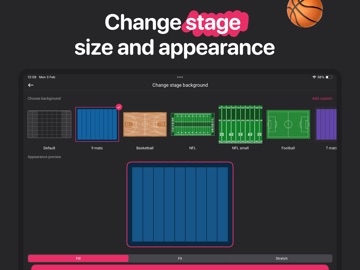
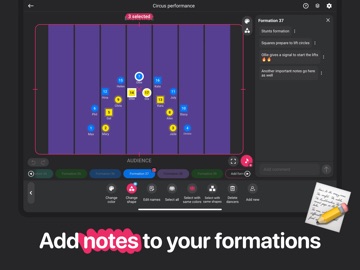
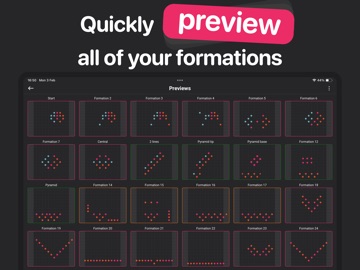
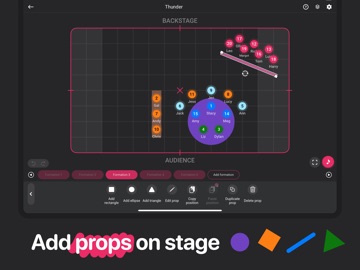
Do you think that planning formations for your performances is difficult and boring? You wish this took less time? If so, ArrangeUs is perfect fit for you! Easy, fast and stylish ArrangeUs has everything to help choreographers to move their formations from paper to the App. With this App you can: - watch animated transitions; - name your dancers and change their colors; - leave comments for each position; - customize stage with various settings (including its size); - undo any of your actions; - synchronize your performance with music; - save your best ideas in Presets collection. Bring you performances to the next level and stay tuned for more!
Latest release
What’s New
Bug fixes and performance improvements to keep your routines running smoothly.
Audience growth
Ratings growth
Baseline captured. Growth appears after the crawler observes a changed rating count.
Momentum comes from crawler snapshots for the tracked storefront. “Viral growth signal” means unusually fast recent rating gains; it is an indicator, not download data.
Price tracking
Price intelligence
First snapshot captured. The trend line starts after the next crawler price observation.
- First observed Aug 20, 2026 · 12:20 PM Free
Screenshots