About this app
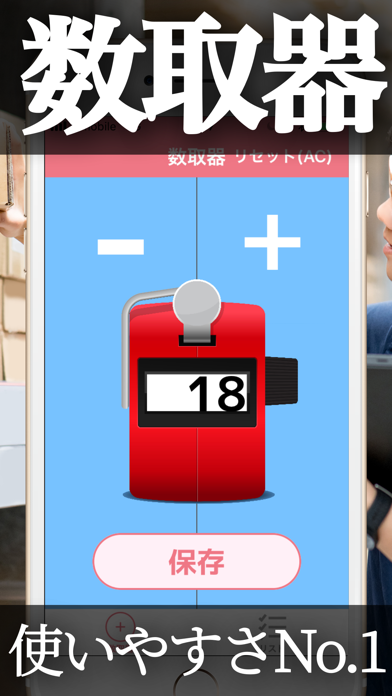
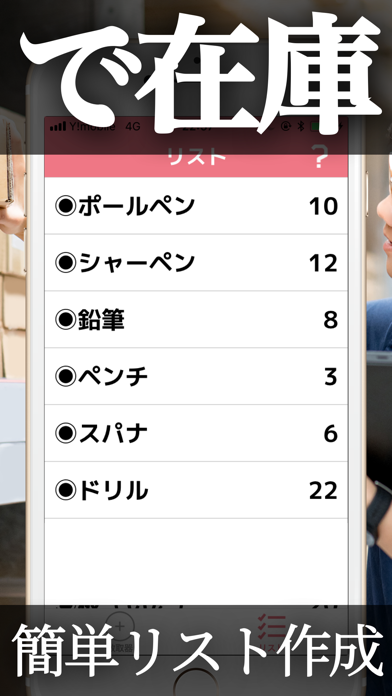
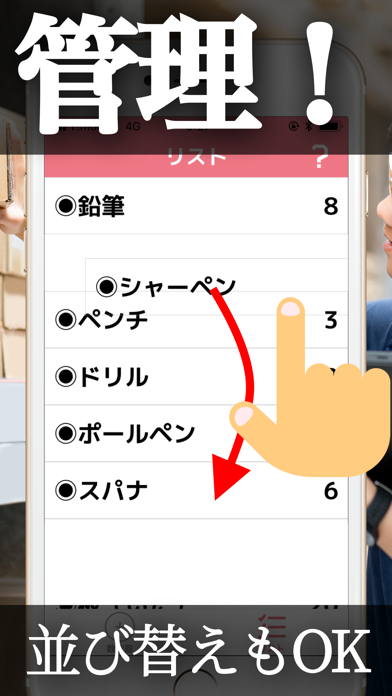
◆アプリの使い方は超簡単!◆ ①「数取くん」アプリを開きます。 ② 数えたい品目を見ながら画面をタップします。(タップする領域を大きく設定しているので、数える最中にスマホ画面を確認する必要はございません) ③ 数え終わったら「保存」ボタンを押します。タイトル名を入力できるようになっているので、適宜品目名などを入力しましょう。 保存された項目はリストに自動的に追加され、後から編集、削除などが可能となっています。 ◆こだわりポイント◆ 数取器の画面はとにかく使いやすさにこだわり、シンプルな仕様にしています。 シンプルではありながら必要不可欠な機能は全て盛り込みました。 ◆今後の予定◆ 適宜、機能を追加して参ります。 レビューに温かい応援メッセージよろしくお願いいたします!
Latest release
What’s New
今回は以下の修正をいたしました。 ・アプリ内文言の修正 ・ローンチ画面のデザイン修正 ・その他、軽微な改善
Audience growth
Ratings growth
Baseline captured. Growth appears after the crawler observes a changed rating count.
Momentum comes from crawler snapshots for the tracked storefront. “Viral growth signal” means unusually fast recent rating gains; it is an indicator, not download data.
Price tracking
Price intelligence
First snapshot captured. The trend line starts after the next crawler price observation.
- First observed Aug 18, 2026 · 3:12 AM Free
Screenshots