About this app
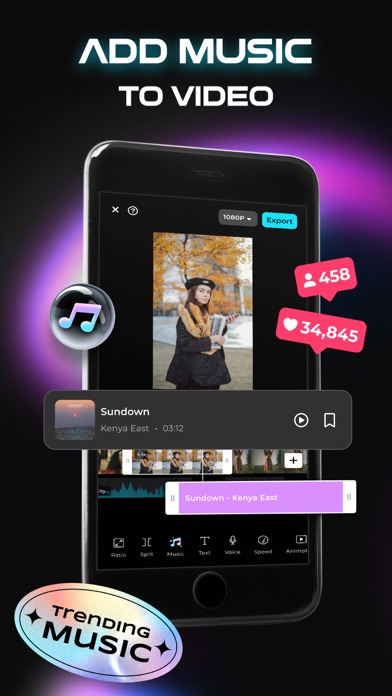
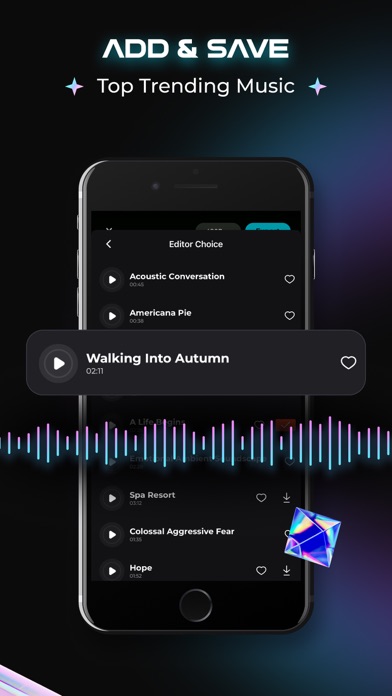
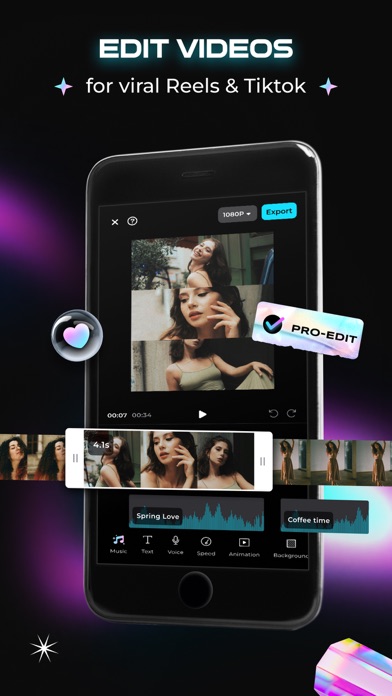
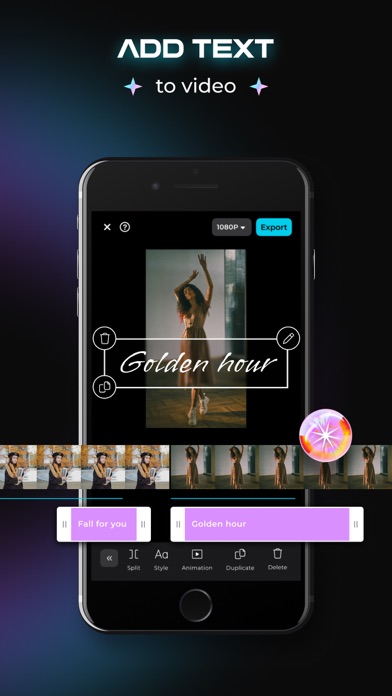
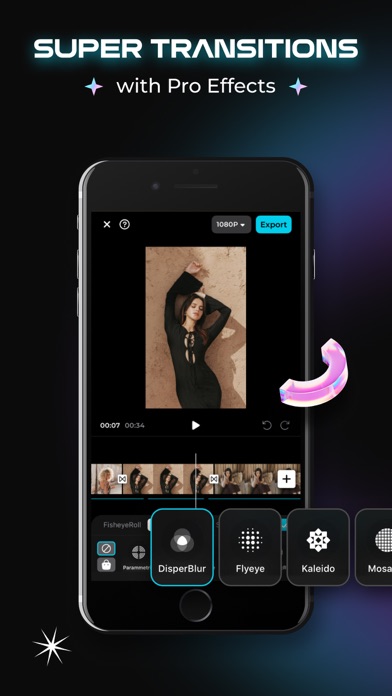
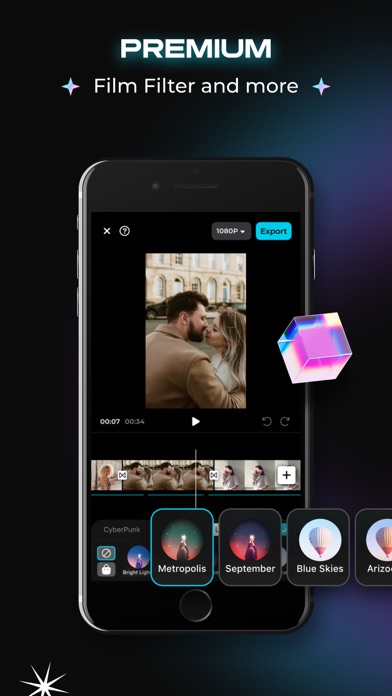
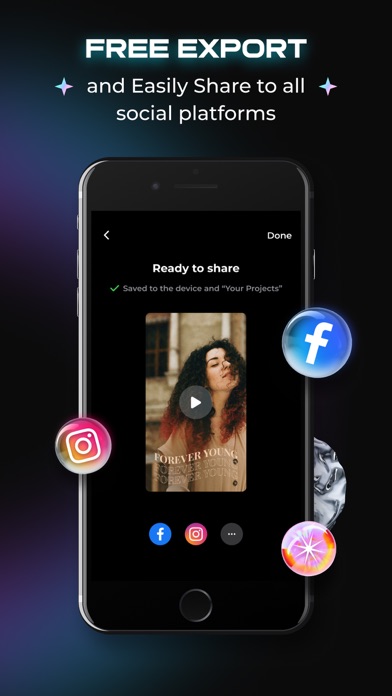
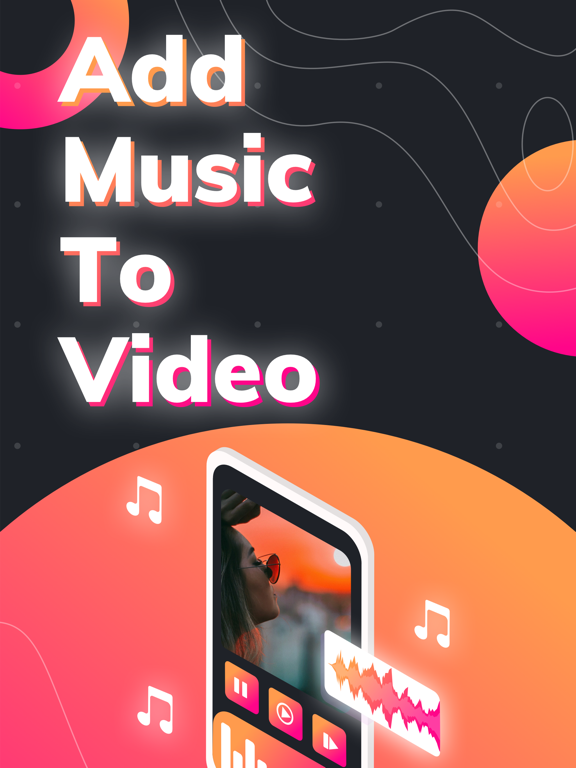
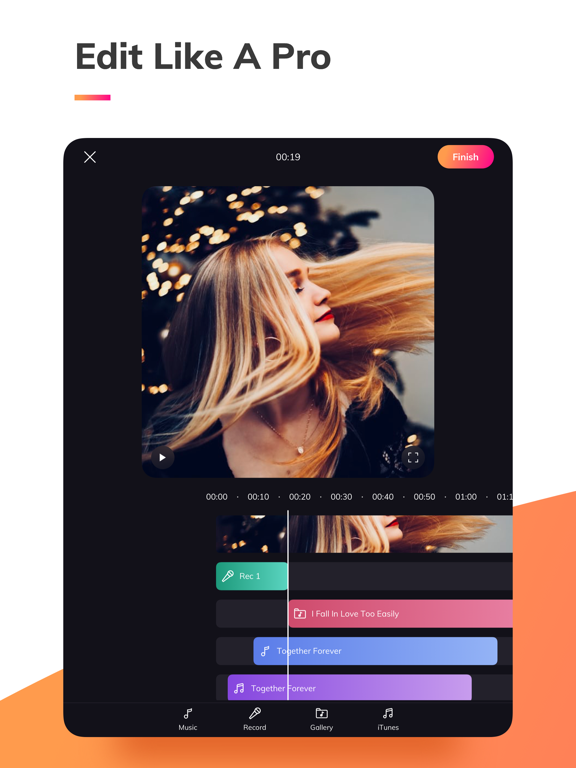
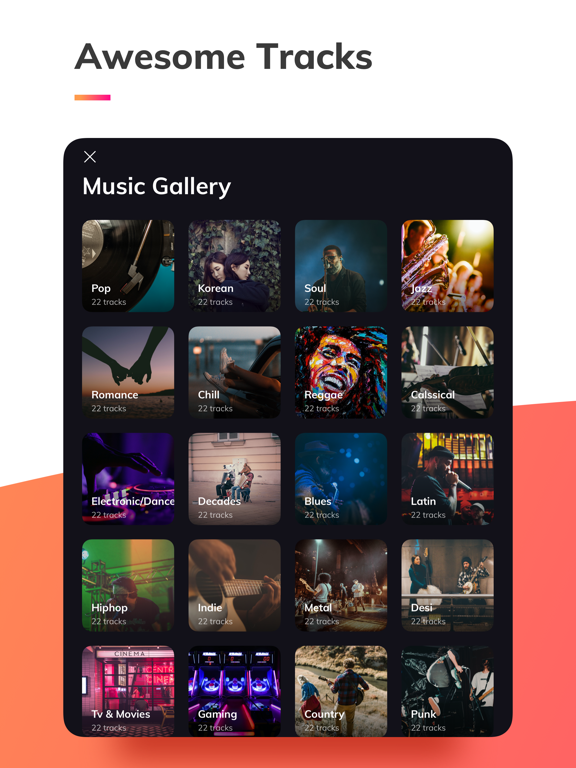
Combine your photos and videos effortlessly, adding cool transitions, aesthetic effects, and trendy music in minutes. Ideal for TikTok, Instagram Reels, Facebook stories, YouTube, and more, creating professional-quality content has never been easier. Edit directly from your iPhone without the hassle of complex desktop software. Add Music To Video is tailored for mobile users who want to elevate their social media presence. Exciting news! Introducing a cutting-edge video conversion effect, transforming your videos into true works of art. Elevate your content with AI-powered video editing and unlock new creative possibilities today! Share your adventures, holidays, and everyday moments with Muvi, infusing fresh style and rhythm into your story in mere minutes. Let the app handle the arrangement of effects and transitions while you edit on the fly. Our reels templates feature only the trendiest music, ensuring your videos stand out. Simply download the app and start crafting fantastic videos instantly. ADD MUSIC TO VIDEO features: - Create great videos in minutes using photos and videos from your phone. - Add trendy music to your videos - Original cinematic transitions - Aesthetic effects and filters - Themes to choose from according to your mood - Easy creation and editing - Intuitive design - Trim and cut frame by frame to remove unwanted parts - Edit audio by trimming - Free music collection - Share your creation on Instagram or social channels Just choose your favorite photos and videos and let the app do the magic. Amazing videos are ready in no time! You can select the file multiple times if you want repeats or want to show different parts in one video. Get inspired and create with us! _____________________________ PREMIUM SUBSCRIPTION Subscriptions start from USD 2.99. • a 1-week subscription • a 1-month subscription • a 1-year subscription - Check in the app for exact pricing in your region - Payment will be charged to your iTunes account at confirmation of purchase and will automatically renew (at the duration/price selected) unless auto-renew is turned off at least 24 hours before the end of the current period. - Account will be charged for renewal within 24 hours prior to the end of the current period, and identify the cost of the renewal. - Any unused portion of a free trial period, if offered, will be forfeited when the user purchases a subscription to that publication, where applicable - You can manage your subscription and/or turn off auto-renewal by going to your iTunes Account Settings, but refunds will not be given for any unused portion of the term. Read more about our terms and conditions here: https://www.maplelabs.co/policies/#terms Read more about our privacy policy here: https://www.maplelabs.co/policies/#terms Have questions or suggestions? Email us at support@maplelabs.co Thanks for creating with Muvi! We'd love to see your feedback in the App Store! Add background music to your video!
Latest release
What’s New
We fixed some bugs and enhanced the app experience. Need help? Contact us at support@maplelabs.co.
Audience growth
Ratings growth
Momentum comes from crawler snapshots for the tracked storefront. “Viral growth signal” means unusually fast recent rating gains; it is an indicator, not download data.
Price tracking
Price intelligence
- First observed Aug 9, 2026 · 12:22 PM Free
Screenshots