About this app
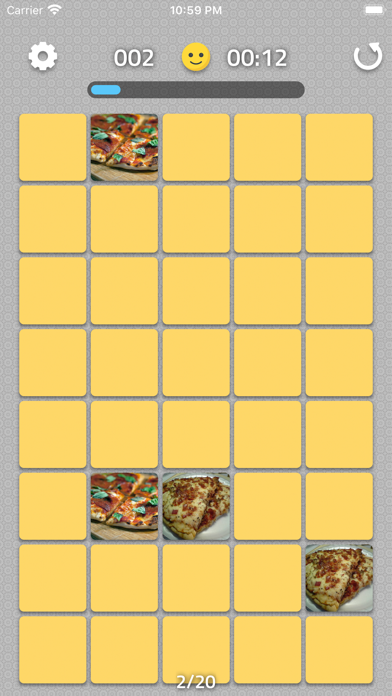
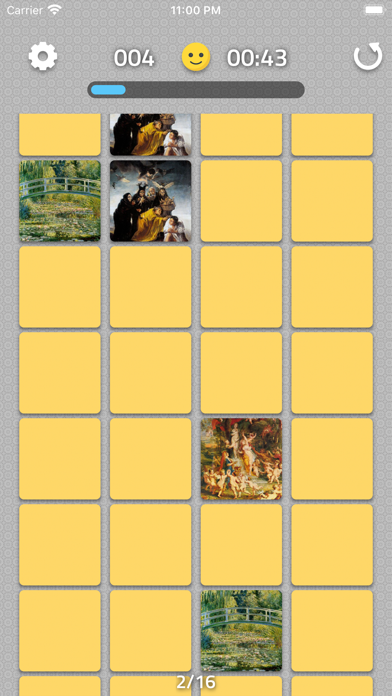
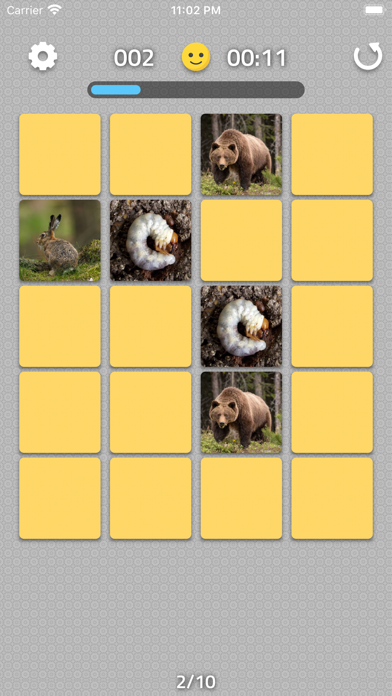
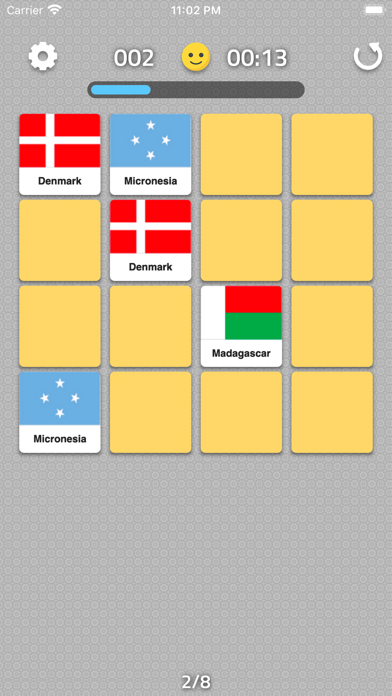
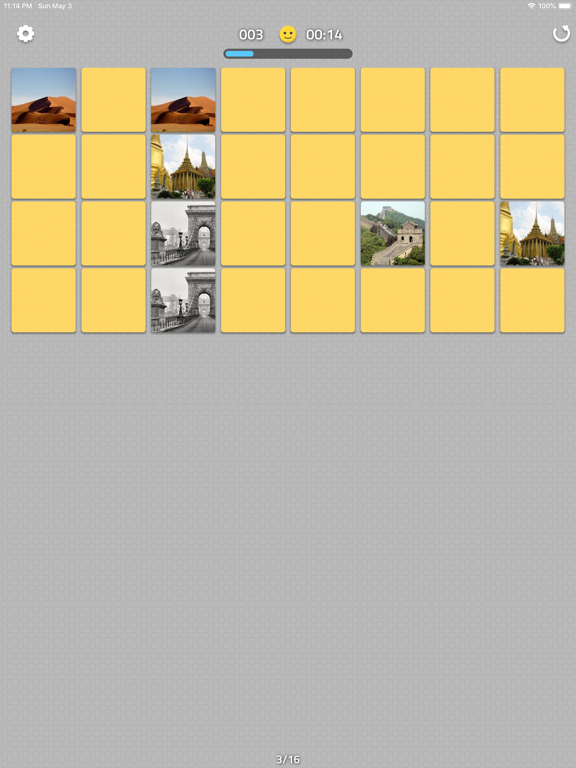
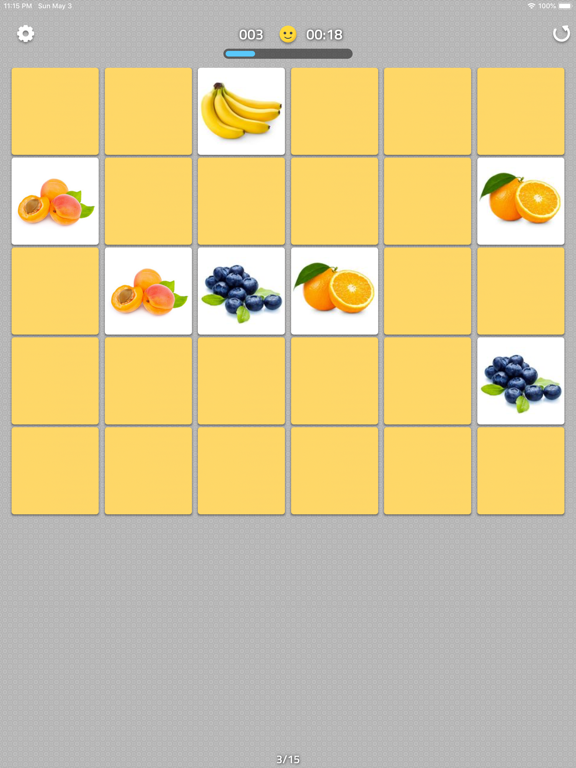
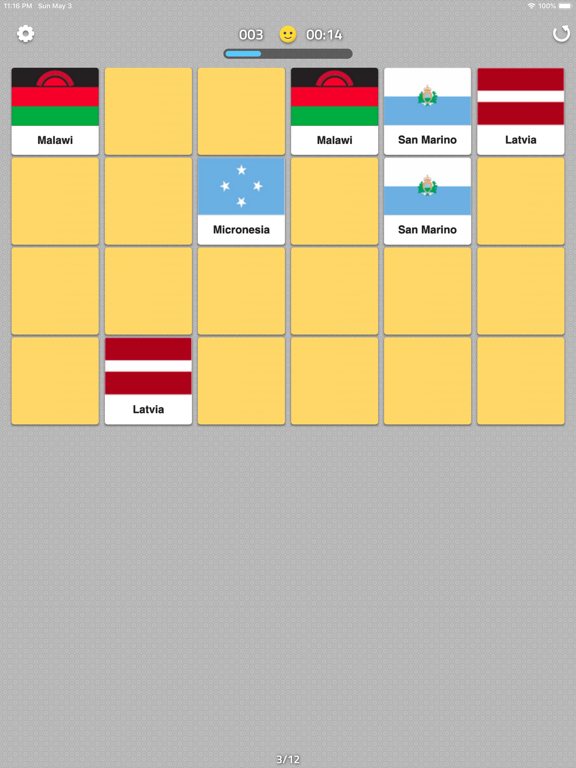
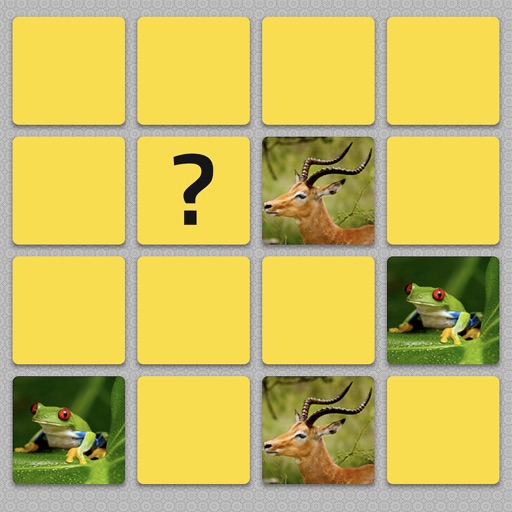
Test your memory, Improve your concentration Find The Pairs is a mind game where you need to match pairs of tiles. Playing is very simple - you turn over one tile and then try to find a matching tile. There are 10 levels, each getting progressively harder. 13 different sets of pictures with increasing difficulty. When you click on the first tile of a turn and you have exposed a matching tile in a previous turn, a message tells you that the pair is known. This indicates that you should then be able to make a match (if you have perfect recall). The scoring system incorporates this principle. In some levels, all the tiles are revealed initially for a few seconds. This makes it harder to score a perfect recall as it assumes you remember where each tile is. Instructions to play Find The Pairs Test your mind with this game. First select the difficulty level. The higher the number, the more cards are in the game. Then select a picture set. The pictures have different difficulty levels. There are 10 levels, each getting progressively harder. 13 different sets of pictures with increasing difficulty. All the tiles are revealed initially for a few seconds. On the game board, there are always two identical images. Start the game by flipping a card. Then try to find another card that has the same image as the first. If you can't find a pair, the flipped cards will be flipped back with the face down. Try to remember these images as it becomes easier to find pairs the longer you play. When you find a pair they are left on the board and when you find all the pairs in this mind game, you have completed the level. If you are in troubles and cannot remember the tiles, tap on the emoji to get hints. There are over 1000s pictures to keep you entertained This is a popular game also known as Concentration, Match Match, Match Up, Pelmanism, Shinkei-suijaku, Pexeso or simply Pairs
Latest release
What’s New
bug fixes
Audience growth
Ratings growth
Baseline captured. Growth appears after the crawler observes a changed rating count.
Momentum comes from crawler snapshots for the tracked storefront. “Viral growth signal” means unusually fast recent rating gains; it is an indicator, not download data.
Price tracking
Price intelligence
First snapshot captured. The trend line starts after the next crawler price observation.
- First observed Aug 20, 2026 · 12:20 PM Free
Screenshots