About this app
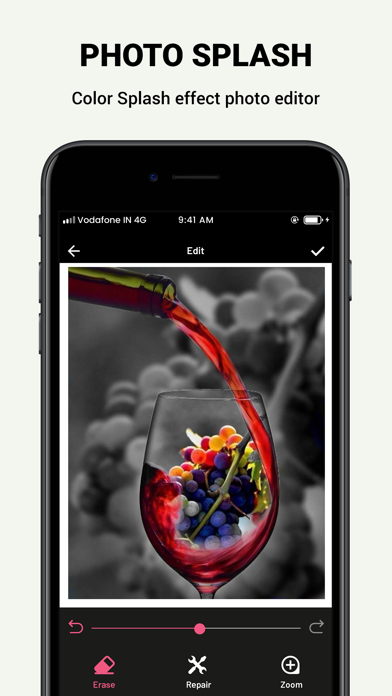
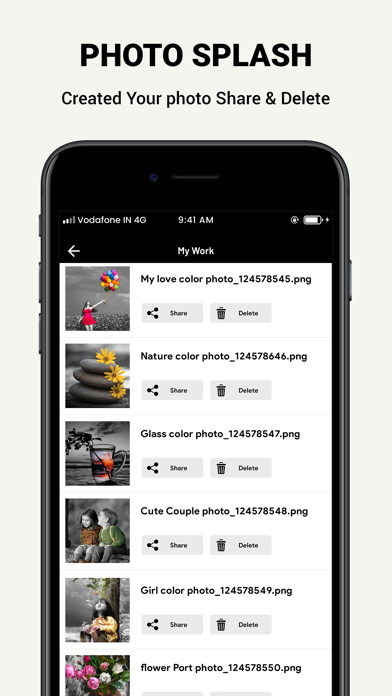
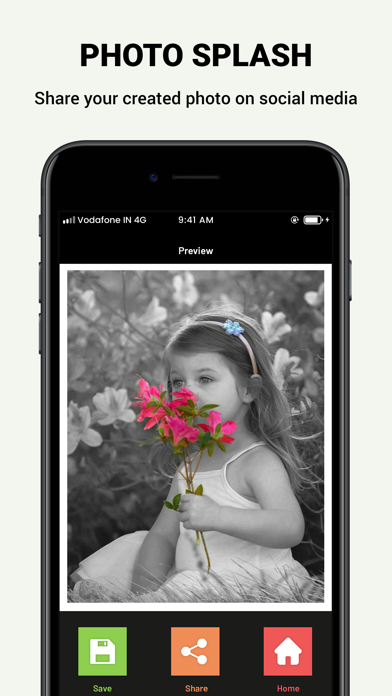
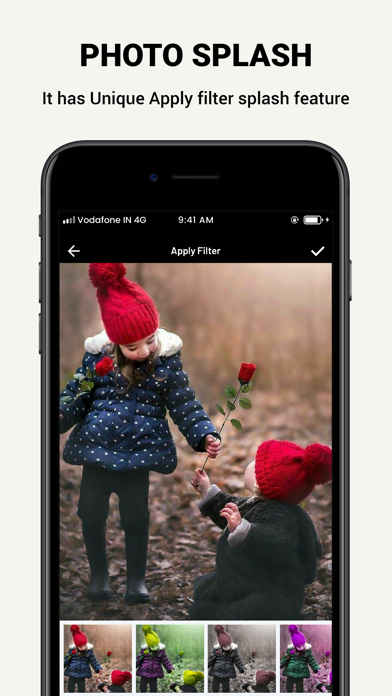
Color Splash lets you color your photos from greyscale. Black & white, old photos can be colored by touching a specific part. You can do various kinds of photo art by this app. Color filter with gorgeous photo editor also have advanced features like photo brush tool, undo, redo, photo filters collection and so on. It has unique shape splash feature. Using shape splash feature highlight color with desired shape and get stunning color pop effect. Photo Color Splash effect is very popular among all ages people who love to retouch photo. Color Splash effect is frequently used by photographers and photo lovers. Features: * Select photo from gallery or capture picture from camera. * Use either Touch Color Effects or Color Filters. * Pinch Zoom. * Color Touch lets you turn photo into Black and White Photo, Old Photo. * Use Color Filters to Change Colors of your photos from a Wide range of Photo Filters. * Undo or Reundo your changes using Undo or Reundo button. We hope to meet your expectation by this photo filter and color splash application. Color Splash Is As Simple Or Advanced As You Want Color Splash gives you a variety of options and setting you can play with when you first select it. This is because if you want to adjust brush sizes and want to get the smallest details, you can. However, it's just as easily possible that you can just use a huge circle of a brush and tap once to give that section color. This allows you to be as in depth or big picture as you want to be, the various options allow you full control of the Color Splash tool and whatever you want to do to your image. Splash Photo Editor will give you the photo you want in seconds. Splash Photo Editor is a fun and powerful photo editor that lets you quickly be artist, even if you have never edited any photo before. No need for professional editing tools. Color Back When you choose "Color Splash", your photo will be in black and white automatically. Then you need to color back the item that you want remain in color. Adjust the "Brush Size" and then splash the color back to the item. The "intensity" slider would decrease the color, feel free to explore for the perfect effect. Grayscale Do not think you can create perfect color splash effect at once. If you color a part back unexpectedly, then use the "Grayscale" to grey it back. Carefully choose the perfect brush size and paint the extra colorful part. Use the colour splash properly and you will create an incredible photo effect. Get start now! Reset and undo functionality. You can easily configure brush size as well. Save and share on any social networking platforms like Facebook, Twitter and more. We are always listening, so if you have any feedback, please let us know!hareit with your friends and family to make any moment awesome.
Latest release
What’s New
Solve Some Crash Issue In Edit Screen. Performance Improvement.
Audience growth
Ratings growth
Baseline captured. Growth appears after the crawler observes a changed rating count.
Momentum comes from crawler snapshots for the tracked storefront. “Viral growth signal” means unusually fast recent rating gains; it is an indicator, not download data.
Price tracking
Price intelligence
First snapshot captured. The trend line starts after the next crawler price observation.
- First observed Aug 19, 2026 · 5:36 AM Free
Screenshots