About this app
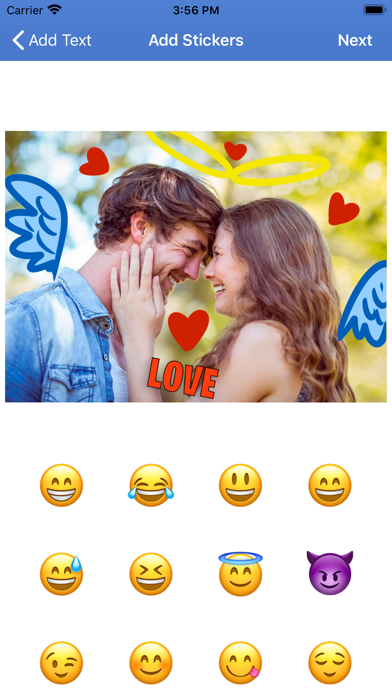
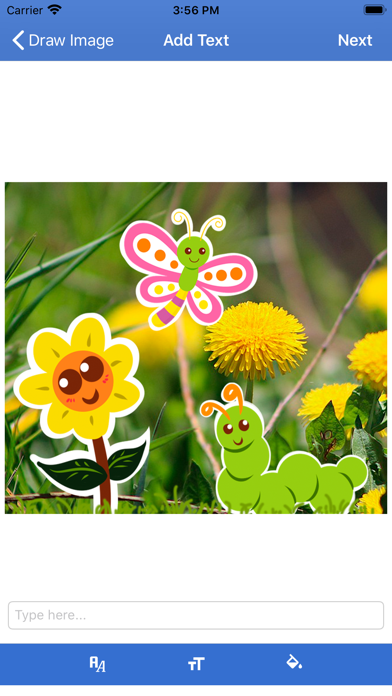
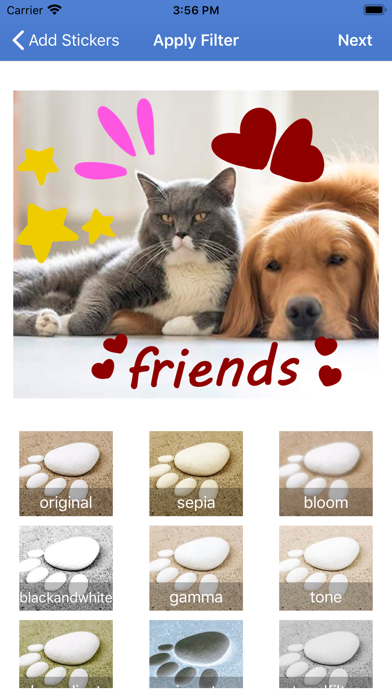
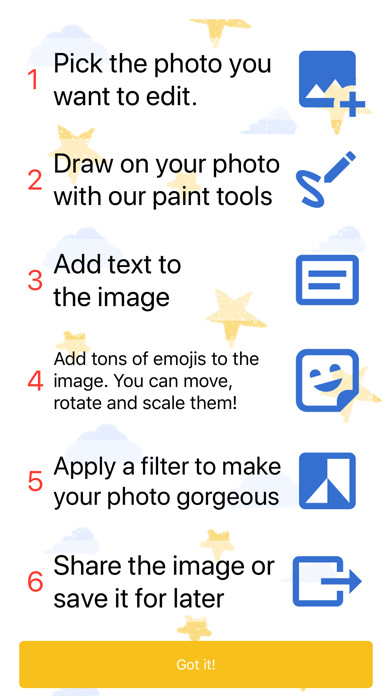
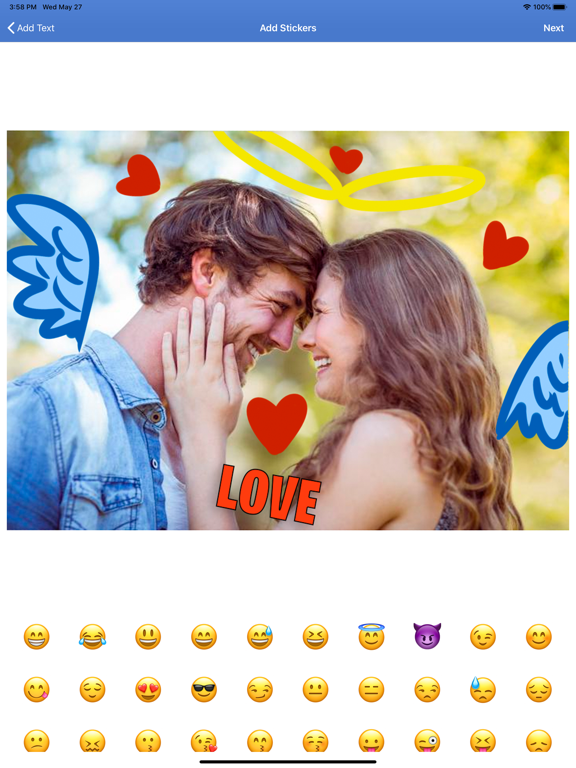
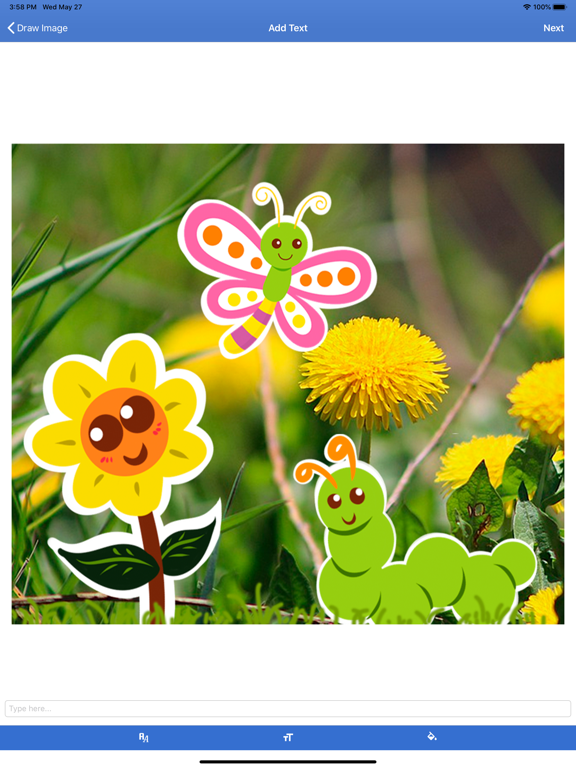
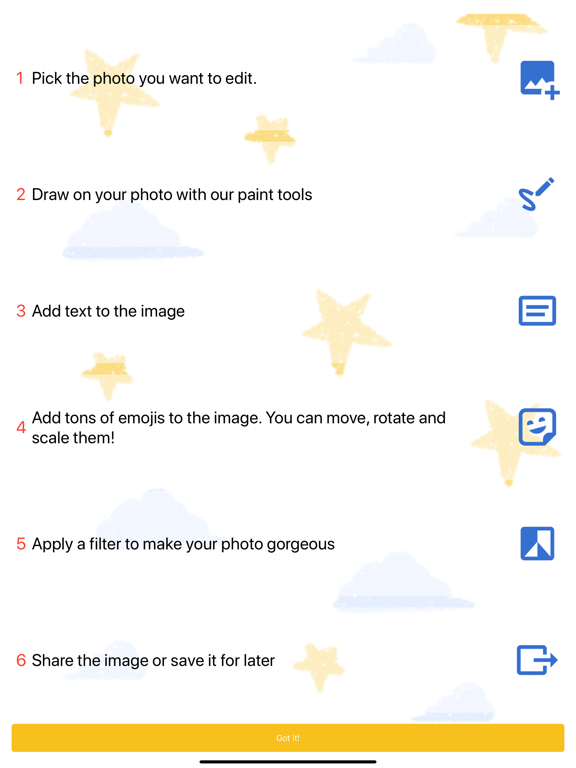
Do you want to be able to draw whatever you want on your photos? Do you want to add text, effects or even stickers to personalize your photos? With this app you can do that and much more! Main features: - Choose to edit photos you have saved on your phone or take a picture directly from the camera. - Draw freely on the photo, as if you were drawing with a pen or marker. You can also choose a stroke color, thickness, and transparency. - Write whatever text you want on the photo to customize it, dedicate it to someone, say happy birthday, etc. Choose the type of letters and colors you want. - Do you want to add stickers to give your photo a fun touch? You can do that too. Add lots of stickers, change their size, position and direction, and let your imagination run wild! - Add filters to give your photo a special look. - Lastly, you can download and share your customized photo however you like.
Latest release
What’s New
Bug fixes and and app updated to work better in iOS 17
Audience growth
Ratings growth
Baseline captured. Growth appears after the crawler observes a changed rating count.
Momentum comes from crawler snapshots for the tracked storefront. “Viral growth signal” means unusually fast recent rating gains; it is an indicator, not download data.
Price tracking
Price intelligence
- First observed Aug 16, 2026 · 12:06 AM Free
Screenshots