About this app
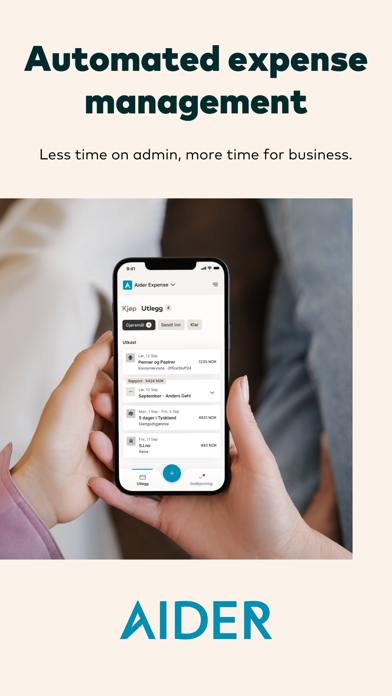
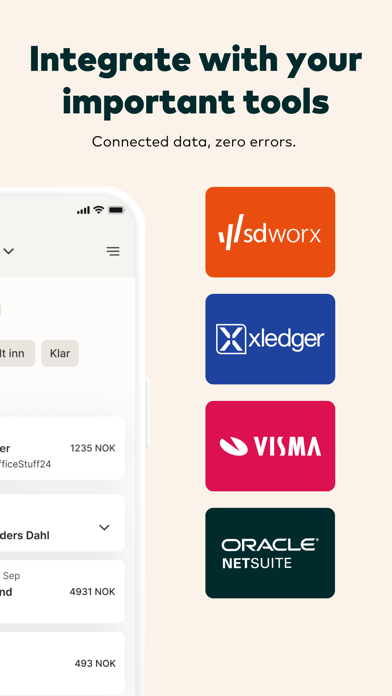
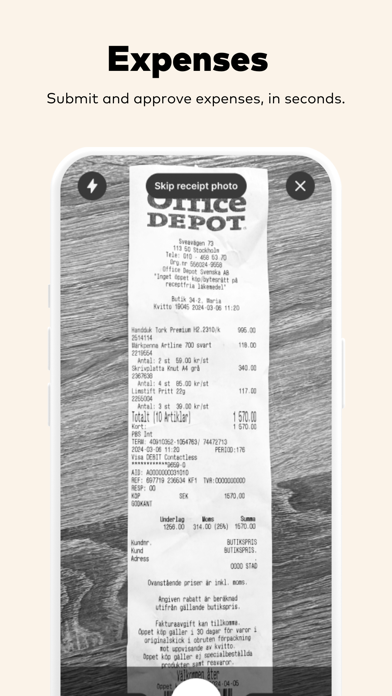
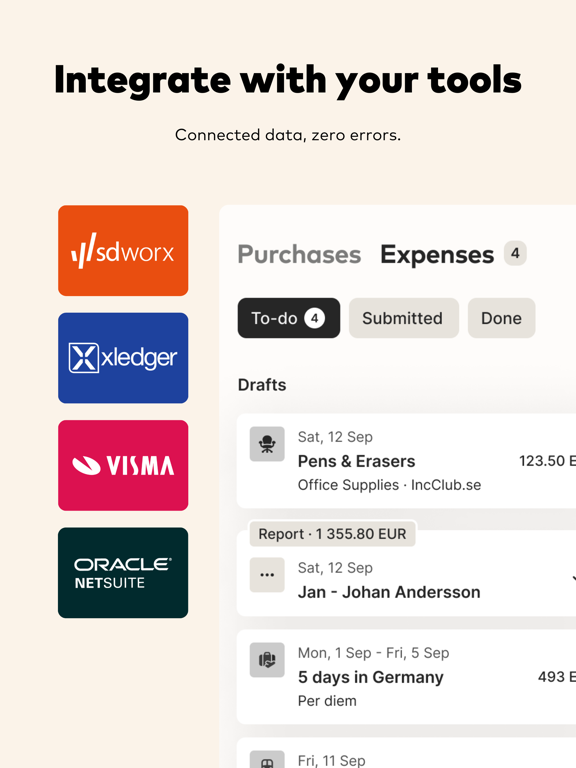
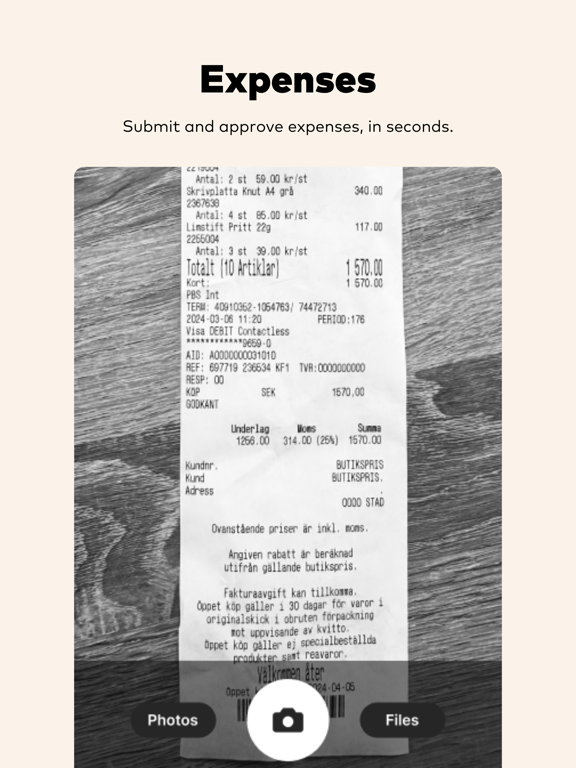
Simplified expense management for you and your company! Aider Expense is designed to support businesses and organizations to simplify every step in expense management. All employees can easily create new expenses, mileages and daily allowances using the Aider Expense app. All information is stored safely with access from the browser and directly in the app. Through an administration interface, your company have the possibility to customize the app, adjust settings and send expense reports to financial systems. Email receipts are sent on to expense@aider.no but Aider Expense also supports digital receipts that are sent directly from the store. Paper receipts are easily photographed and added manually in the app. Aider Expense enables you to * Receive digital receipts from connected stores, hotels and restaurants * Automatically calculated accounting of all expenses through simple choices, also at represesentations. * Manage internal and foreign allowances * Mileage related to electronic driver logs * Email receipts you received via e –mail * Manage expense reports for one or more companies * Set up review and approval functions * Change settings through an administration interface * Send expenses directly to Fortnox, Visma and other financial systems * Add links to social media and much more..
Latest release
What’s New
It's back to school! We hope you all had a relaxing summer and are ready for the next season. Here are some new features and improvements: * Improved the "merge with other expense" flow * Improved the "split expense" features * Fixed issue where organization change would switch back to previous organization * Fixed paging issue in approval lists * Many other minor improvements and bug fixes
Audience growth
Ratings growth
Baseline captured. Growth appears after the crawler observes a changed rating count.
Momentum comes from crawler snapshots for the tracked storefront. “Viral growth signal” means unusually fast recent rating gains; it is an indicator, not download data.
Price tracking
Price intelligence
First snapshot captured. The trend line starts after the next crawler price observation.
- First observed Aug 19, 2026 · 8:35 PM Free
Screenshots