About this app
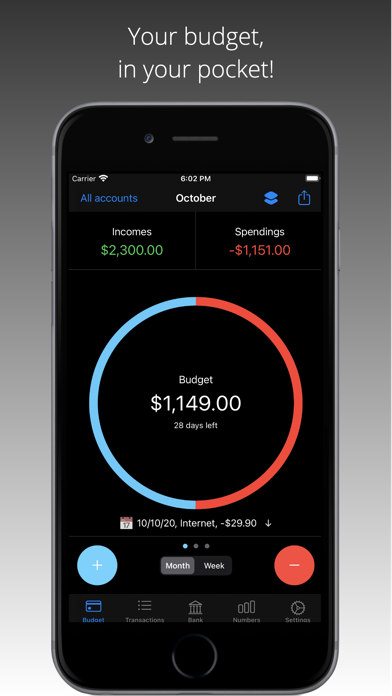
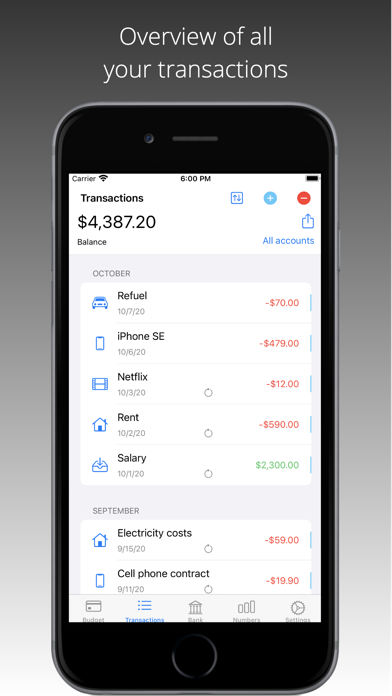
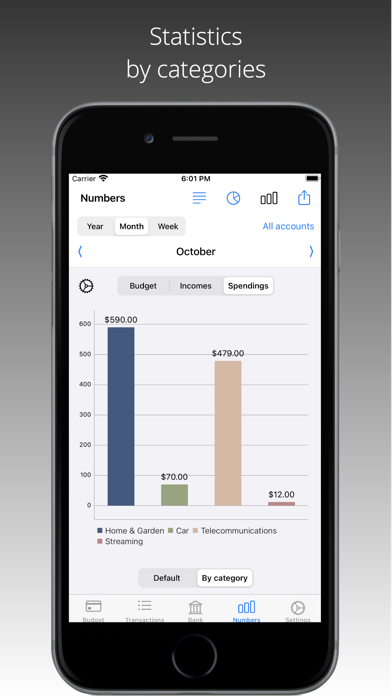
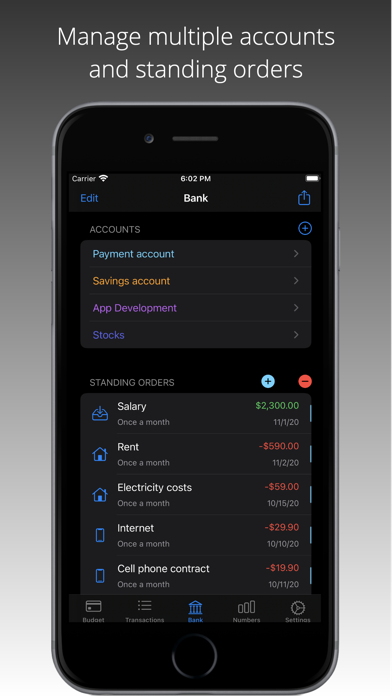
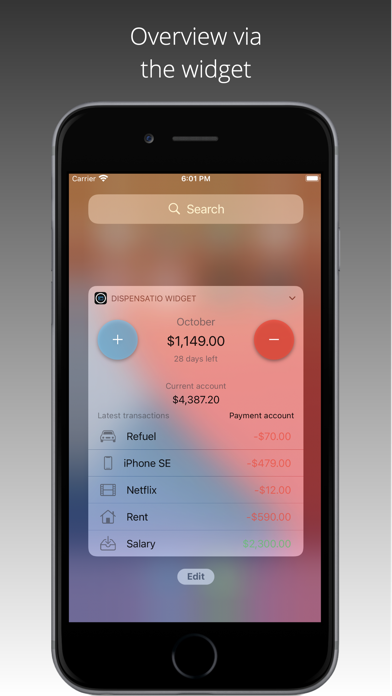
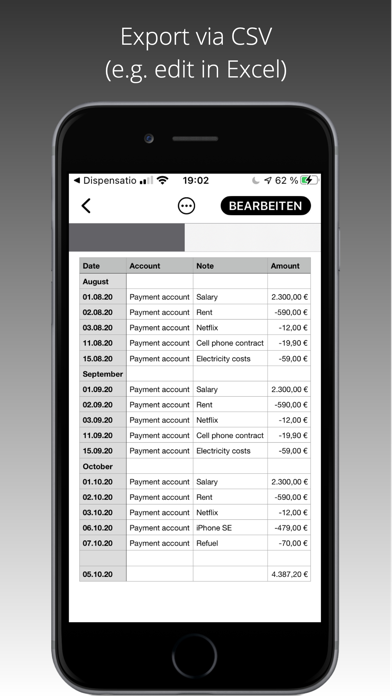
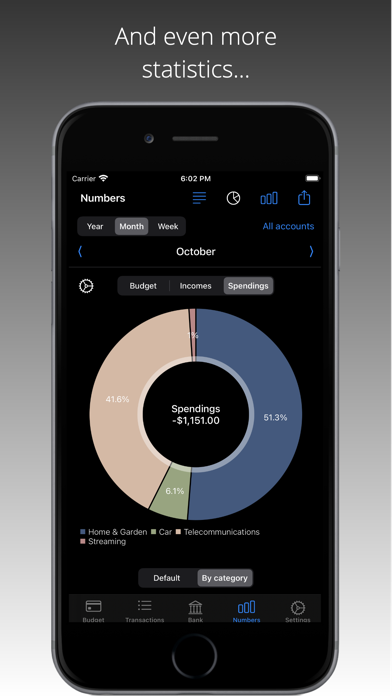
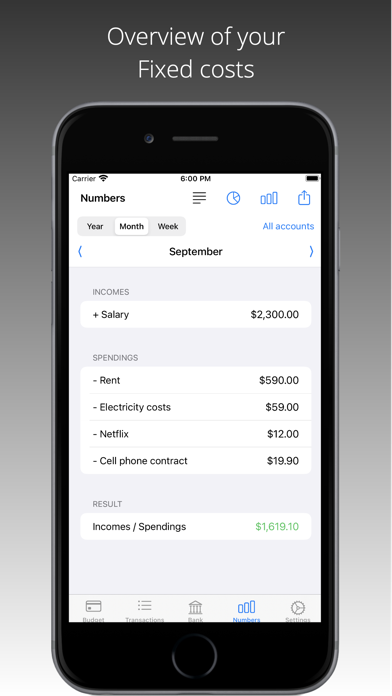
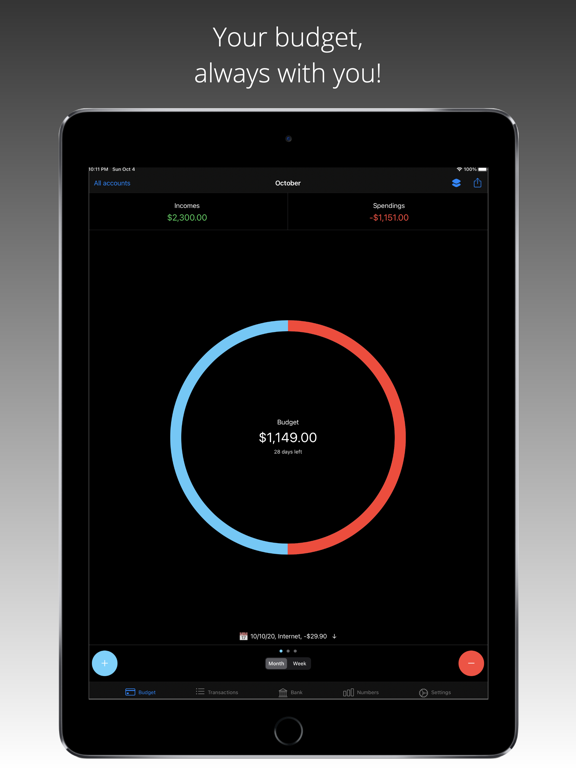
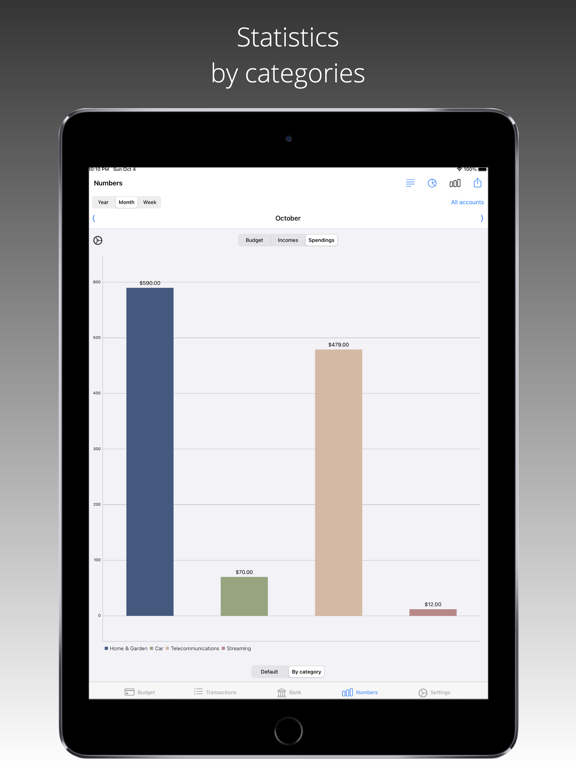
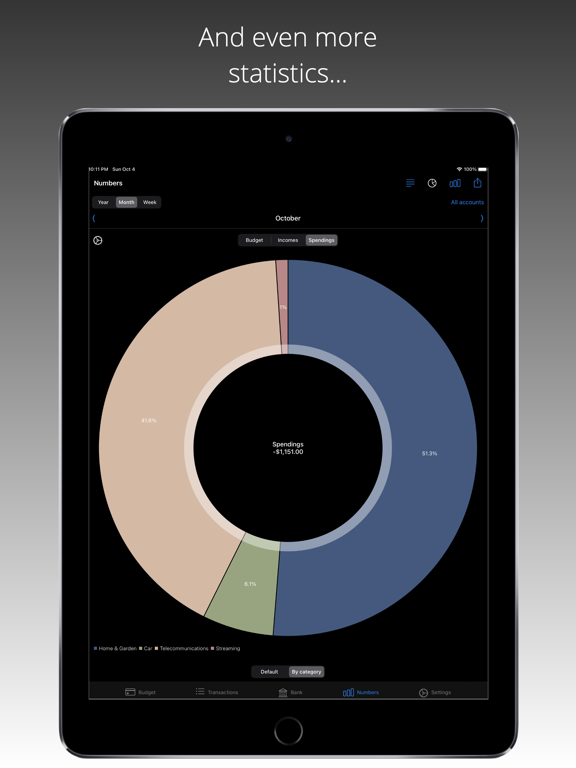
Your budget in your pocket! Keep an overview of your finances and control your income & spendings at a glance! With Dispensatio you keep the overview. Enter your income and spendings quickly and easily and view your account balance at any time. Use Siri Shortcuts to create new income even faster or to have the current account balance announced without opening the app! Dispensatio impresses with its simplicity and gives you a great overview! Use the statistics to keep track of your monthly income and spendings and discover opportunities for savings. Manage your finances in different accounts and categories. Create recurring entries in the form of standing orders and be reminded of upcoming transactions. Don't miss any notice periods anymore, get reminded of expiring contracts by Dispensatio and terminate in time! Functional Overview - Budget overview of monthly income & spendings - Use Siri shortcuts to enter income & spendings - Manage transactions on different accounts - Statistical analysis of your finances - Fixed costs overview - Evaluations by category - Preview of upcoming transactions - Manage your standing orders - Let yourself be reminded of expiring contracts and terminate them in time - High security through Face ID / Touch ID - Your data remains stored locally on your device only - Budget overview in the widget - Export your transactions in CSV format - Export your accounts in CSV format - No registration necessary Data protection: Your data will be stored locally on your device. There is NO synchronization with external servers or similar. No registration is necessary. Your data belongs to you and stays with you! Additionally, you have the possibility to use Face ID / Touch ID when opening the app. Support: In the feedback section of the app you have the possibility to send us your questions or suggestions for improvement. I'm trying to improve the app continuously and take the requests very seriously. So don't hesitate if something seems unclear or you find an error. If you like the app, please rate it in the App Store and support the development of Dispensatio! Terms of Use: https://www.apple.com/legal/internet-services/itunes/dev/stdeula/
Latest release
What’s New
What's new in Dispensatio • Added new recurring intervals: now also every 2 years and every 3 years • Upcoming transactions are now included in the statistics/Numbers view • New setting to configure how many transactions are shown in the transactions view • Improved performance for upcoming charts • Added many new languages and expanded existing translations
Audience growth
Ratings growth
Baseline captured. Growth appears after the crawler observes a changed rating count.
Momentum comes from crawler snapshots for the tracked storefront. “Viral growth signal” means unusually fast recent rating gains; it is an indicator, not download data.
Price tracking
Price intelligence
First snapshot captured. The trend line starts after the next crawler price observation.
- First observed Aug 14, 2026 · 1:18 AM Free
Screenshots