About this app
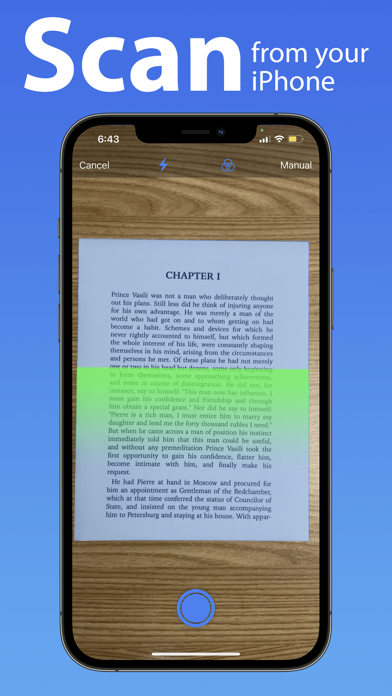
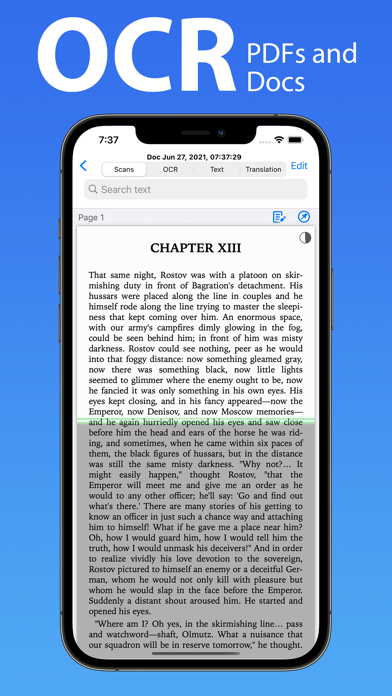
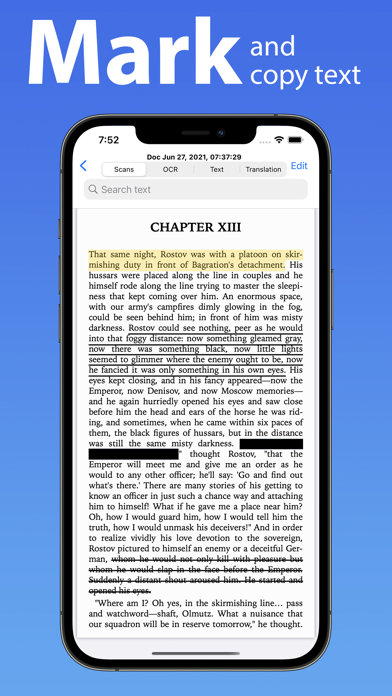
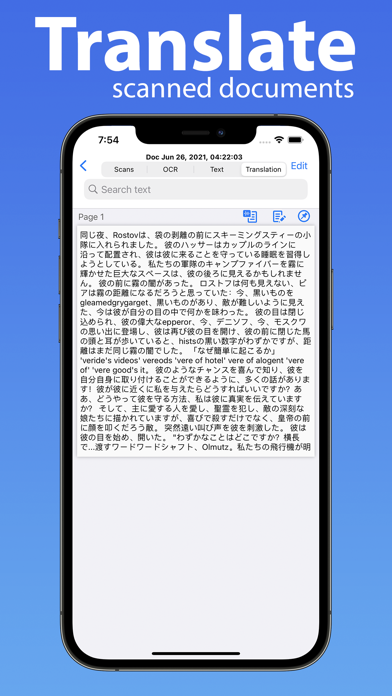
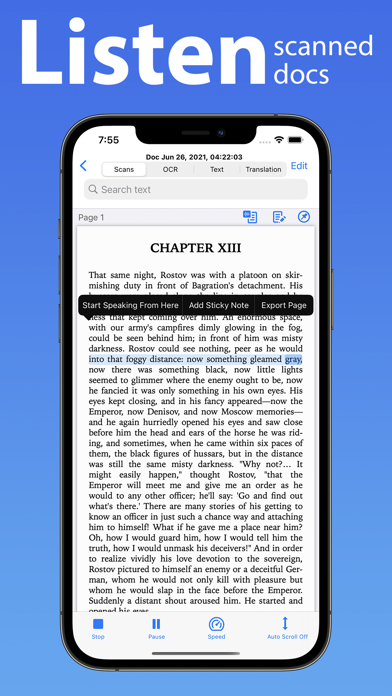
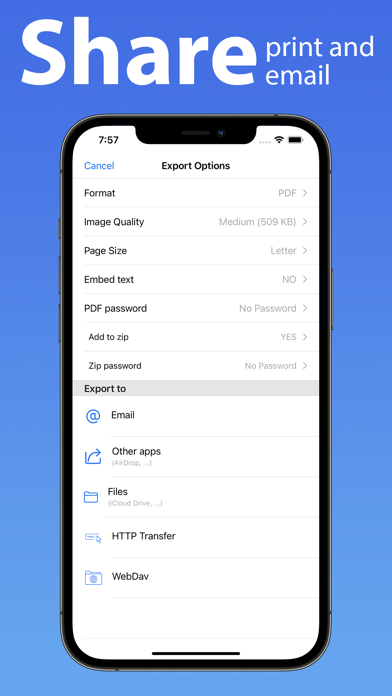
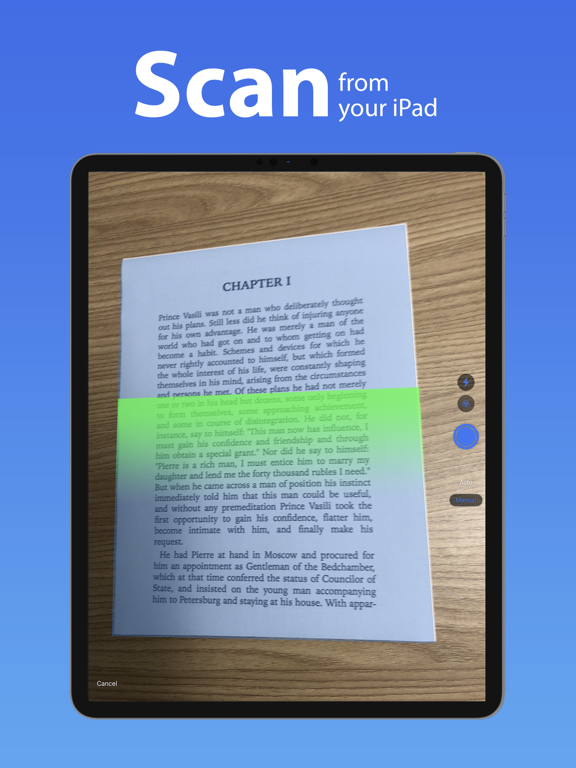
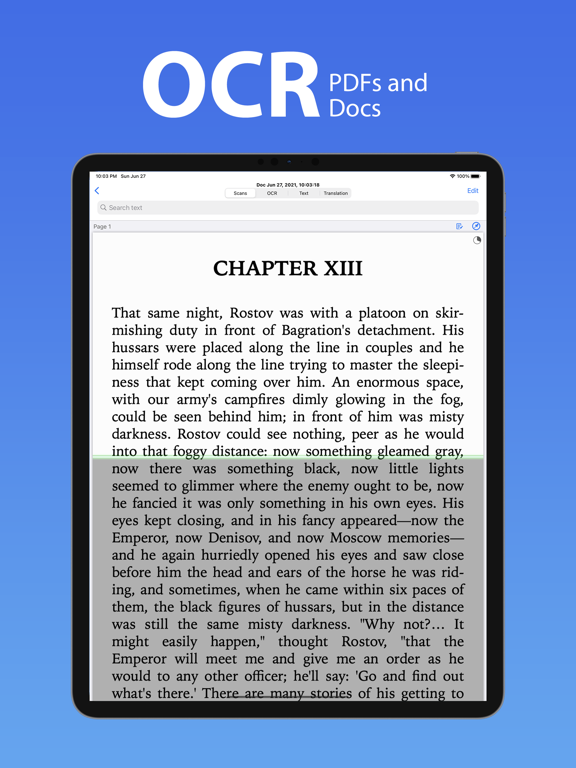
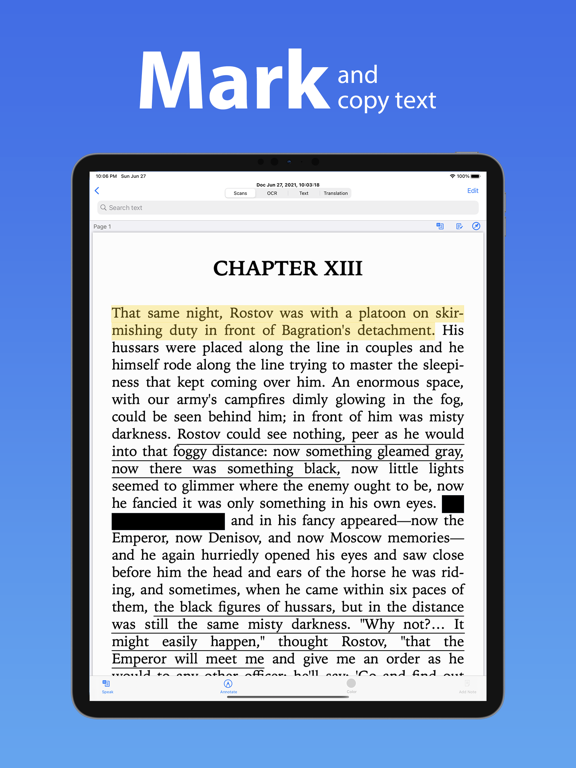
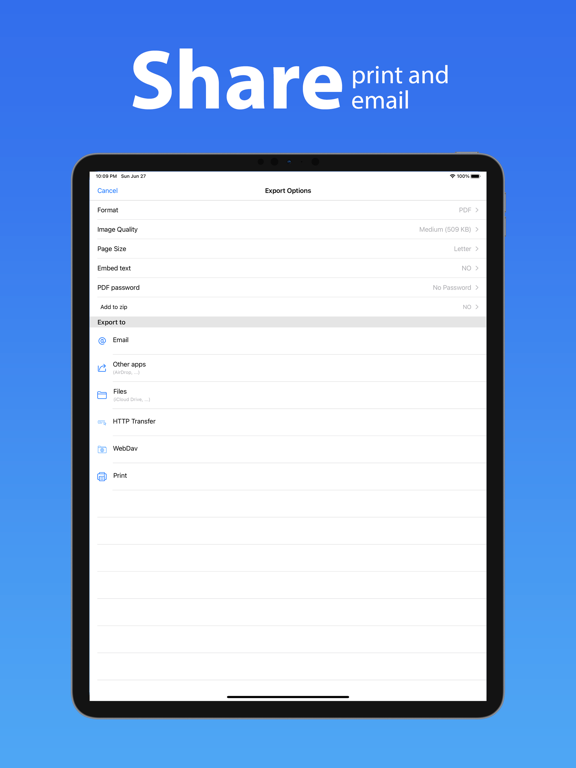
DocuScan for iOS converts your device into a portable document scanner. Here are some of the key features of this app. Smart Scanning: • Batch scanning • Document Border detection • Filters (black & white, whiteboard, photo) • Crop and correct orientation. OCR (Text Recognition): • Support for 125+ languages • On device OCR. • Text extraction • Searchable PDF creation • Business card scanning & contact creation • Detect clickable links in documents like phone numbers, addresses etc. Translation: • Support for 55+ languages • On device translation • Translation whole document in one go Text to Speech: • Support for 40+ languages • Convert your documents to audio books • Listen to them in background PDF Creation & Editing: • Password encryption • Document merging & splitting • Multiple page PDF creation • Photos and PDF import • Annotations like highlight, underline, strikethrough etc. with comments. • Text redactions • Sticky Notes. Document Organization: • Folder support • Metadata and search text in all your documents. Export: • Export in PDF, JPG, Excel, RTF and TXT file formats. • Email • Other apps • Save to photos library • HTTP transfer • WebDav Transfer Security & Privacy: • On-device document processing • Face ID locking • You can subscribe for unlimited access to all features within the app • Subscriptions are billed monthly or annually at the rate selected depending on the subscription plan. Following are the payment models for premium subscriptions: • Monthly Subscription: 1 week free trial then $4.99 per month • Yearly Subscription: 1 week free trial then 39.99 per year • Payment will be charged to iTunes Account at confirmation of purchase. • Account will be charged for renewal within 24-hours prior to the end of the current subscription period. • Subscriptions may be managed by the user and auto-renewal may be turned off by going to the user's Account Settings after purchase. • Any unused portion of a free trial period will be forfeited when the user purchases a subscription to that publication. Privacy Policy: https://www.epicscanner.com/policies/Privacy/ Terms of Use: https://www.epicscanner.com/policies/TermsOfUse/ GOT QUESTIONS? CAN'T FIGURE OUT HOW TO DO SOMETHING? Please email us at support@epicscanner.com and we’ll help you figure it out. Disclaimer: This is a third party app not associated with Google. All trademarks are property of their respective owners.
Latest release
What’s New
• iOS 17 ready. • UI improvements and bug fixes.
Audience growth
Ratings growth
Baseline captured. Growth appears after the crawler observes a changed rating count.
Momentum comes from crawler snapshots for the tracked storefront. “Viral growth signal” means unusually fast recent rating gains; it is an indicator, not download data.
Price tracking
Price intelligence
- First observed Aug 14, 2026 · 12:33 AM Free
Screenshots