About this app
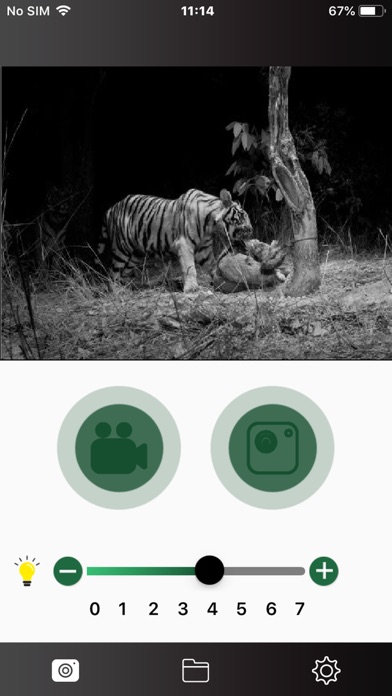
Turn on the WIFI of the night vision device. After the mobile phone is connected to the night vision device, open the NV Plus APP to perform wireless remote operation; 1. Set the menu parameters in the night vision device remotely; 2. The night vision device can be remotely controlled to take photos and video; 3. You can directly view all photos and video files taken in the TF card of the night vision device; 4. Photos or video files can be viewed, downloaded and deleted;
Latest release
What’s New
fix download video bugs
Audience growth
Ratings growth
Baseline captured. Growth appears after the crawler observes a changed rating count.
Momentum comes from crawler snapshots for the tracked storefront. “Viral growth signal” means unusually fast recent rating gains; it is an indicator, not download data.
Price tracking
Price intelligence
First snapshot captured. The trend line starts after the next crawler price observation.
- First observed Aug 22, 2026 · 8:33 PM Free
Screenshots