About this app
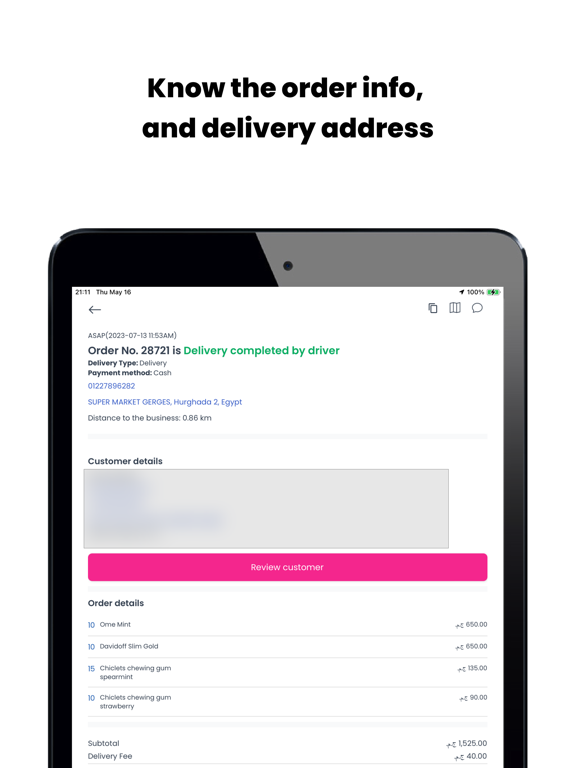
View all new online orders and assign them through app to your drivers. How it works: When a client places the order online from your business, you will be able to assign that order to a driver, who will see it on their phone. Once the driver receives the order, they will need to accept or reject the pick up. If accepted, the driver will see the information regarding the order (customer name, phone number, address for delivery). The driver puts the expected time of order delivery and submits. The client will instantly get an email with the confirmation of the order with estimated time for delivery. Once delivered to a customer, the driver clicks the button on the app that the order has been received by a client. All the steps of delivery process are monitored and you are always up to date.
Latest release
What’s New
Yo Driver app has deployed its latest iteration in the application repository with: General version improvements Optimised application performance for increased speed
Audience growth
Ratings growth
Baseline captured. Growth appears after the crawler observes a changed rating count.
Momentum comes from crawler snapshots for the tracked storefront. “Viral growth signal” means unusually fast recent rating gains; it is an indicator, not download data.
Price tracking
Price intelligence
First snapshot captured. The trend line starts after the next crawler price observation.
- First observed Aug 21, 2026 · 8:50 AM Free
Screenshots