About this app
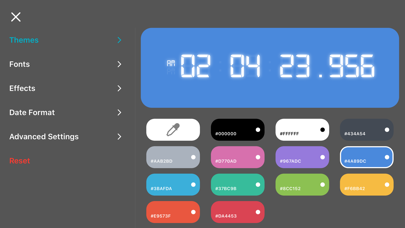
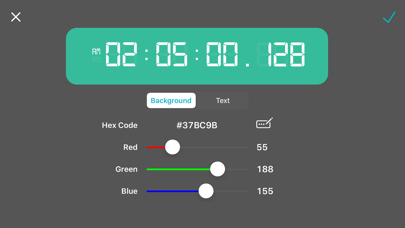
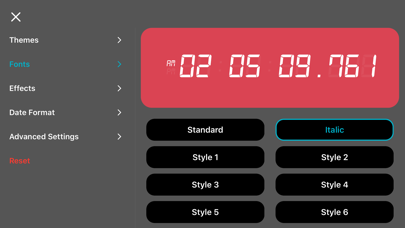
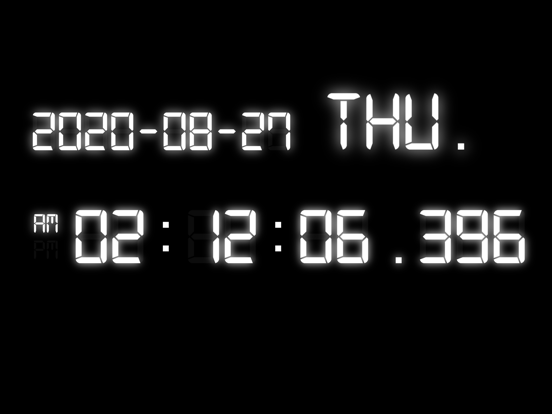
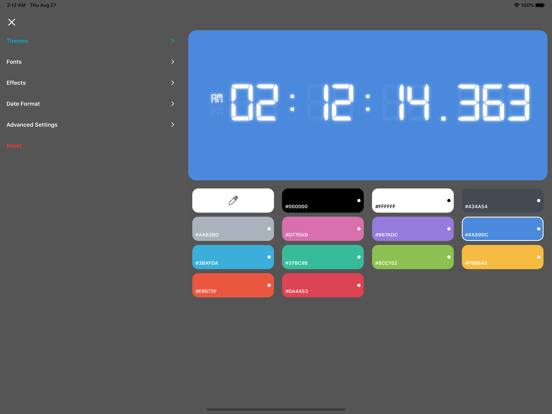
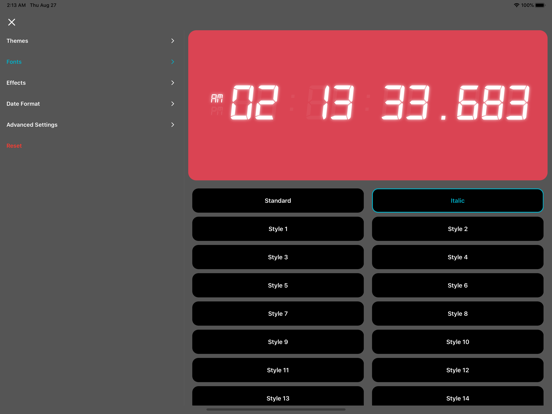
Millisecond Clock shows the exact time down to 1/1000 of a second, accurate enough to measure real delay in cameras, video streams, and network connections. Point a camera at the screen and compare it to another display: the difference in milliseconds tells you exactly how much latency you are dealing with. Beyond precision, Millisecond Clock is a clock you can make your own. Every part of it, from color and font to position on screen, is yours to design. DESIGN YOUR CLOCK- 13 built-in color themes, or create unlimited custom themes with the full color picker - 30 fonts, from the classic digital LED look to elegant serif and rounded styles - Adjustable glow and shadow effects for extra depth - Drag the clock, date, and weekday anywhere on screen, and resize each one independently STAY ON TIME, YOUR WAY- 12-hour or 24-hour time, with an optional blinking colon - 9 date formats to match how you write dates - Show or hide the date and day of the week - Toggle the millisecond display on or off BUILT TO STAY ON SCREEN- Keeps your screen awake so the clock is always visible - A true universal app, designed for both iPhone and iPad Millisecond Clock is free to use, supported by ads. A one-time in-app purchase removes ads and unlocks every premium theme, no subscription required.
Latest release
What’s New
- Reduced battery and GPU usage from the clock's glowing digit effect, especially during long display sessions. - Fixed a bug where the ad banner could duplicate and use extra memory when returning to the main screen. - Smoother scrolling in the Themes and Date Format selection screens. - Updated the advertising SDK to the latest version for improved reliability. - General performance and stability improvements to the clock display. - Reduced unnecessary background processing for better overall efficiency.
Audience growth
Ratings growth
Baseline captured. Growth appears after the crawler observes a changed rating count.
Momentum comes from crawler snapshots for the tracked storefront. “Viral growth signal” means unusually fast recent rating gains; it is an indicator, not download data.
Price tracking
Price intelligence
First snapshot captured. The trend line starts after the next crawler price observation.
- First observed Aug 20, 2026 · 8:02 AM Free
Screenshots