About this app
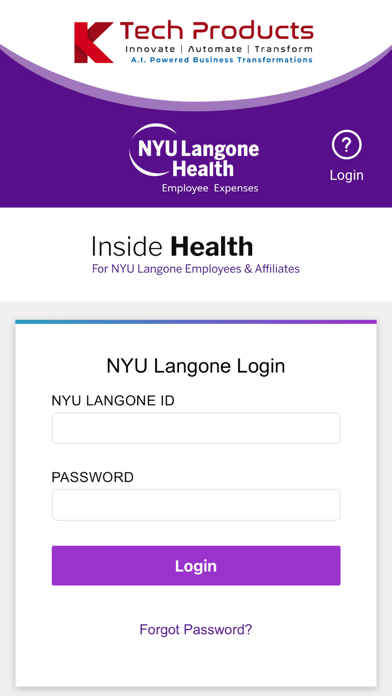
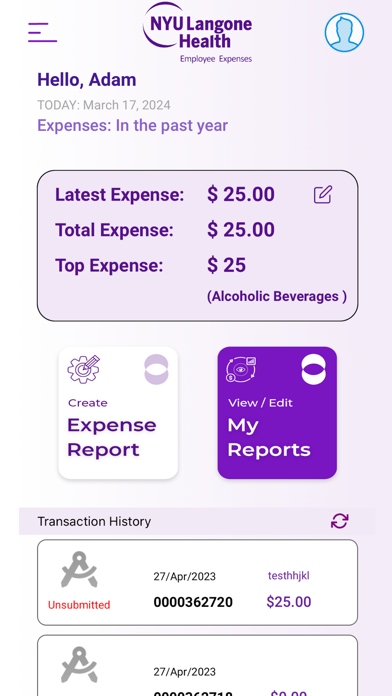
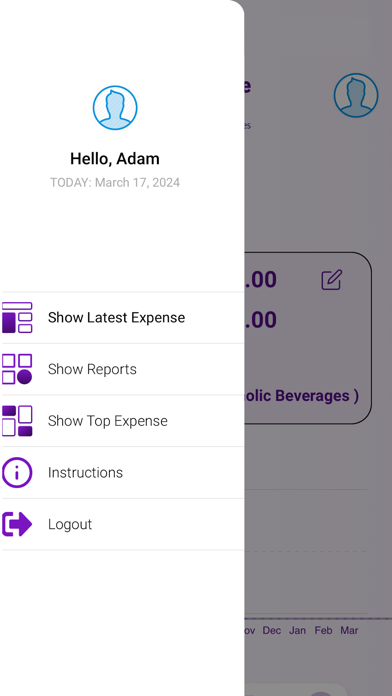
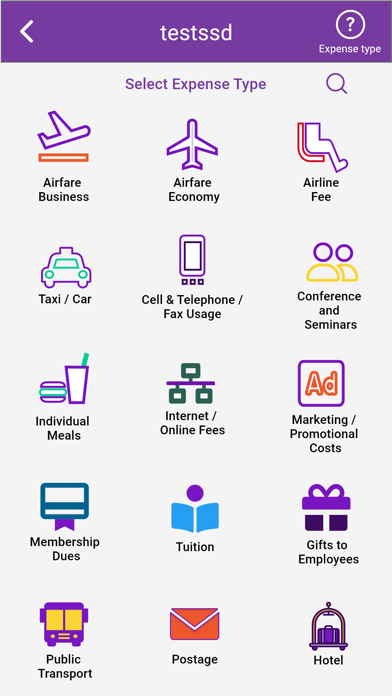
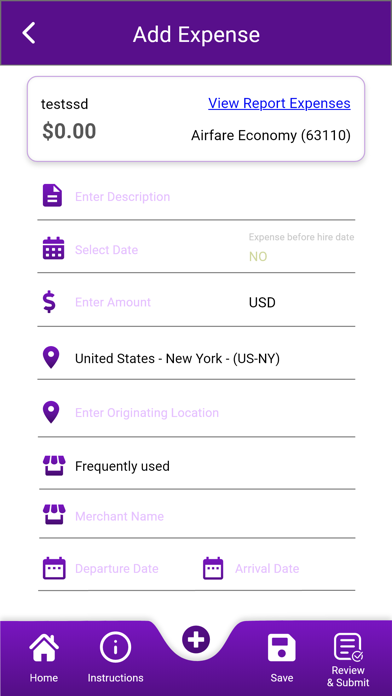
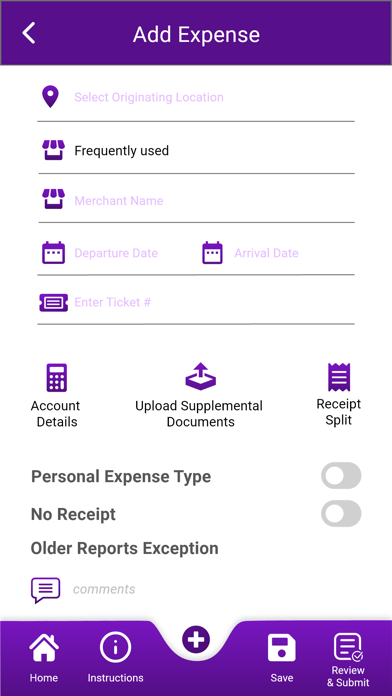
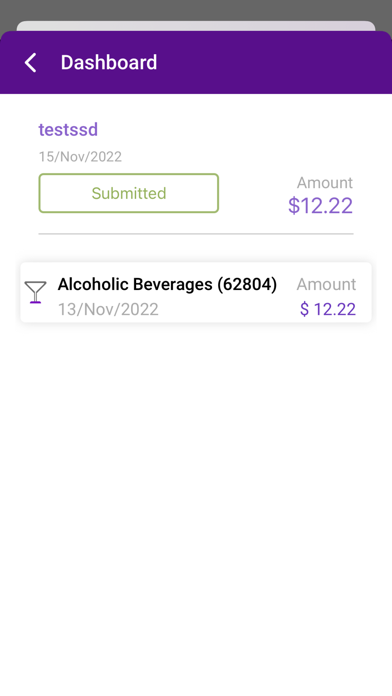
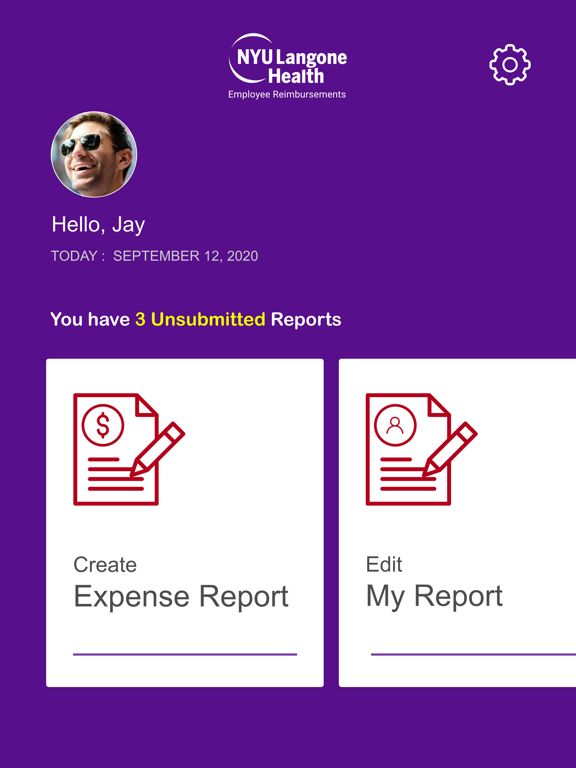
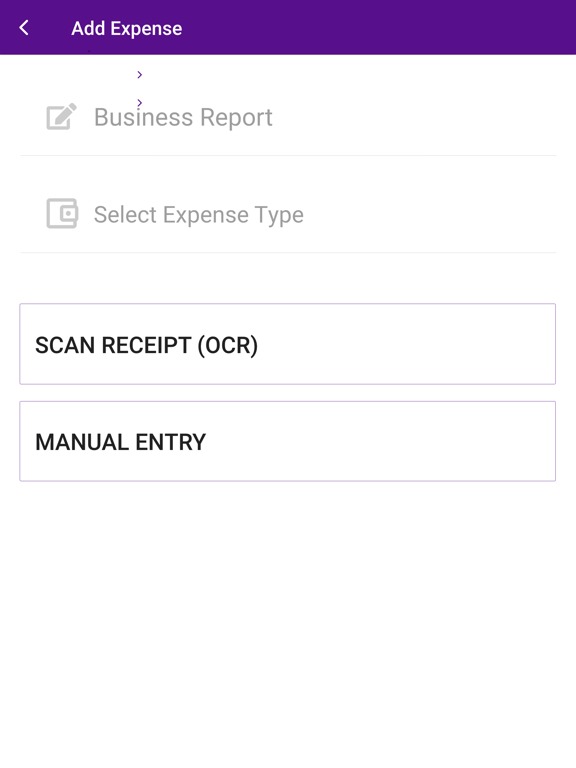
Mobile Employee Expenses app provides a platform for NYU Langone organization to enhance the way employees submit and track their expenses. Employees are able to submit their expenses on-the-go by easily entering expense information through an interface that is intuitive and easy to use. Attaching supporting documentation can be done directly using their smartphones by taking a picture and uploading from their photo library. This eliminates the outdated task of saving all paper receipts and scanning them later to a desktop computer. NYU Langone’s new Employee Reimbursement mobile app allows users to do the following via their smartphone: Enter, modify, and submit expense reports Enter, modify, and submit travel authorizations Change accounting distribution within the expense report Review expense report history Review and edit My Wallet transactions View expense report analytics and metrics
Latest release
What’s New
- millage rate issue fix based on date
Audience growth
Ratings growth
Baseline captured. Growth appears after the crawler observes a changed rating count.
Momentum comes from crawler snapshots for the tracked storefront. “Viral growth signal” means unusually fast recent rating gains; it is an indicator, not download data.
Price tracking
Price intelligence
First snapshot captured. The trend line starts after the next crawler price observation.
- First observed Aug 24, 2026 · 12:12 AM Free
Screenshots