About this app
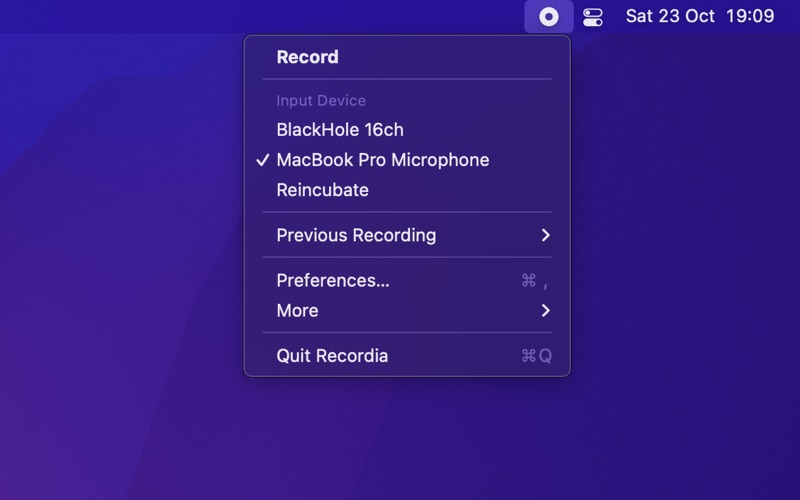
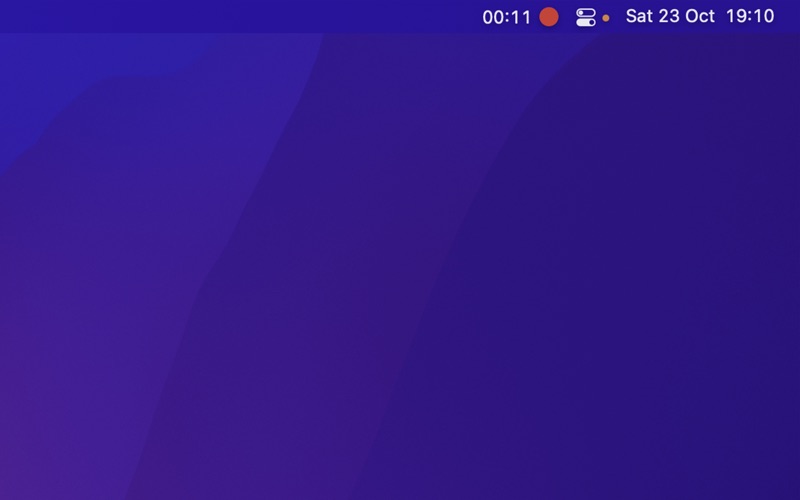
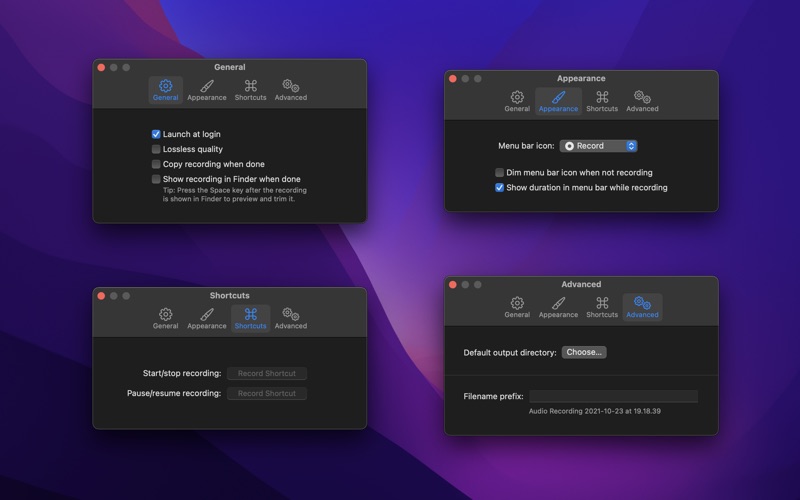
Recordia lets you record audio directly from the menu bar or with a global keyboard shortcut. This can be useful for recording voice memos, song ideas, meetings, lectures, interviews, phone calls, voice-overs, and more. ■ Features - Record compressed or lossless audio - Customizable keyboard shortcuts to start/stop and pause/resume recording - Change input device - Unlimited recording duration - Stereo - Input monitoring - Set default output directory - Optionally show the recording in Finder when done - Easily copy and share the previous recording - Launch at login preference - Choose between multiple menu bar icons - Record system audio (See FAQ below) - Shortcuts support Technical details: It records at 48 kHz to either M4A (AAC, 256 kbps, compressed) or WAV (PCM, 16-bit, uncompressed). The recording is stereo if the input device supports it, otherwise mono. ■ FAQ ‣ How can I record system audio? Click “Record System Audio” in Recordia and follow the instructions. ‣ How can I preview the recording when done? First, ensure the “Show recording in Finder after saving” preference is enabled. When the recording is shown in Finder, press the Space key to preview it. ‣ How can I trim the recording when done? Preview the recording as described above and then click the trim button. ‣ How can I sync recordings to iCloud? Choose “iCloud Drive” as the output directory. ‣ Why 48 kHz and not 44.1 kHz? 48 kHz is the standard for audio in today's video production. It's also the internal production standard for many audio production companies. 44.1 kHz was popularized by music CDs. ■ Support Click the feedback button in the app.
Latest release
What’s New
- The app now requires macOS 26. You can get the last macOS 15 compatible version from the app's website.
Audience growth
Ratings growth
Baseline captured. Growth appears after the crawler observes a changed rating count.
Momentum comes from crawler snapshots for the tracked storefront. “Viral growth signal” means unusually fast recent rating gains; it is an indicator, not download data.
Price tracking
Price intelligence
First snapshot captured. The trend line starts after the next crawler price observation.
- First observed Aug 6, 2026 · 7:51 AM Free
Screenshots