About this app
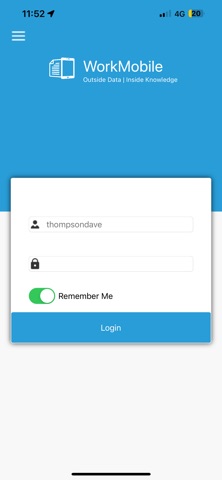
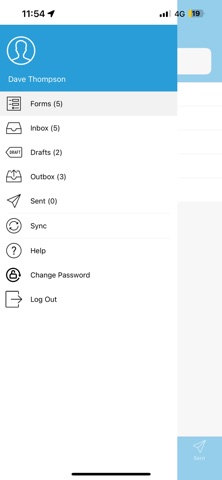
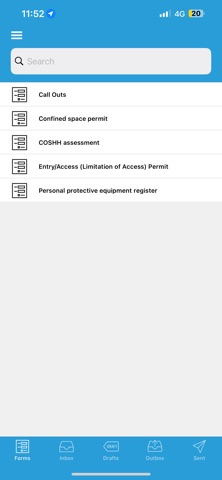
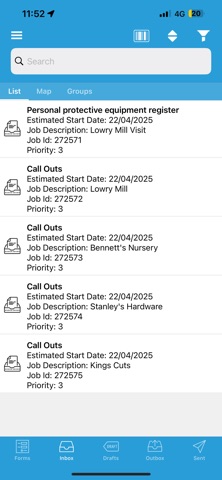
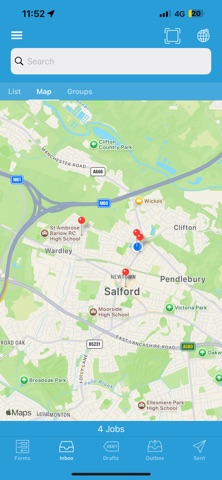
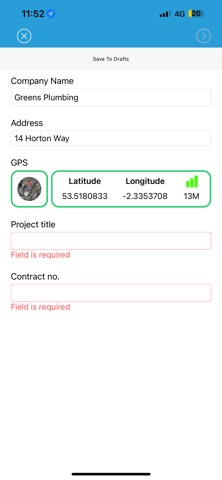
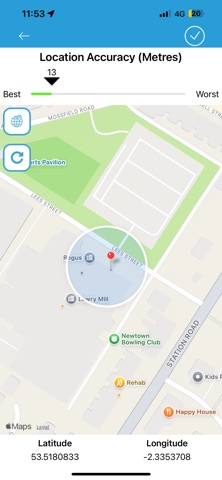
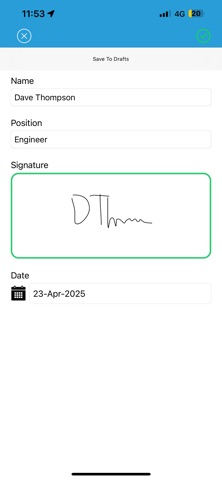
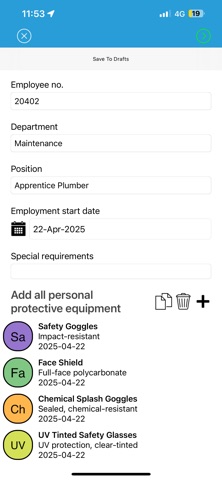
Tired of filling in paper-based forms? Stop. The WorkMobile iPad and iPhone App designed by eSAY Mobile allows businesses to capture data on the move 24/7, updating back-office systems at the touch of a button. WorkMobile has revolutionised the way businesses operate by eliminating paperwork and capturing information such as data, signatures and photographs onto mobile devices. For more information about getting the most out of your App visit the WorkMobile website today. GETTING STARTED CREATE Build and amend your own mobile data capture forms using the WorkMobile website CAPTURE DATA Empower your mobile workforce with the WorkMobile iPhone or iPad App - enabling them to view your published forms and fill them in. SEND & RECEIVE DATA Capture data off-site and send back to your office in real-time. Back-office admin staff can download the captured data via the WorkMobile website. TOP 10 USES WorkMobile is ideal for any business that currently uses paper-based forms, whatever your size or focus – so what are you waiting for? Download the App today. For example: 1. Market research including questionnaires, sampling, petitions and mystery shops 2. Customer Relationship Management (CRM) – integrating with their CRM software so they can transact with customers more effectively 3. Reports on the move – water leaks or sales generation, competitor analysis for example. 4. Administration protocols such as collection, delivery, orders and invoicing dispatch and receipt notes. 5. Patient data forms in countries that require private medical insurance validation prior to treatment. 6. Financial agreements – in-store credit checks and credit applications. 7. Staff timesheets 8. Charitable giving 9. Event management including data capture at exhibitions, conferences 10. Security – issuing fines, penalties and taking immediate written statements
Latest release
What’s New
Date Time fix for Drafts Custom Job Summary fix for Job Description
Audience growth
Ratings growth
Baseline captured. Growth appears after the crawler observes a changed rating count.
Momentum comes from crawler snapshots for the tracked storefront. “Viral growth signal” means unusually fast recent rating gains; it is an indicator, not download data.
Price tracking
Price intelligence
First snapshot captured. The trend line starts after the next crawler price observation.
- First observed Sep 4, 2026 · 5:40 AM Free
Screenshots