About this app
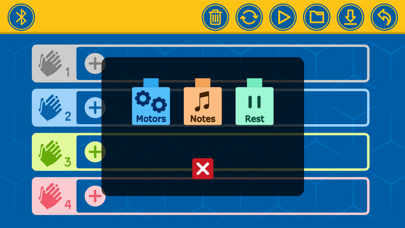
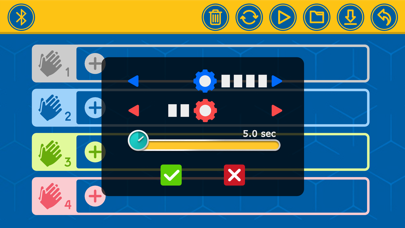
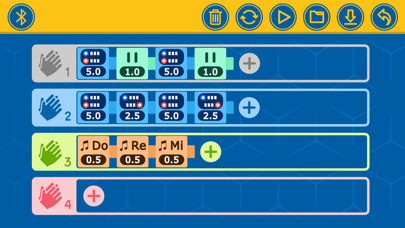
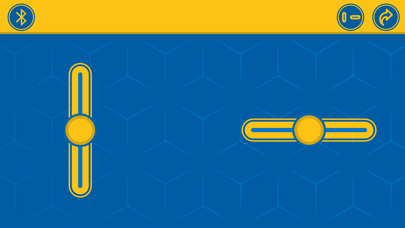
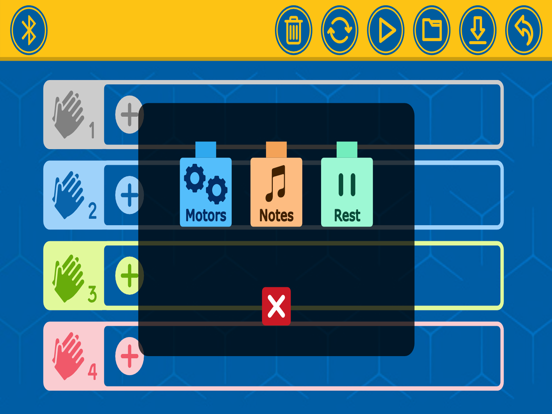
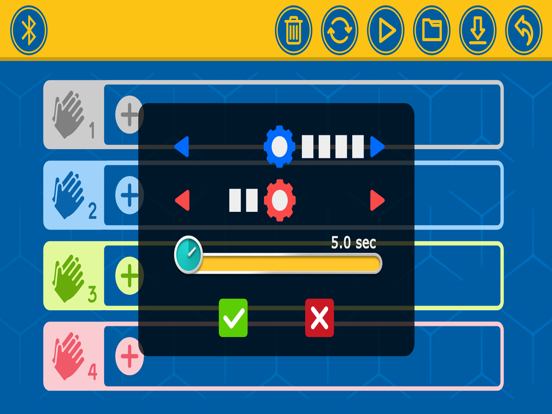
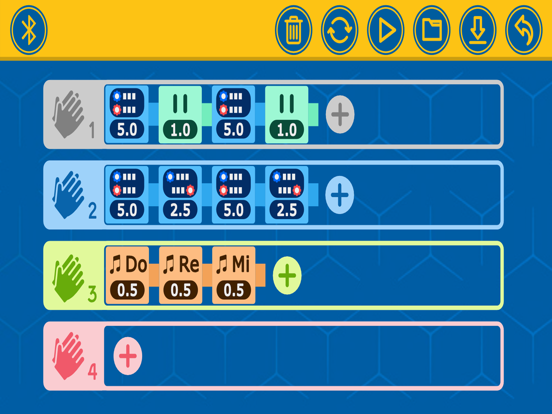
For use with the “Robotics: Smart Machines – Super Sphere” robotics and engineering kit by Thames & Kosmos ABOUT ROBOTICS: SMART MACHINES – SUPER SPHERE The Super Sphere kit allows you to build and program seven amazing robots, including a spherical robot: an awesome, nine-inch-diameter, rolling robotic sphere! With this app installed on a supported Bluetooth-enabled device, you can remotely control and program your Super Sphere and other robots. Drive your robot using the remote-control interface in the app, or write programs using the easy, visual programming language in the app. The onboard sound sensor lets you program your robots to perform specific sequences of commands in response to the number of claps (or other loud sounds) that it detects. HOW TO USE: We suggest you read and follow the instructions step by step in the manual included in the kit. Here is an overview of the instructions for building and using the Super Sphere to get you oriented: 1. Download and install the app. 2. Follow the assembly instructions on page 14 to build the first model, the Super Sphere. Make sure you have inserted the batteries into the Bluetooth battery box correctly according to the instructions on page 2. 3. Shake the model until the blue light on the Bluetooth battery box turns on, indicating that the module is on. The module automatically turns off after about a minute of inactivity to save battery power. You simply have to jiggle the model when you want to turn it on again. It’s a movement-activated on-off switch! 4. Now you can connect the tablet or smartphone to the model via the free app. Follow the instructions at the bottom of page 7. 5. To drive the Super Sphere in remote control mode, follow the instructions on page 8 and the driving tips on pages 22–23. 6. To run a program on the Super Sphere, follow the instructions on page 24. For detailed explanations of how the programming mode of the app works, refer to pages 9–13. Try editing the program for Super Sphere, or writing your own from scratch. 7. Now, proceed with building the other models, one at a time, and running the sample programs given on the programming page found after the assembly. ***** Questions or suggestions for improvements: Mail to apps@kosmos.de We are looking forward to your feedback! *****
Audience growth
Ratings growth
Baseline captured. Growth appears after the crawler observes a changed rating count.
Momentum comes from crawler snapshots for the tracked storefront. “Viral growth signal” means unusually fast recent rating gains; it is an indicator, not download data.
Price tracking
Price intelligence
First snapshot captured. The trend line starts after the next crawler price observation.
- First observed Aug 19, 2026 · 8:34 AM Free
Screenshots