About this app
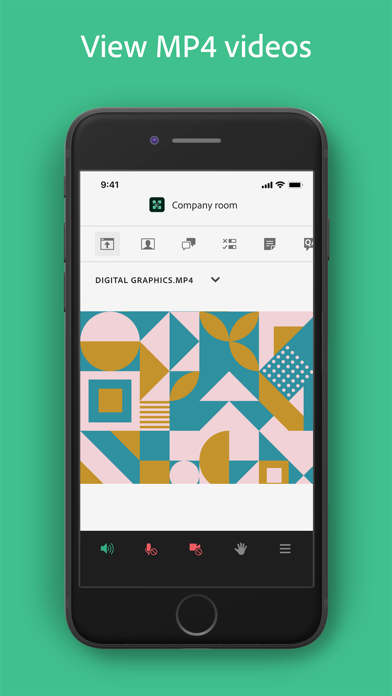
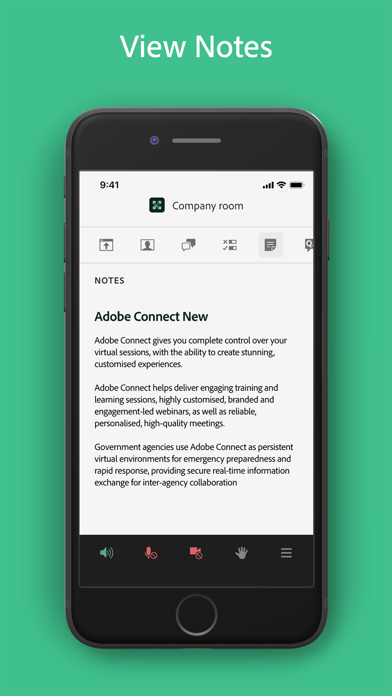
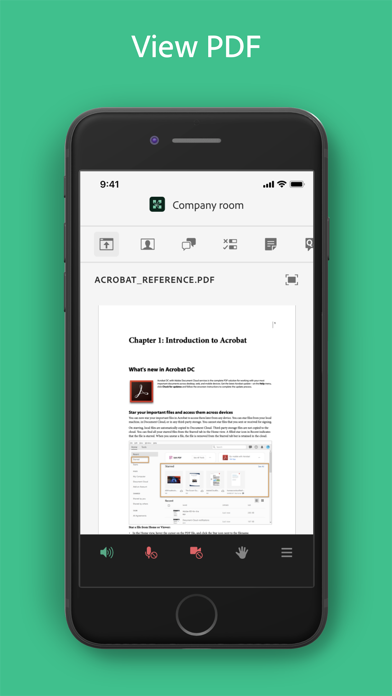
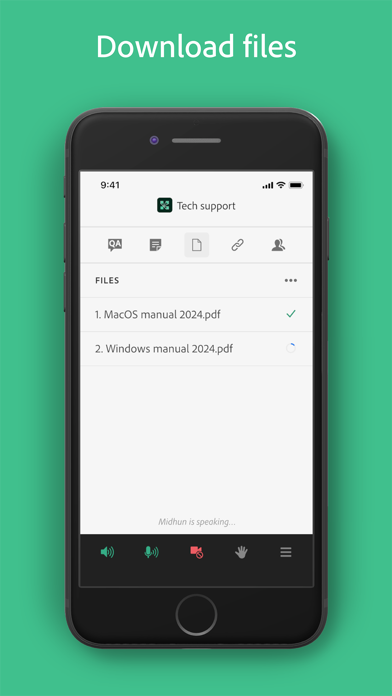
Attend meetings, webinars, and virtual classrooms with Adobe Connect. Adobe Connect for iOS brings critical meeting capabilities to your mobile device, enabling you to attend meetings directly from your iPhone or iPad. The Adobe Connect application delivers a modern user interface, supports high resolution camera broadcast, and supports both landscape and portrait viewing. Join any Standard View or Enhanced Audio/Video Experience enabled meetings. Use your built-in microphone and speakers, a connected headset, or a Bluetooth device such as Apple AirPods to join meeting audio. Or join a telephone conference if included with the meeting. Participate in video conferencing using your device’s cameras. View high quality PowerPoint® presentations, videos, PDF documents, images, GIF animations, or desktop computer screens being shared. Participate in chat, vote in polls, read notes, download files, click links, ask questions, raise your hand, agree/disagree, or let the host know you have stepped away. FEATURES: • Talk and listen using your microphone and speakers (VoIP) or another device • View cameras being shared and share your camera if allowed • View PowerPoint slides being shared • View screen sharing being shared • View whiteboards or annotations on content • View MP4 videos, JPG and PNG images, and animated GIFs being shared • View PDF documents being shared • Listen to MP3 audio being shared • View and participate with custom pods • Participate in chat, including selecting colors and private chats in chat pods and chat panel • Participate in polls, including multiple-choice, multiple-answer, and short answer • View notes including formatting and hyperlinks • Ask questions and see other questions and responses in Q&A • Download files directly to your device • Click on links to visit websites with your mobile browser • Change your status: including Raise Hand, Agree / Disagree, and Stepped Away • Participate in breakout rooms with audio, cameras, and chat • Support for Single Sign-On requiring two-factor authentication • As a host, login, accept guests, and promote others • Participant can access and participate in Quiz • Participant can see Closed Captions if enabled by host for the room. Support for additional meeting activities will be coming soon. This application does not yet support drawing on whiteboards, or note taking. These activities can be accessed by joining the meeting using a standard mobile browser. Note: This application is NOT for watching recordings. Adobe Connect recordings can be viewed using a standard mobile browser while online. Requirements: iOS 13.0 or higher. Devices supported: iPhone 6s or higher, iPad 5th generation or higher. Requires WiFi or a standard 4G/5G mobile connection.
Latest release
What’s New
- Caption support for Simulated Live sessions. - General bug fixes and stability improvements.
Audience growth
Ratings growth
Momentum comes from crawler snapshots for the tracked storefront. “Viral growth signal” means unusually fast recent rating gains; it is an indicator, not download data.
Price tracking
Price intelligence
- First observed Aug 5, 2026 · 7:08 AM Free
Screenshots