About this app
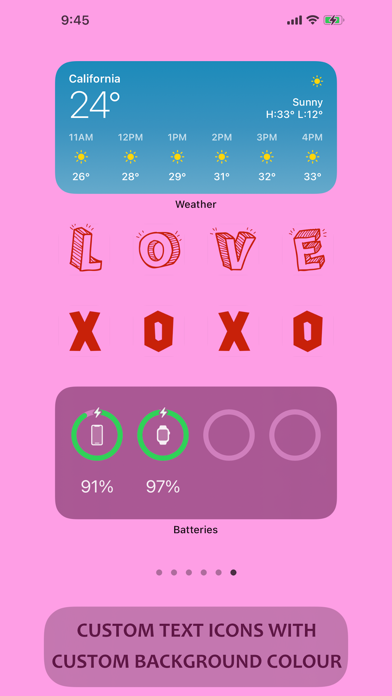
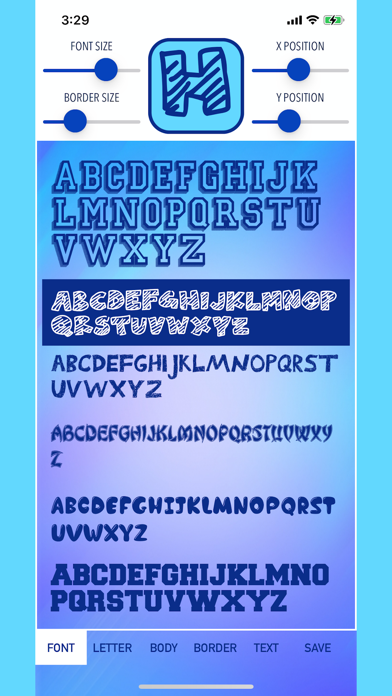
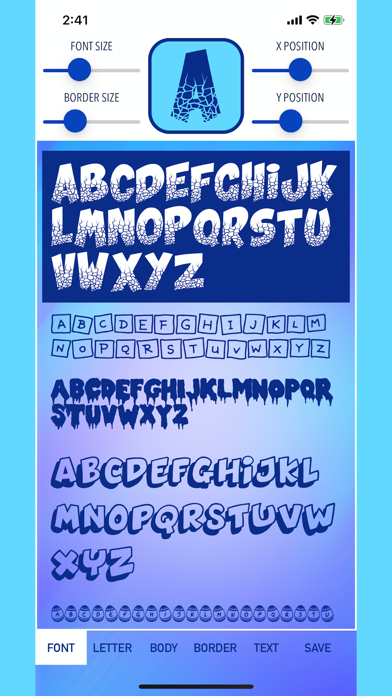
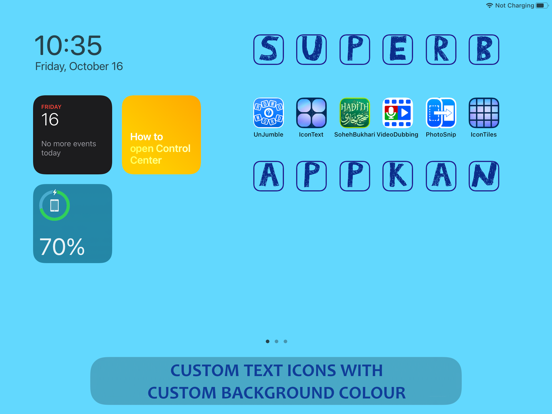
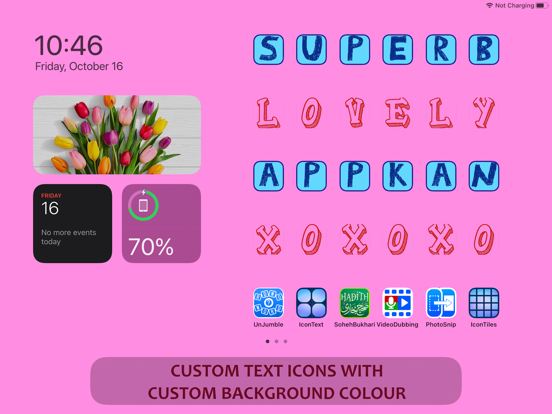
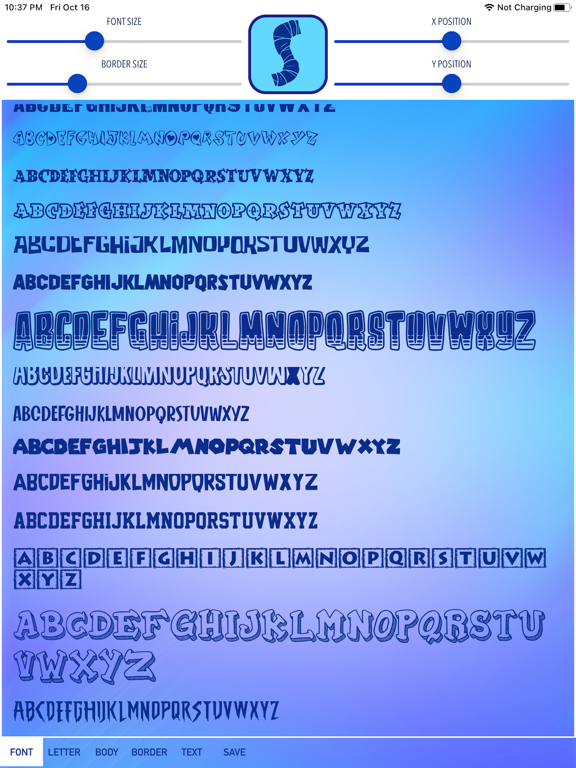
Icon Text Maker app is a custom icon creator that allow users to create customized icons in the form of text with more than 100 type of beautiful fonts can be chosen. Since iOS12 users are allowed to create customize shortcuts for apps with user chosen icons. Icon Text Maker app makes it easy for users to create a text or alphabet type icon that can be used as a shortcut to any apps. Users can choose from more than 100 fonts from the list with many customization options as per below: 1. Change the font size 2. Choose the font colour 3. Create border for the icon 4. Customize border size 5. Choose border colour 6. Choose icon body / background colour 7. Adjust the text position up, down, left or right 8. Ability to create background colour for homescreen to match the icon's body colour All icons created will be saved in the device photo library and can be used directly with apple's own Shortcut app for customization. Icon Text Maker app is surely an easy to use app & with iOS14 widget customization features, this will be a perfect match to create a stunning homescreen display for your device. How to create a custom icon.. 1. Open Shortcut app (make sure to use the one from Apple). 2. Select "+". 3. Select "+ Add Action". 4. Select "Scripting". 5. Select "Open App". 6. Select "Choose" and pick the app that you wanted to open with this shortcut. 7. Select the round "..." button at the top right area under "Next". 8. Set your shortcut a name. 9. Tap on "Add to Home Screen". 10. Under the "HOME SCREEN NAME AND ICON", put the name that will be displayed under the Icon (tips: this name can be empty, this will make the icon clean without text at the bottom). 11. Tap the Icon and select "Choose Photo". 12. Select your desired image that was saved with Icon Text Maker app to become the shortcut Icon. 13. Select "Add" after a image has been selected as shortcut Icon. 14. Confirmation message will be displayed to say it is done!. 15. You can now repeat for every Shortcut you needed. 16. Note : you can actually use the same shortcut with different Icon photo set (meaning with the same one shortcut you can create & add as many icon as possible to be put in the home screen, but remember these all different photo icons will only open the one app that you specified earlier). This is useful if you wanted to create icons just for fun & just for nice display purposes. 17. If different app needs to be open with the Icon, you need to create a new shortcut with the above steps for each app. Enjoy!
Audience growth
Ratings growth
Baseline captured. Growth appears after the crawler observes a changed rating count.
Momentum comes from crawler snapshots for the tracked storefront. “Viral growth signal” means unusually fast recent rating gains; it is an indicator, not download data.
Price tracking
Price intelligence
First snapshot captured. The trend line starts after the next crawler price observation.
- First observed Aug 13, 2026 · 4:15 PM Free
Screenshots