About this app
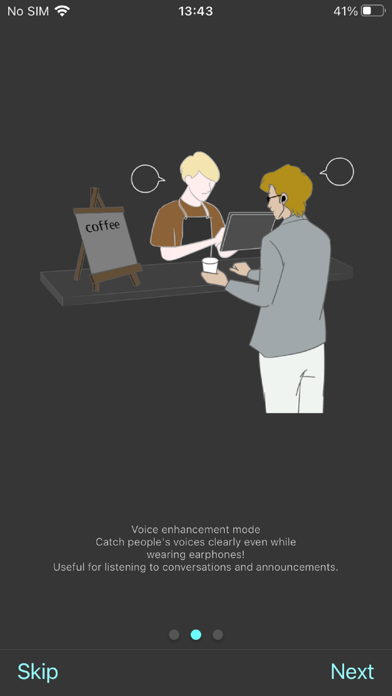
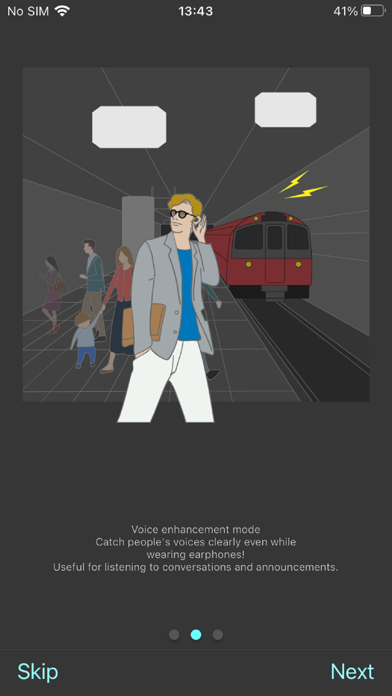
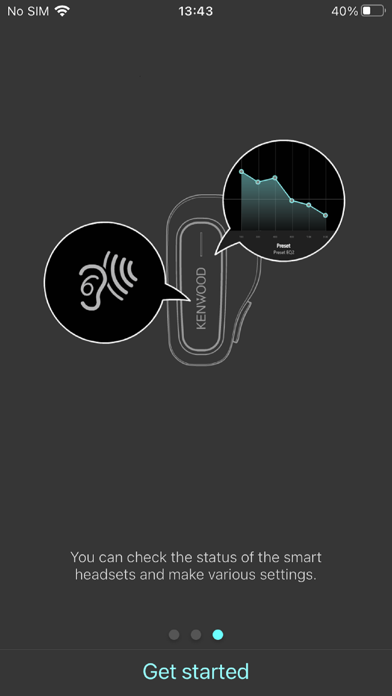
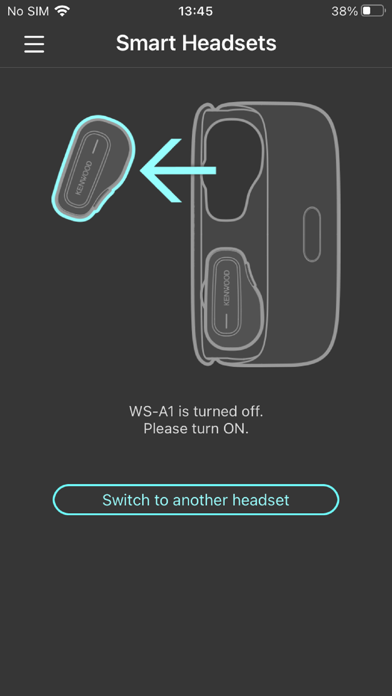
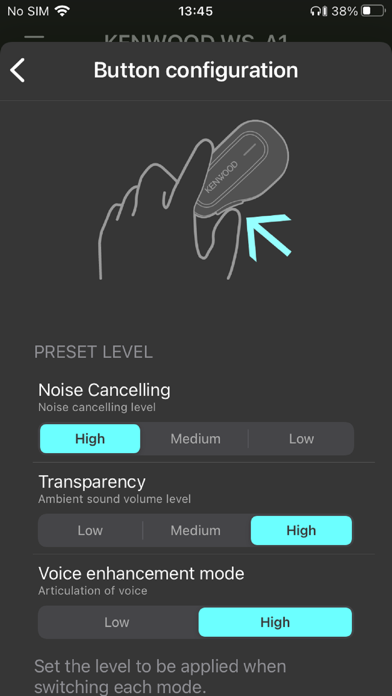
Connected to the KENWOOD smart headset to adjust noise cancellation, external sound capture and sound equalizer. There are functions such as voice enhancement mode that can be enabled only with this app. -Adjust the level Noise Canceling and Ambient Sound Capture . The functions and levels are switched as follows in order from the leftmost of the slide bar on the screen. Noise Cancelling High Noise Cancelling Medium Noise Cancelling Low Off Transparency Low Transparency Medium Transparency HIgh Voice enhancement mode Low Voice enhancement mode High (Voice enhancement mode is available when you turn on the feature in this app.) -Sound EQ Set the equalizer for the music to be played. Select from Bass, Classic, Flat, Jazz, Pop, and Rock presets, or use Custom to adjust the sound to your liking. -Button configuration You can set the level of the mode function to switch with the button on the L side of the WS-A1 or WS-A1G main unit. Noise cancellation High, Med, and Low. Ambient sound capture Low, Med and High. Voice enhancement mode Low and High. -Battery level display The remaining battery level of the headset is displayed. -Find a device Function to help you locate your headset when it is lost. When “LED” is selected, the LED on the headset starts flashing. When “BEEP” is selected, a beep sound is output from the speakers of the headset. -LED Switch the LED display on and off of the headset. When set to "OFF", the LED does not light during normal use.
Latest release
What’s New
-Improved the operability of the firmware update function. -Added supported languages. Dutch, French, German, Italian, Polish, Russian, Spanish, Ukrainian
Audience growth
Ratings growth
Baseline captured. Growth appears after the crawler observes a changed rating count.
Momentum comes from crawler snapshots for the tracked storefront. “Viral growth signal” means unusually fast recent rating gains; it is an indicator, not download data.
Price tracking
Price intelligence
First snapshot captured. The trend line starts after the next crawler price observation.
- First observed Aug 19, 2026 · 8:35 PM Free
Screenshots