About this app
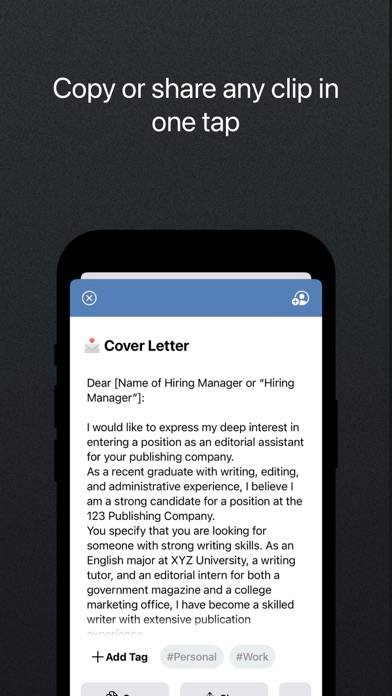
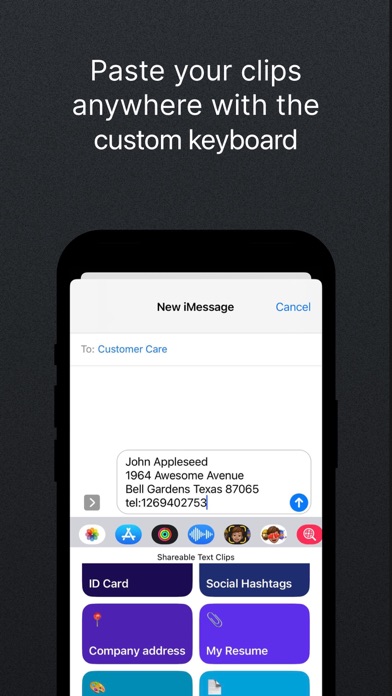
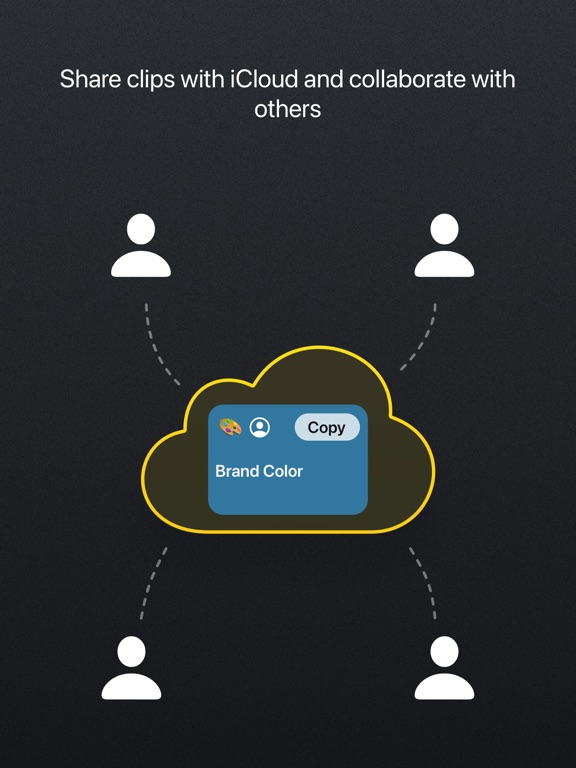
THE SMARTEST WAY TO ACCESS YOUR MOST USED CONTENT Clipboard PRO is the perfect tool to organize, access, copy and share many different contents with a single tap, such as: personal documents, loyalty cards, addresses, links, notes, images, colors and much more. Clipboard PRO is particularly helpful for: • Developers: you can copy/paste scripts and organize any frequently used code snippet. • Designers: you will have logos, templates, palettes, portfolios and other graphic assets available. • Social Media Managers: you keep texts, links, hashtags, and images for publications at hand. • Copywriters: you can save texts, drafts and copy quickly with a tap. • Commercial agents: you can have ready documents, catalogs, presentations and all the communication tools with the customer and with the company. • Support and assistance: to share standard instructions and procedures in a flash. • Travelers and travel agencies: all documents, tickets, routes and plans are immediately accessible and in order. • Families: loyalty cards, documents and everything you need organized in one app. MAIN FEATURES: • Create clips with text, a link, an image or a file • Preview in-app photos and files of the clips • Instantly copy, open or share clips with one tap • Tags: Assign tags to your clips, so you can group and find them easily • Scanner: scan your documents in-app and create a clip • Loyalty card: scan the barcode and create a clip of your loyalty card • HEX Color: insert a HEX color code and generate a color clip • Code Block: paste any script and create a code clip to be reused • QR code: insert any text or link to generate a QR code • Keyboard: paste your text clips directly from the custom keyboard • Collaborate with iCloud: share clips with iCloud and edit them with other people (from iOS 15) • iCloud Sync: store your clips on iCloud and access them from every device (iPhone, iPad, Watch and Macbook) • Widgets: for faster access to all your clips add our widget to your screen • Protect your clips: protect your content with Face ID or Touch ID • "Add to Siri" button for even faster access to all your content We hope it is also useful to you and we await your feedback to constantly improve Clipboard PRO. If you have any suggestions or feedback, write to us at feedback@beatcode.it Privacy Policy: https://www.iubenda.com/privacy-policy/62035904 Terms and Conditions: https://www.beatcode.it/clipboard_pro/tos.html
Latest release
What’s New
For everyone with iOS 26, enjoy the new Liquid Glass! For any feedback or suggestions to improve the app, write at feedback@beatcode.it
Audience growth
Ratings growth
Baseline captured. Growth appears after the crawler observes a changed rating count.
Momentum comes from crawler snapshots for the tracked storefront. “Viral growth signal” means unusually fast recent rating gains; it is an indicator, not download data.
Price tracking
Price intelligence
- First observed Sep 28, 2026 · 3:59 PM Free
Screenshots