About this app
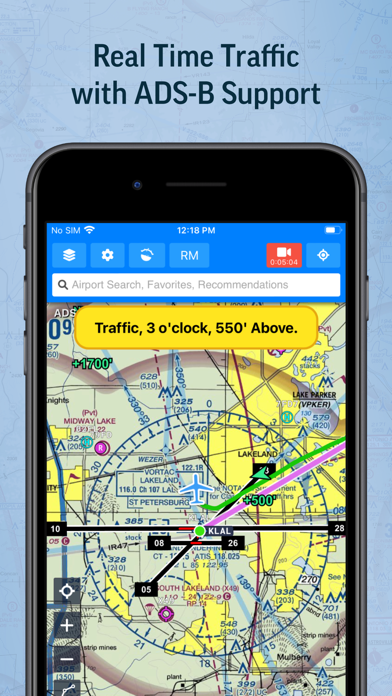
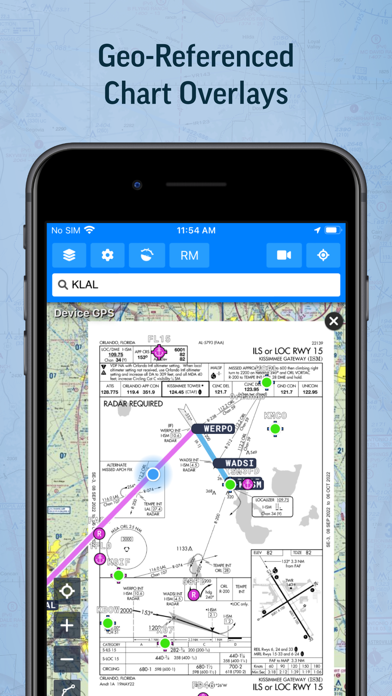
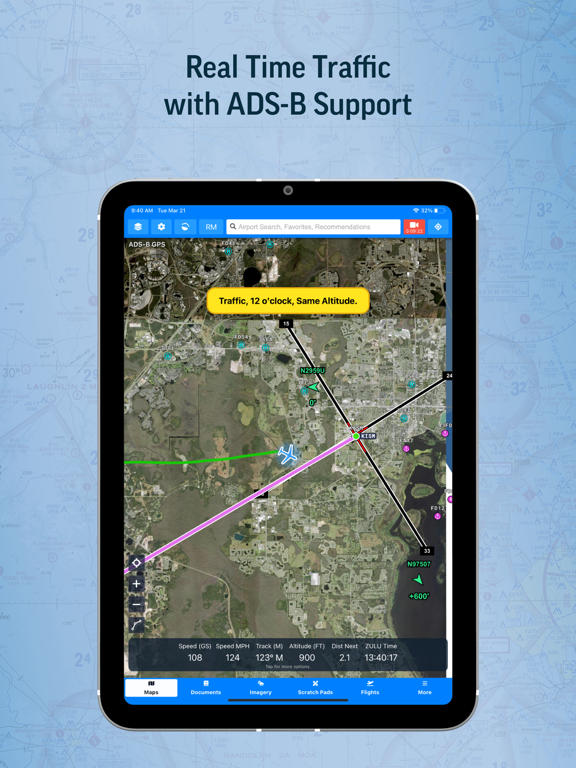
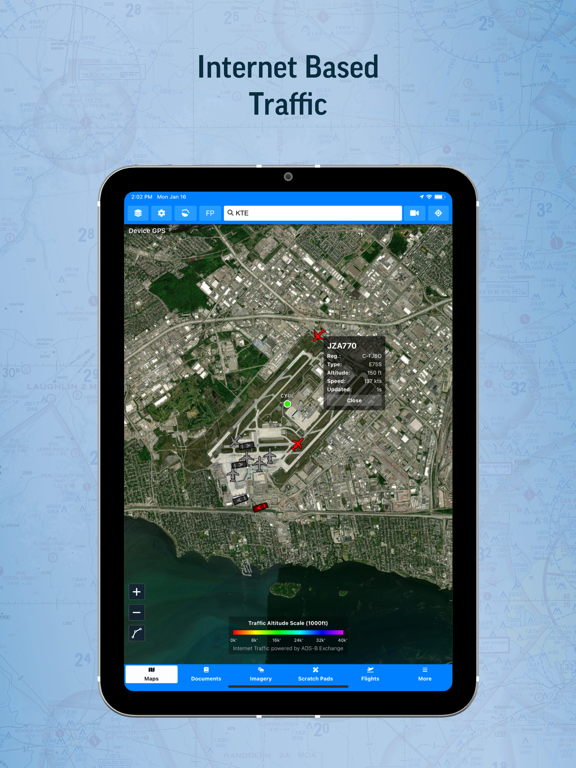
Welcome to Aviator Assistant, your ultimate co-pilot for a safer and more efficient flying experience. Plan, brief, and file your flights with ease, using our advanced tools, briefing utilities, and high-quality charts. Features Flight Planning & Filing: Centralize your information for safer, more efficient flying. Our intuitive route manager lets you set up a route in seconds, providing insights into weather, NOTAMs, and TFRs along your planned path. Access to ASA's 2026 FAR/AIM: Easy and convenient access to ASA's 2026 FAR/AIM within Aviator Assistant, bringing easy to browse and search functionality to flight training, flight planning and also the cockpit. Pilot Log Books: Maintain meticulous records with our digital pilot log books, designed for ease and accuracy. Weight and Balance Tools: Ensure safe and efficient flights with our comprehensive weight and balance calculators, tailored to your aircraft's specific parameters. Reliable Weather Tools: Make informed pre-flight decisions with real-time animated NEXRAD radar, global winds-aloft, turbulence information, METARs, TAFs, Airsigmets, and more. High-Quality Charts: Fulfill all your VFR and IFR needs with VFR Sectionals, High/Low Instrument Enroute charts, and Procedures (SIDs, STARs, approaches, and taxi charts). Briefing Tools: Comprehensive briefing tools to help you prepare for your flight with precision and confidence. Radar Playback: Leverage the latest NEXRAD radar data for an accurate representation of the weather conditions. Synthetic Vision: Enhance your situational awareness with our Synthetic Vision tool, offering insights into traffic, obstacles, runways, terrain warnings, and more. ADS-B Support: Benefit from real-time traffic reports, in-flight weather data, and Synthetic Vision terrain data with our advanced ADS-B integration. Aircraft Performance Calculator: Store your aircraft's performance information for faster flight planning and accurate ETA calculations. Scratch Pads: Keep track of ATIS updates, clearances, PIREPs, and more with our handy Scratch Pad templates. Essential Information: Access communication frequencies, weather forecasts, NOTAMs, procedures, runways, and more - all in one place. Offline Access: Download specific data and charts for offline use in the air. Aviator Assistant requires a subscription, visit our website for more information. Please Note: Location is used to provide navigation services over a moving map, and the camera is used to submit Instructor documentation for account configuration. Embrace the future of flying with Aviator Assistant. Download now and elevate your aviation experience today!
Latest release
What’s New
iOS — App Store (4.5.0) All-new 3D View New map orientation mode puts you in the cockpit: true-scale 3D terrain, your aircraft in flight, and traffic shown at its actual altitude Airspace and TFRs render as transparent 3D volumes with floating altitude labels Your route becomes a 3D ribbon at planned altitude with top-of-climb and top-of-descent markers, plus a 3D breadcrumb trail Familiar controls: one finger pans, two fingers rotate, tilt, and zoom Redesigned Map Layers Browse every overlay visually with previews, search, and category filters Pin favorites for one-tap access Stack two weather overlays at once — live radar over a forecast layer — with adjustable opacity A much bigger weather platform Short-range storm forecasts: radar, echo tops, hail, lightning, supercell, and tornado potential SPC severe weather outlooks with day selection, watches, and mesoscale discussions NWS alerts, wildfire perimeters, and live hurricane tracking with NHC forecast cones Expanded 14-day layers: freezing level, wave forecasts, sea surface temps, 850mb temps, aurora, and more Value bubbles show conditions right on the map — no tapping required Stability and fixes Screen stays awake on every tab during flight Filed flight plans sync status automatically — closed plans no longer show Amend/Cancel Smoother map performance with fixes for reloads during heavy panning Takeoff/alternate minimums open right to your airport's entry Dark mode and many smaller fixes throughout
Audience growth
Ratings growth
Baseline captured. Growth appears after the crawler observes a changed rating count.
Momentum comes from crawler snapshots for the tracked storefront. “Viral growth signal” means unusually fast recent rating gains; it is an indicator, not download data.
Price tracking
Price intelligence
First snapshot captured. The trend line starts after the next crawler price observation.
- First observed Aug 12, 2026 · 4:37 AM Free
Screenshots