About this app
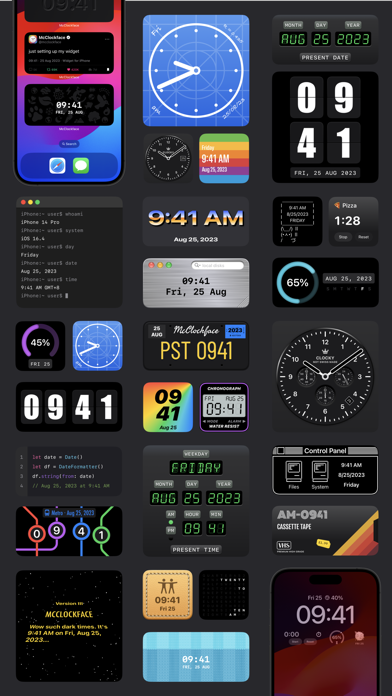
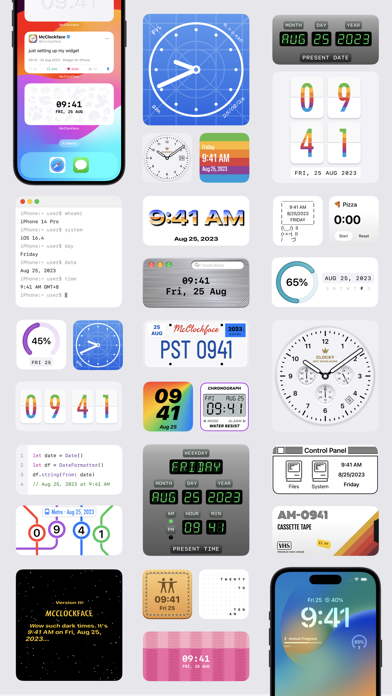
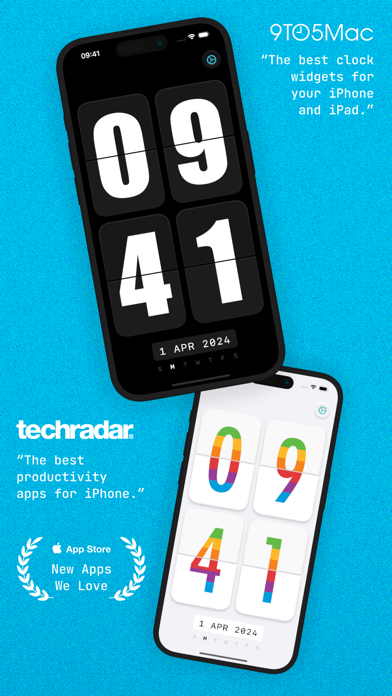
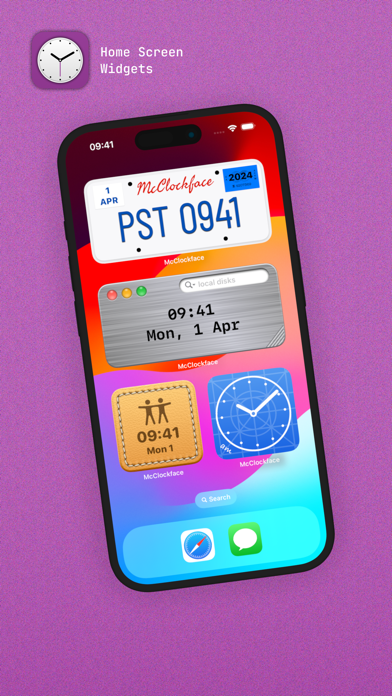
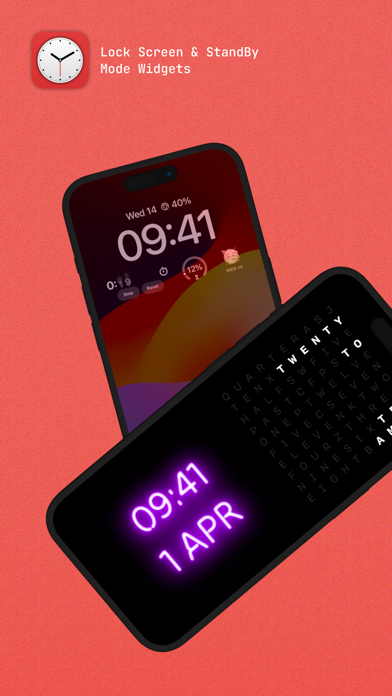
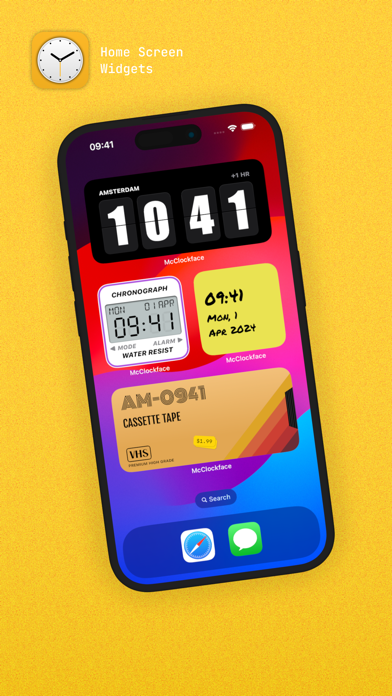
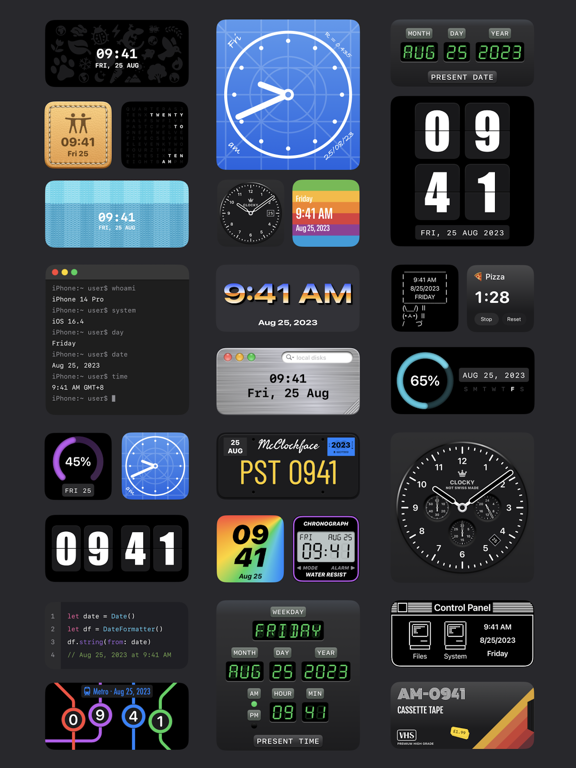
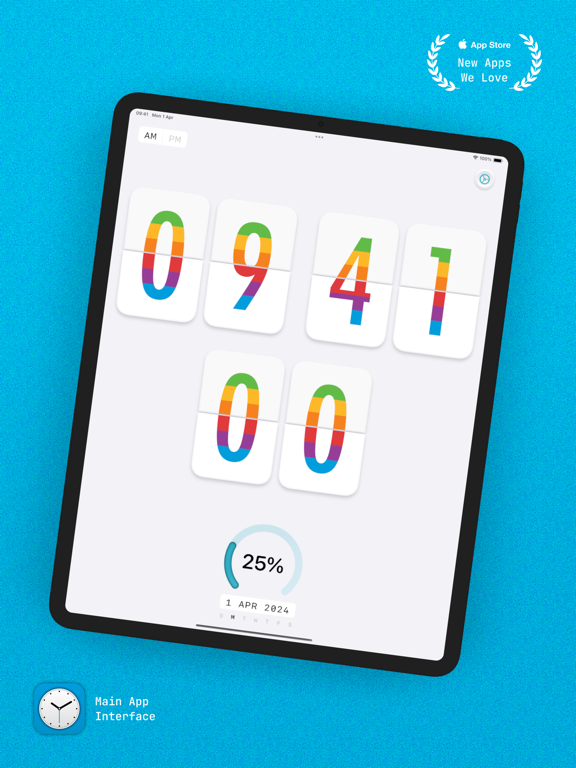
Add beautiful timepiece widgets to your Home Screen, Lock Screen, and StandBy mode with McClockface. McClockface provides a collection of playful widget designs that provide the date, time, and other chronographic info, such as day and annual progress, at a glance, with options to customize colors and time zones widget-by-widget. The in-app timepiece displays a silky-smooth retro flip clock that makes a perfect display for your nightstand or whilst charging your device. There are currently 32 exclusive widget designs available (and counting) with different sizes to discover in the system widget gallery for Home Screen, Lock Screen, and StandBy mode. --- HOME SCREEN WIDGETS The McClockface widget lineup is now stronger than ever, with numerous vibrant, colorful designs to choose from, including stitched leather, knitted socks, sticky notes, neon signs, VHS cassette tapes, scratched metal, blueprints, metro maps, license plates, bunny memes, and so much more! --- LOCK SCREEN WIDGETS Lock Screen widgets are perfect for quickly viewing info on the go. Simplified versions of some McClockface widgets are available on Lock Screen for both iPhone and iPad, including the default clock and the progress gauges. There’s also a weekday emoji widget that’s exclusive to Lock Screen. --- STANDBY MODE WIDGETS StandBy mode widgets are available on iPhone whilst charging your device. McClockface offers 20 elegant and customizable widget designs for StandBy mode. --- INTERACTIVE WIDGETS Stopwatch widgets are available for Home Screen, Lock Screen, and StandBy mode. These super handy widgets allow you to time an event without the need to open an app or even unlock your device. --- ALTERNATE APP ICONS With over 15 colorful app icons available, there’s something here to make everyone’s Home Screen shine. --- SOUNDS & HAPTICS Funny animal sounds and subtle haptic effects help bring the app to life. --- Some of the content discussed above and displayed in screenshots, specifically, all widgets, alternate app icons, custom fonts, and sound effects, require an in-app purchase. The free version of McClockface is free forever, and contains no ads: The free version gives you unlimited access to the in-app flip clock. McClockface Plus is required for the additional content mentioned above, which can be accessed by either an auto-renewing subscription or a one-time in-app purchase. --- Payment will be charged to your Apple ID account at the confirmation of purchase. The subscription automatically renews unless it is canceled at least 24 hours before the end of the current period. Your account will be charged for renewal within 24 hours before the end of the current period. You can manage and cancel your subscriptions by going to your App Store account settings after purchase. Cancellation of the current active subscription period is not allowed. --- Privacy Policy: https://sites.google.com/view/lazycatapps/home/mcclockface/privacy-policy Terms of Use: https://www.apple.com/legal/internet-services/itunes/dev/stdeula
Latest release
What’s New
General fixes and improvements
Audience growth
Ratings growth
Momentum comes from crawler snapshots for the tracked storefront. “Viral growth signal” means unusually fast recent rating gains; it is an indicator, not download data.
Price tracking
Price intelligence
- First observed Aug 5, 2026 · 11:52 AM Free
Screenshots