About this app
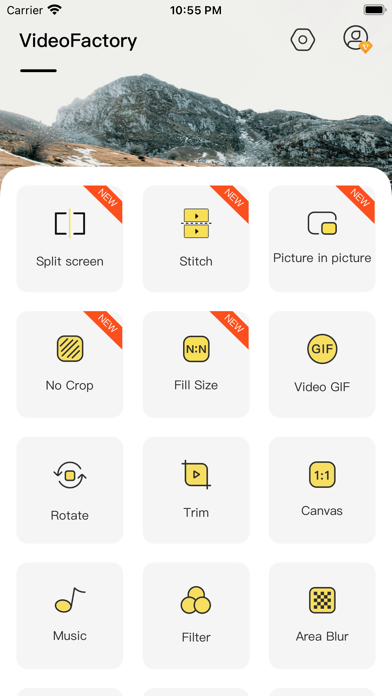
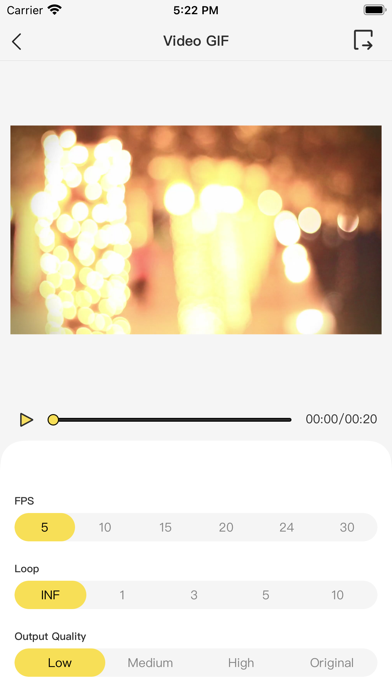
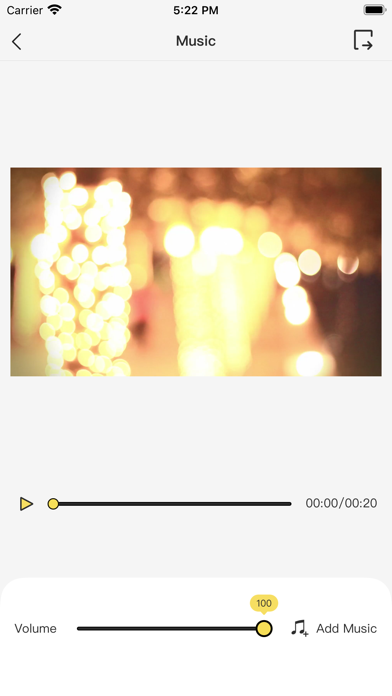
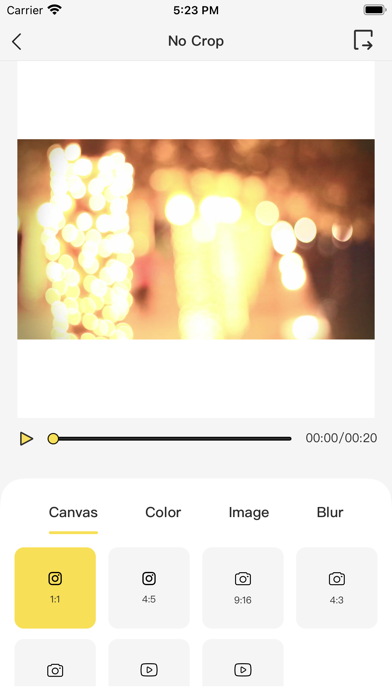
The best aggregation tool for video editing! Includes many editing tools Main functions - Video split screen: You can choose a variety of different split screen methods such as 1/4 and 1/9 - Video connection: two videos are spliced according to time, and different mode sizes can be selected - Turn to GIF: FPS, Loop, etc. can be selected - Picture-in-picture: You can select one video to merge into another, and you can adjust the position, size, time, volume and so on - Background filling: You can choose colors, pictures, blurs, etc. to fill the video background, and adjust the scale - Filling size: video can be input to a custom size for Filling - Rotate: You can rotate or flip video - Speed regulation: video can be played slowly or quickly - Crop: Crop video to any size. - Cut video in two: Remove unnecessary moments from video. - Filter: Filter effect in 30 + - music: from the music library ipod, add music to video synthesis - Video blur: partial blur can be selected - Format conversion: video format conversion, mov, mp4, 3gp, etc. As well as compressed video, inverted video, etc., there will be more tools to join in the future! Member subscription -Join members and use all functions and materials for free, including filters and so on. In addition, advertisements will be automatically removed. -Member subscription fees are charged monthly or annually according to different schemes. -Subscription fee will be charged by iTunes account when purchase is confirmed. -Subscriptions will be automatically renewed unless automatic renewal is turned off at least 24 hours before the end of the current period. -The account will be renewed within 24 hours before the end of the current period, and the renewal fee will be determined. -Users can manage subscriptions and turn off automatic renewal in their iTunes account settings after purchase. -Privacy policy: https://sites.google.com/view/factory-privacy-agreement -Usage protocol: https://sites.google.com/view/video-factory-terms
Latest release
What’s New
Bug fixes. Performance optimizations.
Audience growth
Ratings growth
Baseline captured. Growth appears after the crawler observes a changed rating count.
Momentum comes from crawler snapshots for the tracked storefront. “Viral growth signal” means unusually fast recent rating gains; it is an indicator, not download data.
Price tracking
Price intelligence
- First observed Aug 12, 2026 · 12:50 AM Free
Screenshots