About this app
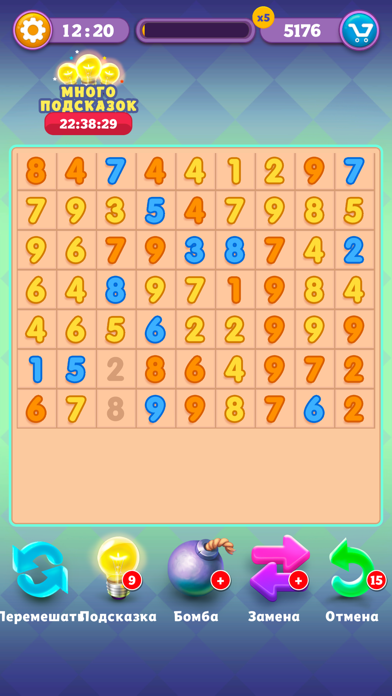
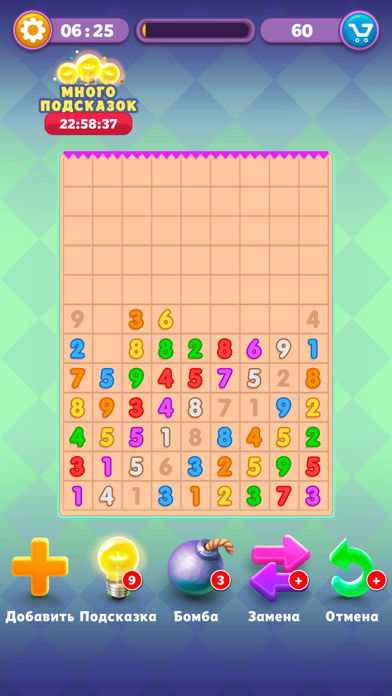
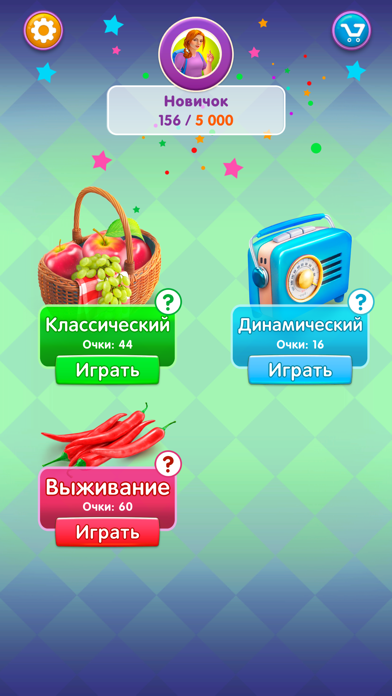
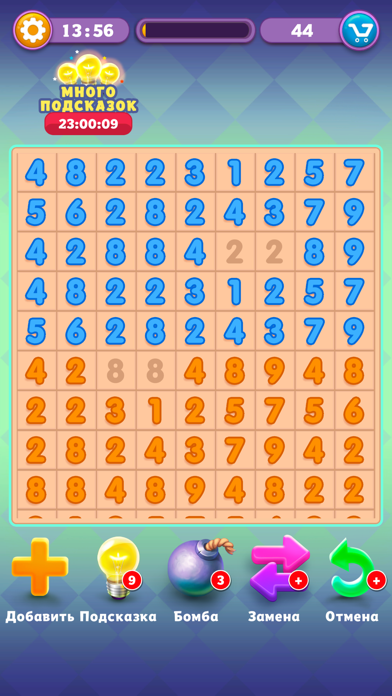
Get Ten is a SUPER elegantly designed exciting puzzle with numbers. It helps you to relax and think logically! Many people play for hours! Lots of the rewards are available in the game. Open new levels which will cheer you up! Rules are simple and logical! • the main goal is to cross all the numbers and clear the game field! • put together pairs of the same numbers (1-1, 3-3) or those which add up to 10 (6-4, 2-8). • pairs must be near each other or you can cross them diagonally, vertically and horizontally. • no more numbers to remove - add new lines. Three game modes in Get ten! It won’t be boring! 1. Classic mode That’s an endless mode: set your own records! The field will never end! No moves left - just add new lines! 2. Dynamic mode As soon as you collect the maximum amount of numbers - mix! 3. Survival mode The field is limited! Think before making a move! Game features: • Hints - Got stuck? Don’t worry! We’ll find the way together! • Undo - a wrong move? You can cancel your last move! Very useful thing! • Bombs - Get Ten’s very cool booster. Helps you to remove wrong numbers! Store Out of hints or bombs? Visit our store. There you can buy everything you need for a comfortable game! Was looking for a cool puzzle game with numbers? Download Get ten for free and enjoy the game! SUBSCRIPTION PRICING AND TERMS Premium status offers weekly subscription after 3-day free trial. It removes all ads and provides unlimited bonuses. End of trial and subscription renewal This price is for United States customers. Pricing in other countries may vary and actual charges may be converted to your local currency depending on the country of residence. Payment will be charged to iTunes Account at confirmation of purchase. Subscription automatically renews unless auto-renew is turned off at least 24-hours before the end of the current period. Account will be charged for renewal within 24-hours prior to the end of the current period, and identify the cost of the renewal. Subscriptions may be managed by the user and auto-renewal may be turned off by going to the user’s Account Settings after purchase. Any unused portion of a free trial period, if offered, will be forfeited when the user purchases a subscription to that publication, where applicable. Canceling trial or subscription You can turn off the auto-renew for the subscription whenever you want to through iTunes. Check https://support.apple.com/HT202039. When your current trial/subscription period expires, you will be unsubscribed. The current active subscription period can not be canceled. After your subscription expires, you will no longer be able to use sticker packs marked as Premium. If you have any questions or comments, feel free to contact us at hello@mini-it.com Privacy Policy: https://mini-it.com/privacy.html Terms of Use: https://mini-it.com/tac.html
Latest release
What’s New
Some bug fixes.
Audience growth
Ratings growth
Baseline captured. Growth appears after the crawler observes a changed rating count.
Momentum comes from crawler snapshots for the tracked storefront. “Viral growth signal” means unusually fast recent rating gains; it is an indicator, not download data.
Price tracking
Price intelligence
First snapshot captured. The trend line starts after the next crawler price observation.
- First observed Aug 13, 2026 · 9:37 PM Free
Screenshots