About this app
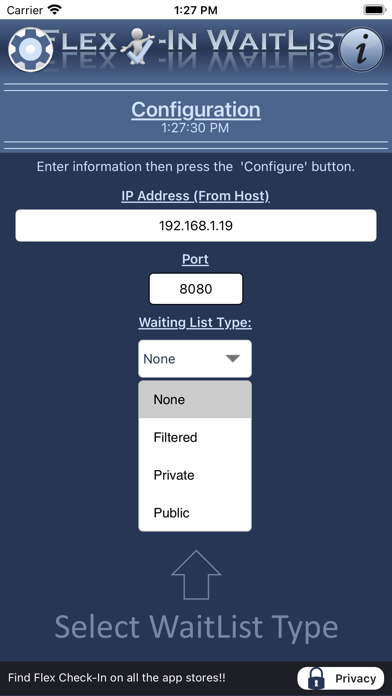
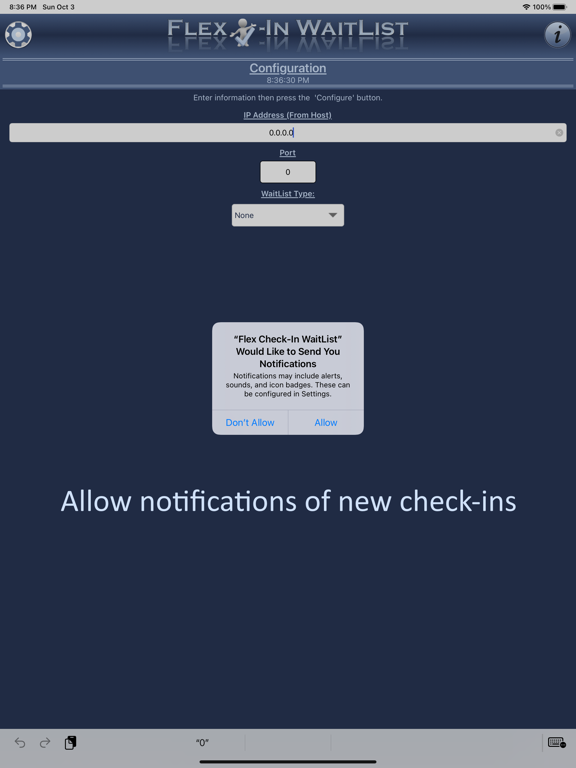
Securely display your business's waiting list to different audiences. A WaitLlist configured in Private or Public mode will only show information configured to display in the mode as specified in the Flex Check-In Host application (available from the Microsoft Store). As soon as a patron checks in, their check in will appear on all wait lists configured as Public or Private. The Filtered mode of the WaitList app routes a check in to the correct person in your establishment. Example 1: In a doctor’s office, once a patient is checked in they can appear on their doctor’s filtered WaitList. Example 2: In a hair salon, after a customer checks in, they can appear on their stylists filtered WaitList. NOTE: This app requires a running instance of the Flex Check-In Host application, available from the Microsoft Store.
Audience growth
Ratings growth
Baseline captured. Growth appears after the crawler observes a changed rating count.
Momentum comes from crawler snapshots for the tracked storefront. “Viral growth signal” means unusually fast recent rating gains; it is an indicator, not download data.
Price tracking
Price intelligence
First snapshot captured. The trend line starts after the next crawler price observation.
- First observed Aug 19, 2026 · 2:01 PM Free
Screenshots