About this app
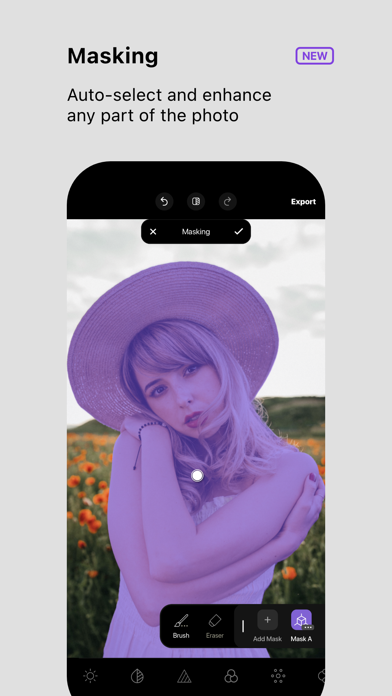
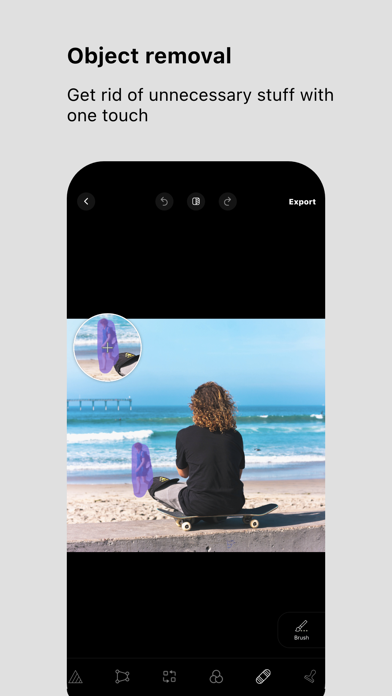
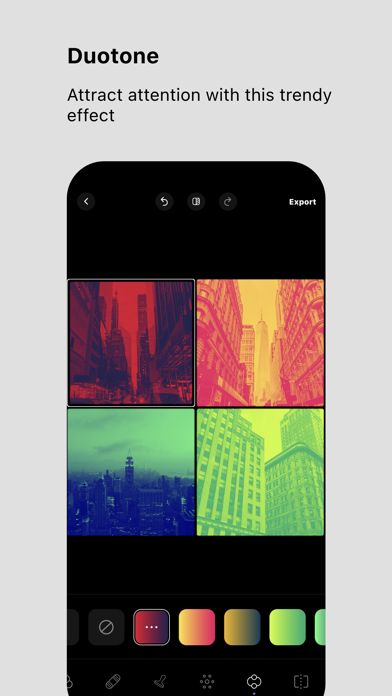
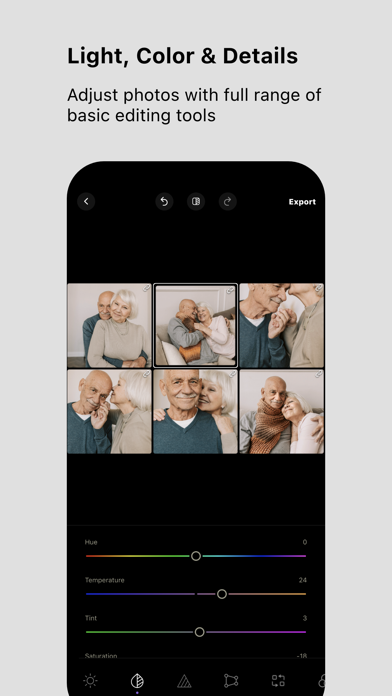
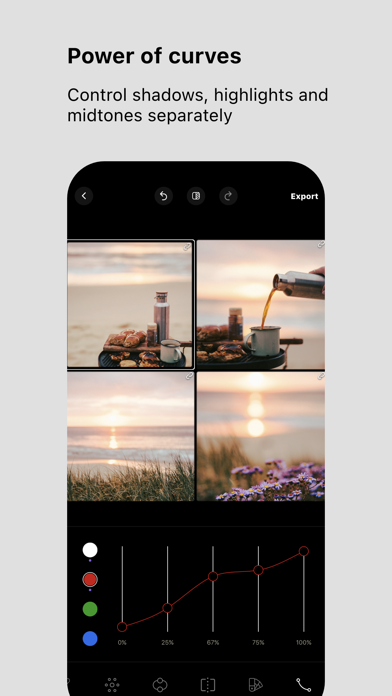
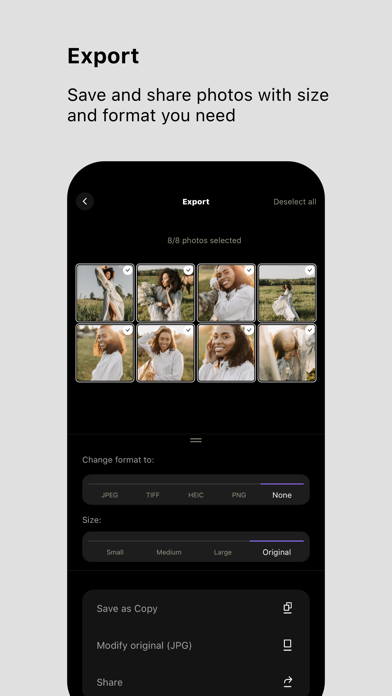
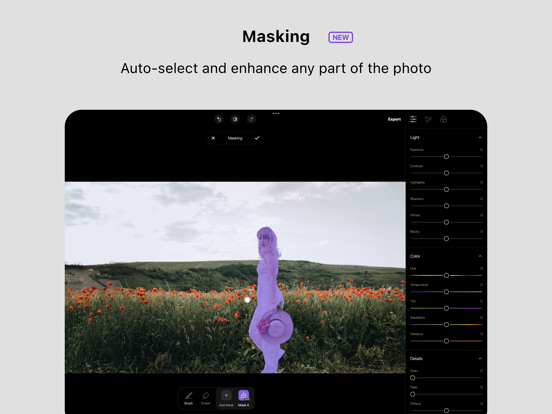
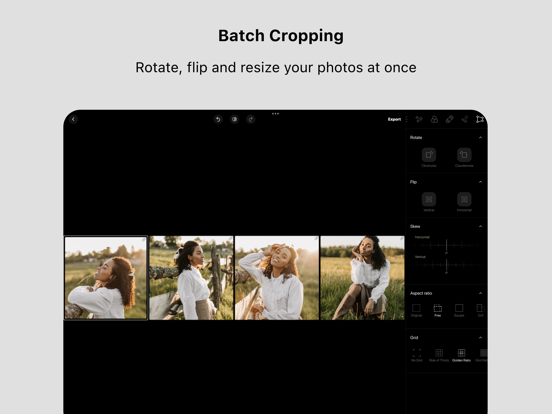
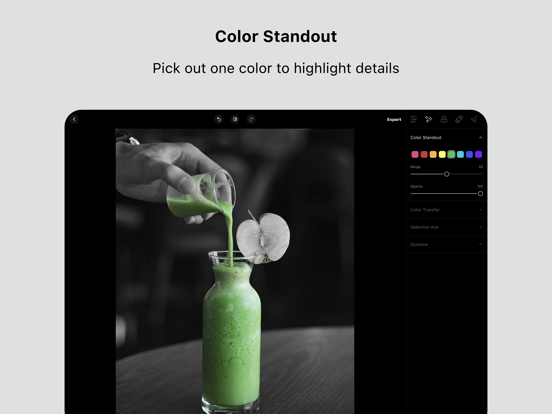
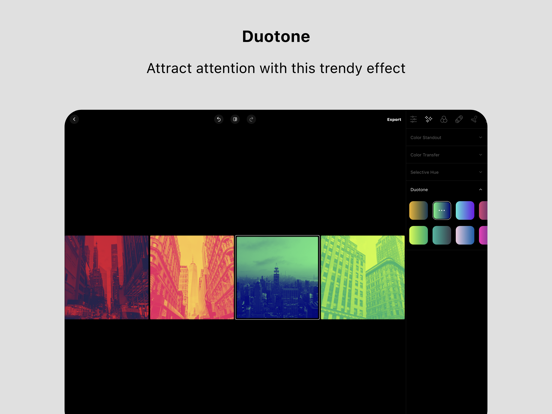
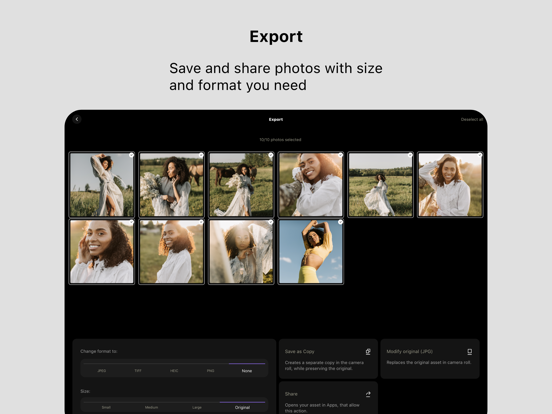
Don't waste your time on one-by-one photo correction. Batched is a handy photo editor that filters and changes all photos at once. Apply unique effects like duotone, such tools as selective hue, color standout, and curves. Use our numerous filters to change a particular image or all images at once without wasting your time. With Batched, you can import up to 25 photos and make different changes. When your new picture is ready, you can save the image with your preferable size and format. The other handy feature of this application is to switch from a single image view to a grid image view, which allows you to check all pictures at once and make changes faster. The Batched app is handy when you have a large set of similar shots to edit or need to match photos to each other. It allows you to save time by editing all the photos in one go. It is also easier to achieve a consistent-looking set of images. Batched photo editor allows you to apply different effects to linked photos. If you need to correct, let’s say, a color temperature for all photos, and exposition for some of them, you can apply those effects while seeing all pictures at once in your grid. Batched photo editor offers popular filters (Portrait, Urban, etc. ), which are grouped and easy to find. Main Features: Import up to 25 photos Save the images with the preferable format and size. Check your images in a grid view and make changes to all photos at once. Photo Editing Tools: 100+ filters for pictures and widespread photo effects Duotone Curves Selective hue Color standout Split tone Object removal & Clone stamp Light, Color & Details adjustments Batched provides the best free filters for easy image editing. Edit one or several photos with color effects right on your mobile photo editor. Edit Multiple Photos at Once Have you tried to edit several photos? The process of repeating is enough to make you tired, and nobody likes this. Batched editing app will help streamline your photo editing and create stunning photos easily. Batched editing includes essential photo editing tools, different photo filters, and photo effects that can be used in bulk, saving both your time and effort. Check out our special features. Color Transfer Tool Color transfer is a convenient way of changing the appearance of a target picture according to the color scheme of a source image. We propose a matching of colors for transferring new image moods that have visually similar semantic structures. You can use your own image or choose an image from our free in-app stock as a color reference. Duotone Duotone is a very colorful and striking effect inspired by a popular printmaking technique. Batched will allow you to recreate an image using just two colors — one for the dark parts of the image and one for the light ones. You can change any full-color image into a duotone image. Color Standout The color standout displays one color within the entire photo, leaving the rest in black and white, letting you focus on that color. Batched gives you the possibility to apply this flexible feature to the images to highlight the objects you need. Curves The Batched provides the curve tool, allowing you to make appropriate color and luminance adjustments to your images. Using the curves effect, you will adjust the tones and make other changes to bring your picture to life. Install Batched and try it for your advanced-level photos. Terms of Use: https://www.apple.com/legal/internet-services/itunes/dev/stdeula/ Privacy Policy: https://adva-soft.com/privacy-policy-batched.html
Latest release
What’s New
Reorder, remove images, or switch between fitting and filling them in grid view in seconds with a new "Organize images" mode.
Audience growth
Ratings growth
Baseline captured. Growth appears after the crawler observes a changed rating count.
Momentum comes from crawler snapshots for the tracked storefront. “Viral growth signal” means unusually fast recent rating gains; it is an indicator, not download data.
Price tracking
Price intelligence
- First observed Aug 5, 2026 · 8:58 AM Free
Screenshots