About this app
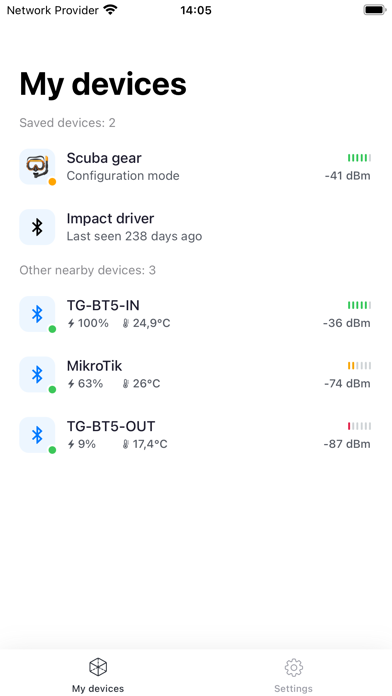
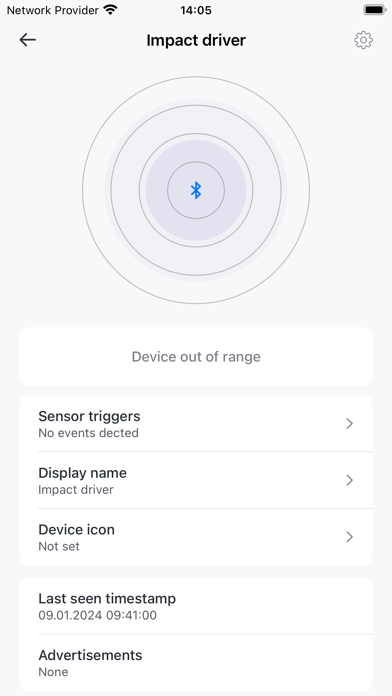
MikroTik Beacon Manager application is designed for Bluetooth tag (TG-BT5-XX) configuration. Since the tags are Bluetooth-based devices, you have to enable Bluetooth on the phone before proceeding with the configuration. With this app, you can: • See all MikroTik tags and their respective signal strength; • Review settings; • Change advertising packet format; • Change advertisement packet interval; • Manage the accelerometer trigger settings; • Manage free fall and tilt detection; • View the temperature data; • View battery status; • Turn on factory sleep mode; • Set a PIN code for the next connected session.
Latest release
What’s New
Additions: • Added support for an additional accelerometer configuration field: digital filter type; • Added control to disable the motion sensor. Bugfixes: • Fixed an issue where accelerometer configuration fields updated only after switching tabs; • Fixed incorrect display of measurement frequency status under certain power modes.
Audience growth
Ratings growth
Baseline captured. Growth appears after the crawler observes a changed rating count.
Momentum comes from crawler snapshots for the tracked storefront. “Viral growth signal” means unusually fast recent rating gains; it is an indicator, not download data.
Price tracking
Price intelligence
First snapshot captured. The trend line starts after the next crawler price observation.
- First observed Aug 14, 2026 · 12:06 AM Free
Screenshots