About this app
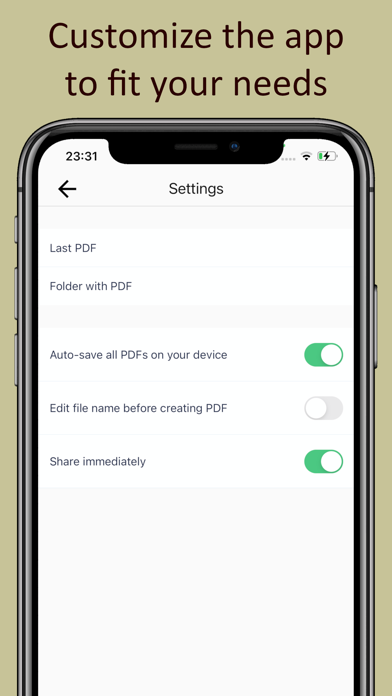
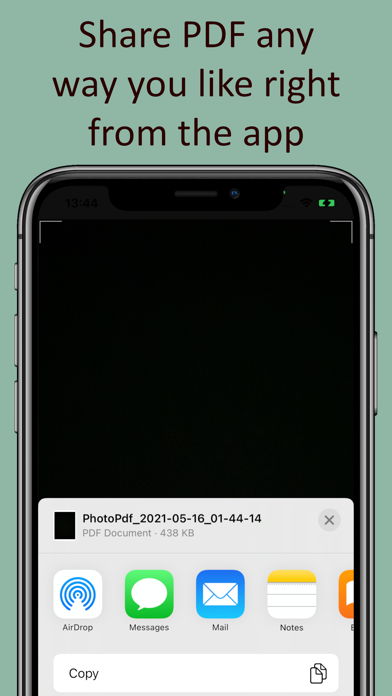
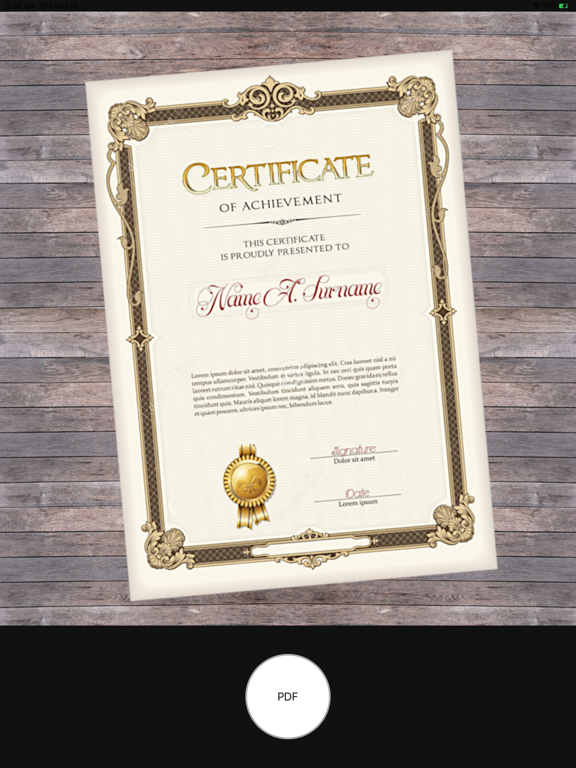
Turn any photo into a ready-to-share PDF in just one tap. Photo to PDF – Just One Click is a lightweight, beginner-friendly converter that creates clean, standard PDFs from your camera or gallery. The default flow is as simple as it gets: take a photo, and your PDF is ready. Now you can also build multi-page documents with full control over layout and page size. MAIN FEATURES • One-tap PDF creation: take a photo inside the app and instantly get a PDF you can save or share. • Convert from gallery: pick any photo or image from your gallery and turn it into a PDF in seconds. • Multi-page PDFs: add several images and combine them into a single document – ideal for scans, homework, receipts or small reports. • Add pages while editing: forgot a page? Add new pages on the fly before saving your PDF. • Page preview: see every page before you export, check order, borders and content so the final PDF looks exactly how you want. • PDF layout settings: choose page size, orientation and margins, adjust white borders around your photos and add optional captions in the margins. • Standard, compatible PDFs: the app creates fully standard PDFs that open correctly on any device and platform (conforms to ISO 32000-2). • Easy sharing: send your PDF by email, messengers or any other app, or save a copy on your device for backup or later use. SIMPLE FOR BEGINNERS, FAST FOR PROS This converter is intentionally lightweight and easy to understand. Beginners will learn it in minutes and always know what to do next. Experienced users will create and send PDFs faster, with fewer taps and no extra clutter. How it works: 1. Take a photo or choose from gallery. 2. Optional: add pages, adjust layout and margins, preview. 3. Save or share your PDF. That is all – your document is ready. Install “Photo to PDF – Just One Click” and turn your photos into clean, shareable PDFs in seconds.
Latest release
What’s New
Build better PDFs even faster – and keep the classic one-tap flow. Now you can: • Add new pages while you are creating a document • Preview every page before saving or sharing • Choose page size, orientation and margins for a perfect layout Take a quick photo and get an instant PDF, or stay a bit longer to fine-tune a multi-page document. Simple enough for beginners, flexible enough for anything you scan.
Audience growth
Ratings growth
Baseline captured. Growth appears after the crawler observes a changed rating count.
Momentum comes from crawler snapshots for the tracked storefront. “Viral growth signal” means unusually fast recent rating gains; it is an indicator, not download data.
Price tracking
Price intelligence
First snapshot captured. The trend line starts after the next crawler price observation.
- First observed Aug 21, 2026 · 12:36 PM Free
Screenshots