About this app
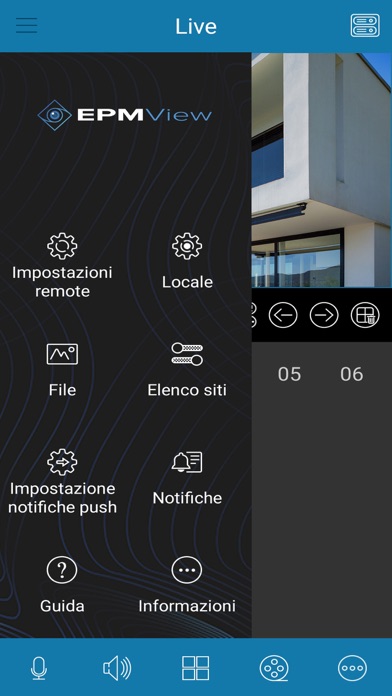
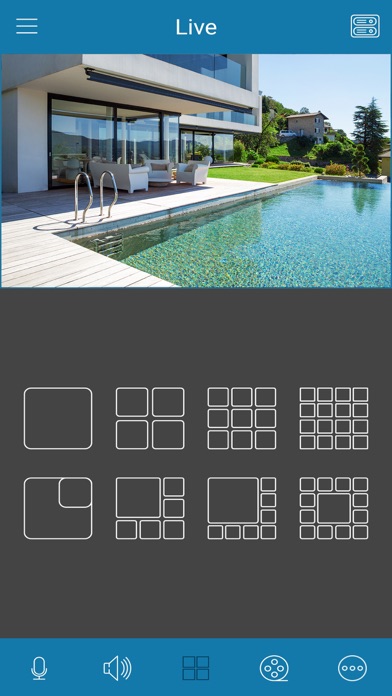
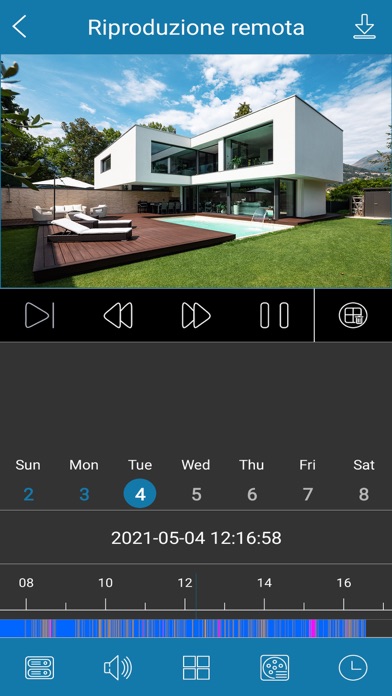
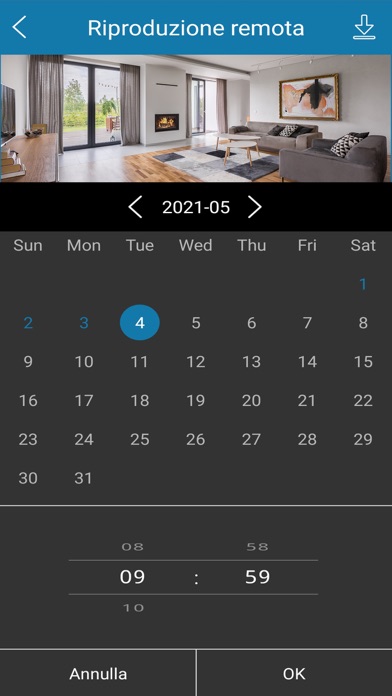
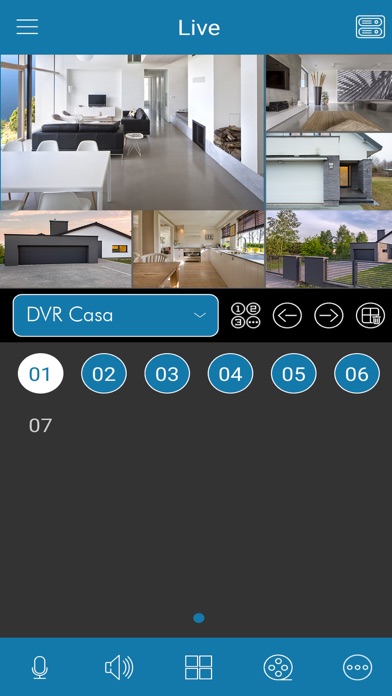
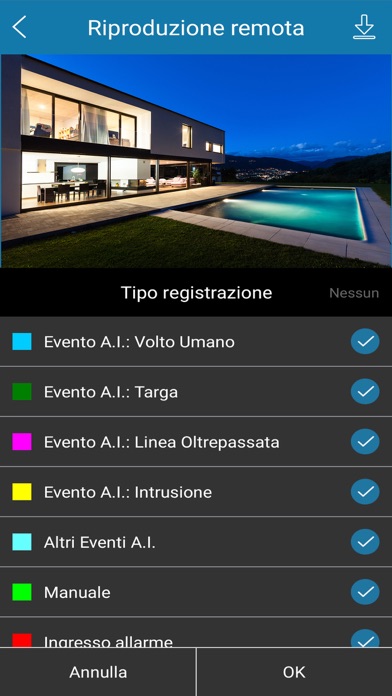
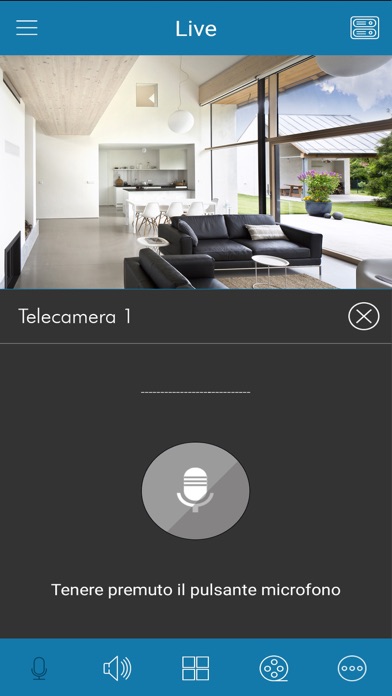
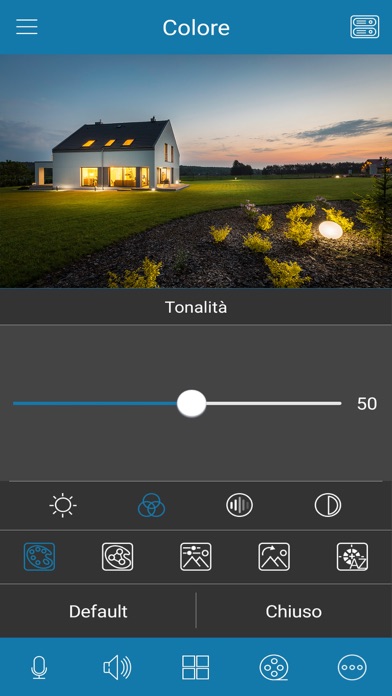
EPM View is the app for viewing images from both IP and multistandard e-Vision PRO CCTV systems from IP and multistandard. Based on a simple and extremely intuitive interface, EPM View is the ideal solution to monitor your video surveillance systems H24 in total autonomy. What can you do with EPM View? - See live or recorded images of any e-Vision PRO DVR or NVR based video surveillance system. - Choose the single-channel or multi-channel display mode with various types of mosaics available, all customizable. - Take snapshots or recordings directly on your smartphone and share them - Navigate and consult your recordings immediately. Any alarm events or anomalies are easily recognizable thanks to colored markers - Adjust the parameters of each channel (brightness, hue, saturation, contrast...) - Listen to the audio for each channel and activate the talk back function (speak-listen) for cameras equipped with loudspeakers - Activate push notifications for specific events - Manage alarms for each channel - Control and move the zoom of the motorized cameras of the Speed domes. - View and manage fisheye cameras with 4 different dedicated modes. - Customize access to the app and make it secure by using a password - View camera images horizontally or vertically based on the orientation of the device. Ease of configuration and P2P Configuring the EPM View app and associating it with NVR / DVR recording devices is really simple, also thanks to the P2P connection on a proprietary server. It is sufficient to frame a simple QR Code and all the configuration will be immediately learned. The same for sharing on other smartphones
Latest release
What’s New
- Improved compatibility for new products and firmwares; - Improved performance;
Audience growth
Ratings growth
Baseline captured. Growth appears after the crawler observes a changed rating count.
Momentum comes from crawler snapshots for the tracked storefront. “Viral growth signal” means unusually fast recent rating gains; it is an indicator, not download data.
Price tracking
Price intelligence
First snapshot captured. The trend line starts after the next crawler price observation.
- First observed Aug 19, 2026 · 6:02 AM Free
Screenshots