About this app
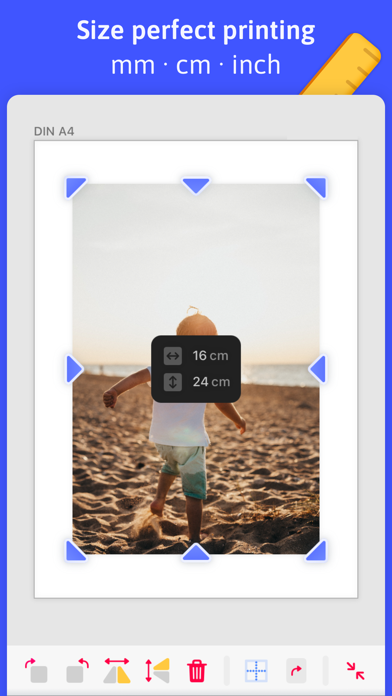
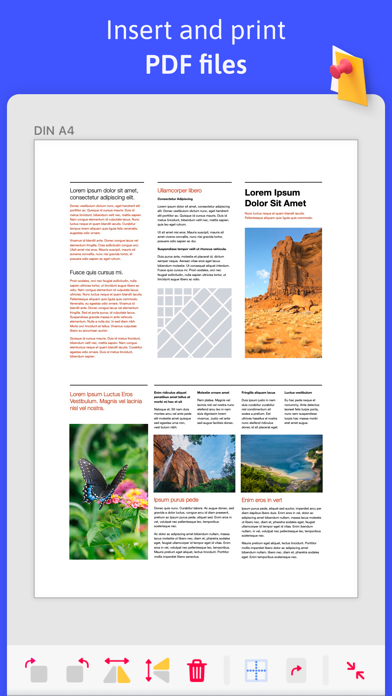
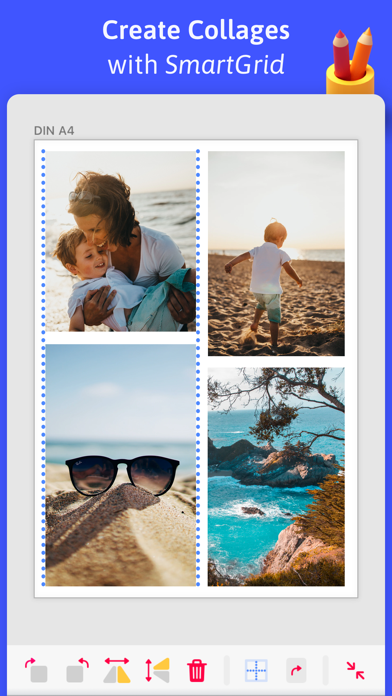
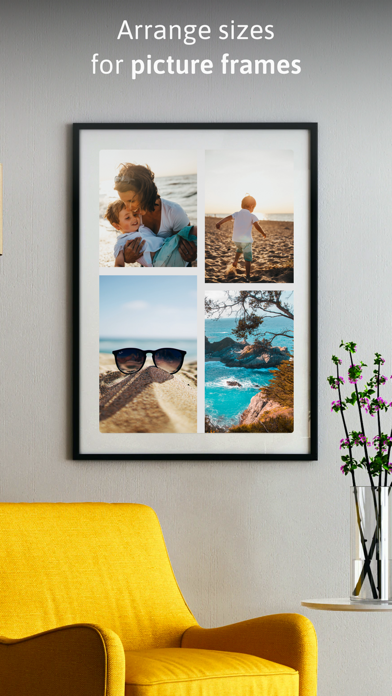
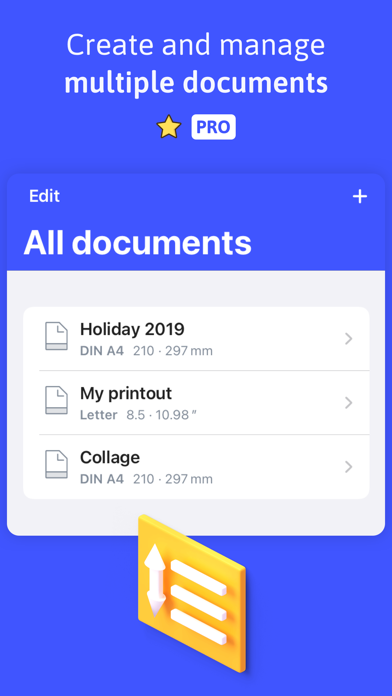
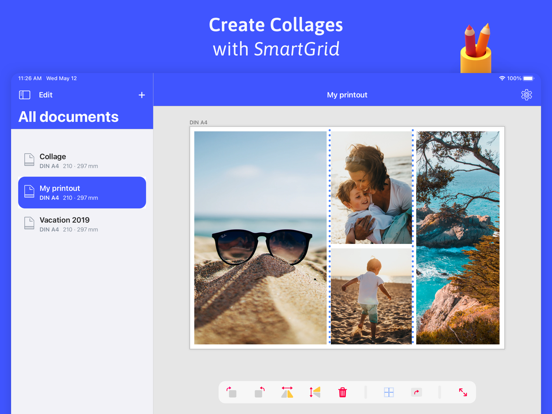
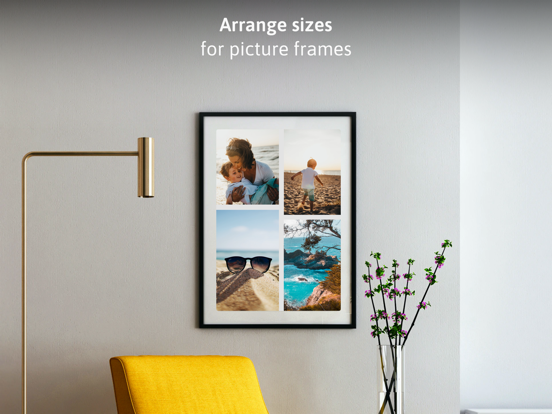
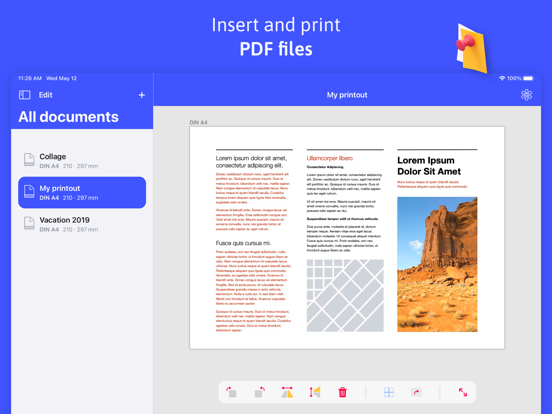
Welcome to TinyPrinter - the handy app for your custom photo printing and collage creation. Whether it's a simple passport photo or a vacation memory for the wall in your home, printing pictures to true size and measure can be a challenge. Especially when you want to be sure that a picture will fit in your new picture frame, it can get complicated. Every day people use TinyPrinter to print their pictures to fit exactly for these cases. ACCURATE ALIGNMENT BY MM, CM & INCH • Scale, rotate, mirror, mask - everything to the millimeter • Choose your preferred unit of measurement from mm, cm or inch • The true size and position of your images is always displayed, making alignment a breeze CREATE COLLAGES THANKS TO SMARTGRID • Center single images horizontally and vertically thanks to grid lines • Align multiple images side by side • Use the magnetic masking feature to select a section of an image without changing your layout PRINT FROM THE APP • Tap the printer icon in the bottom right corner to print your document directly via AirPrint • Select an available printer from your network • Your images will be printed at the exact size you specify PDF SUPPORT • Import single page PDF documents • Your printer does not support AirPrint? No problem - simply export your document as PDF • Transfer the created PDF to the device of your choice to print it from there • Your images will also be printed at the exact size you specify MANY PAPER SIZES TO CHOOSE FROM • DIN A0, DIN A1, DIN A2, DIN A3, DIN A4, DIN A5, DIN A6, DIN A7, DIN A8, DIN A9, DIN A10 • US Formats: Half Letter, Government Letter, Letter, Junior Legal, Government Legal, Legal, Ledger Tabloid TINYPRINTER PRO More possibilities with the advanced features of TinyPrinter CREATE MULTIPLE DOCUMENTS • Create more than one document to edit them at the same time • Save old documents and edit them again later SOPHISTICATED COLLAGES • Add more than two images per document • Create diverse collages from an unlimited number of images Terms of Use: https://www.apple.com/legal/internet-services/itunes/dev/stdeula/
Latest release
What’s New
Manage multiple documents and print to size - down to the millimeter. Tips: • Use pinch and drag gestures to position your photos exactly where you want them • Tap undo to reverse any move, resize, rotation, or crop • Choose from a wide range of paper sizes or set a custom size in millimeters • Export as PDF to share or print later from any device Also in this update: • Fixed crashes that could occur when printing, especially on iPad • Printing is now more stable and uses less memory when handling large images • Fixed crashes during undo and redo when editing images • Bug fixes and performance improvements
Audience growth
Ratings growth
Baseline captured. Growth appears after the crawler observes a changed rating count.
Momentum comes from crawler snapshots for the tracked storefront. “Viral growth signal” means unusually fast recent rating gains; it is an indicator, not download data.
Price tracking
Price intelligence
First snapshot captured. The trend line starts after the next crawler price observation.
- First observed Aug 15, 2026 · 6:31 PM Free
Screenshots