About this app
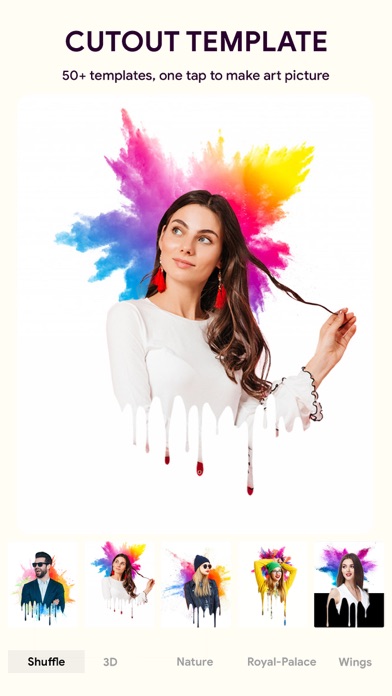
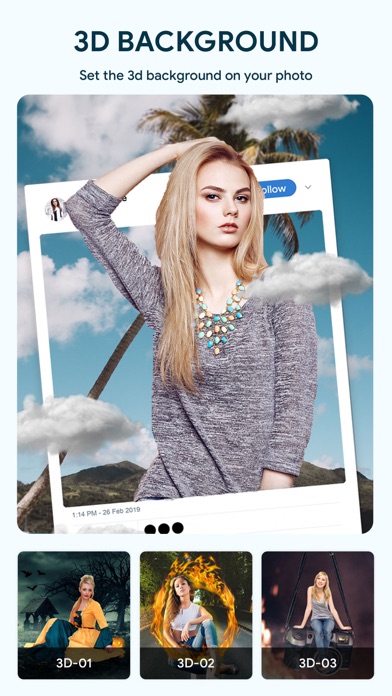
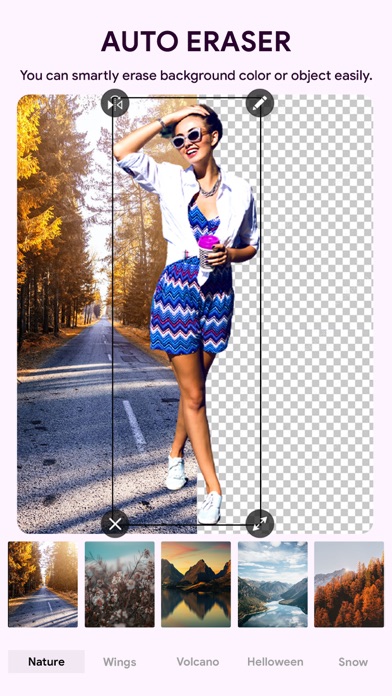
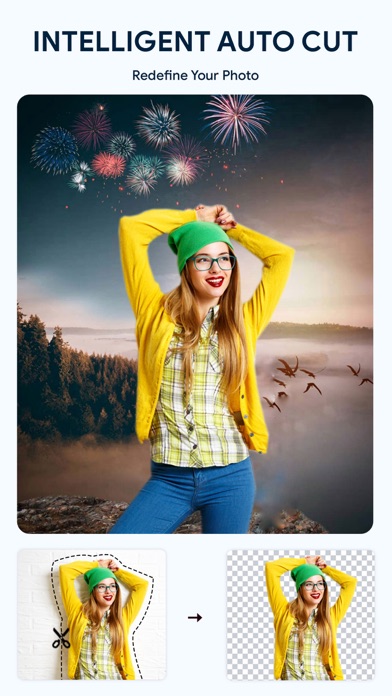
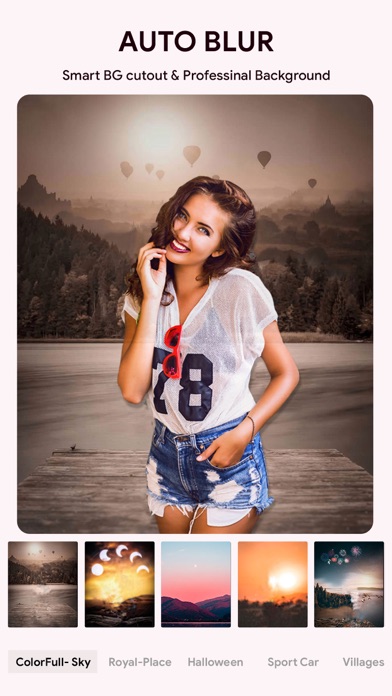
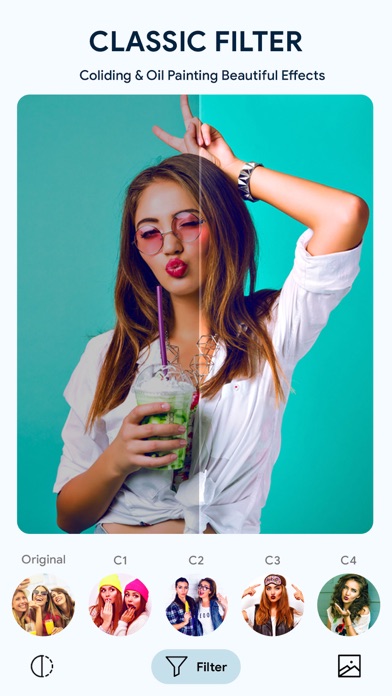
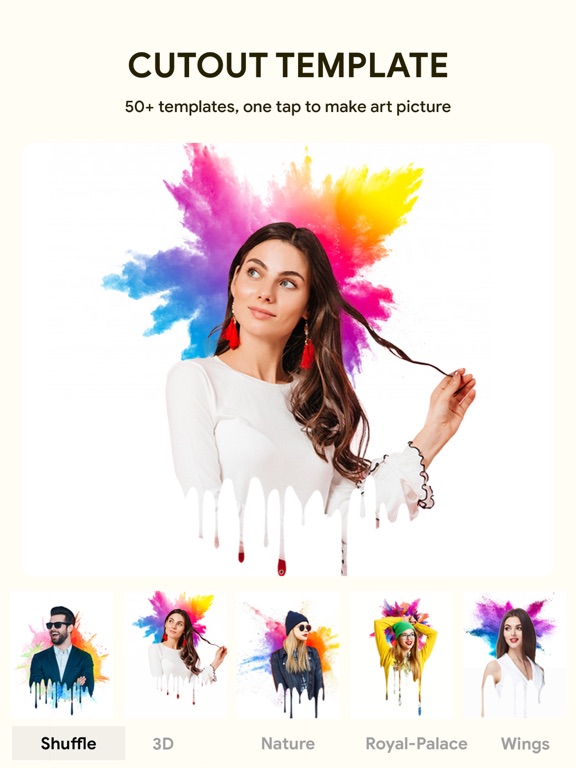
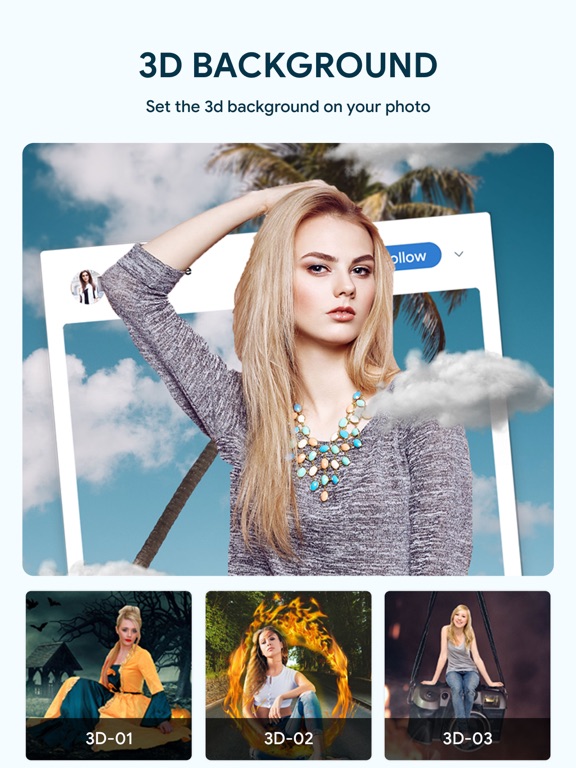
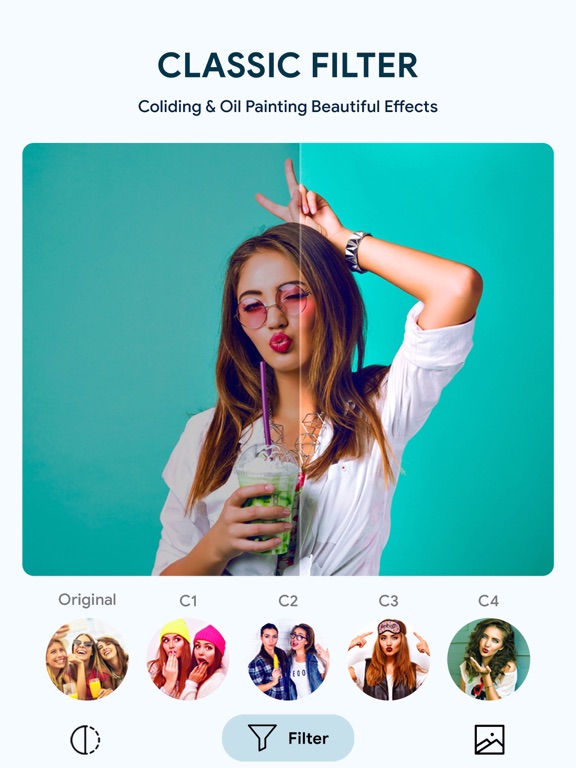
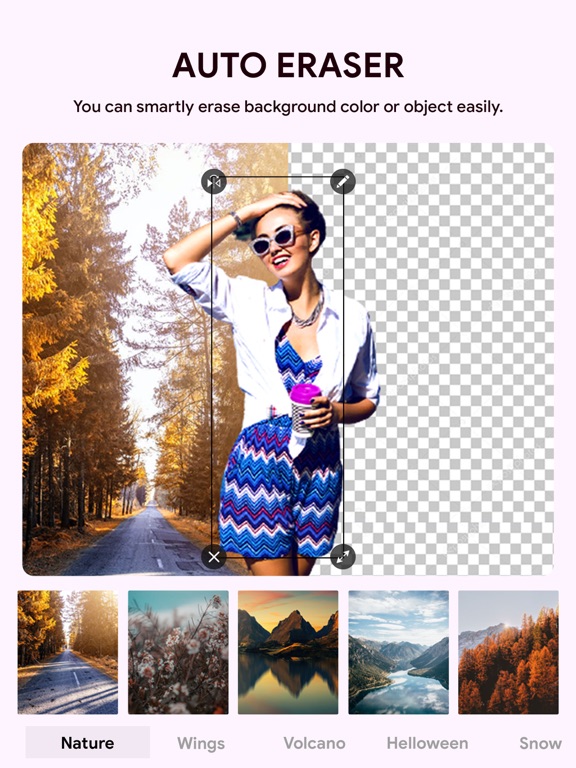
PickU is an easy-to-use photo editor and photo background eraser! you can use it as a background eraser and background changer, blur photos background, and add portrait beauty effects. PickU makes photo editing extremely easy and fun! Get your photos to a new, awesome level. Add realistic effects and stylish filters in a tap. Join the ever-growing Photo Lab community of over 230 million fans Just select and erase the objects you want to delete accurately. In PickU photo editor & background eraser, we provide hundreds of emoji backgrounds, natural backgrounds, frame backgrounds, and more other templates. Background Eraser - This photo editor can remove background of your photo automatically with help of AI scan; - Replace old background with more amazing pics, try new photo background of nature, travel, color, frame, etc.; - Blur background of your photo, say goodbye to messy backgrounds; - Use our magic template, create amazing pictures in one click; - Have fun and experience graffiti art in your photos! Powerful Photo Editor - PickU is a powerful photo editor with lots of free editing tools: - Try our popular filters to add different effects to your photo; - Use hundreds of fonts to add personalized text to your photos; - Edit your photo with RGB colors and professional color editing tool; - Add super cool Mosaic, Wings, Neon, Halo, Quote Text to your photo; - Create cool exposure editing and mix photo layers; - Use smart tools to quickly flip and crop photos; - Use all your favorite pictures to create amazing photo collages. Amazing Filters - Portrait filter, cartoon filter, art filter, movie filter, food filter, nature filters, find whatever filter you want in PickU photo editor; - Adjust brightness, contrast, saturation, hue, warmth, etc. to make your photo perfect. Background Cutout Template - Using the cutout template, you can make complex professional artwork with just one click; - Get layers, collages, and photo frames easily on cutout template; - Get filters and position with the template in PickU photo editor. Blur Background Photo Editor - Professional photo editing tools, such as blur, DSLR, crop, rotate, portrait beauty effects. - Create the best blur effect, such as a DSLR camera. The DSLR camera blur effect is a perfect combination of portrait and beauty effects. You can use it to focus on photos, blur backgrounds, blur pictures, etc. 3D Photo Effects - Create 3D photo from many of the templates Magic Effect - Magic Effect is the awesome photo collage , that creates best photo from your phone's photo. - You can easily create magic photo effect & art photo editor Cute Stickers - Add stickers to photos to enhance the fun of editing; - Add emoji stickers, Neon stickers, colorful light stickers, pop art stickers to make your photo cute; - Add sticker of real cool boy & pretty girl on your photos; - Add wishes and quote sticker on your photo, bring your warm words by photo; - Add amazing festival stickers, give wishes for Christmas, New Year, Valentine's Day, etc. PickU is the simplest but most useful photo editor. Download PickU to create amazing pictures now!
Latest release
What’s New
- Minor bug fixes
Audience growth
Ratings growth
Baseline captured. Growth appears after the crawler observes a changed rating count.
Momentum comes from crawler snapshots for the tracked storefront. “Viral growth signal” means unusually fast recent rating gains; it is an indicator, not download data.
Price tracking
Price intelligence
First snapshot captured. The trend line starts after the next crawler price observation.
- First observed Aug 19, 2026 · 5:46 AM Free
Screenshots