About this app
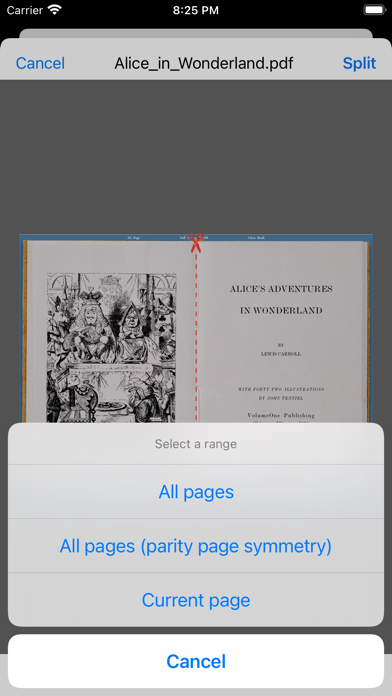
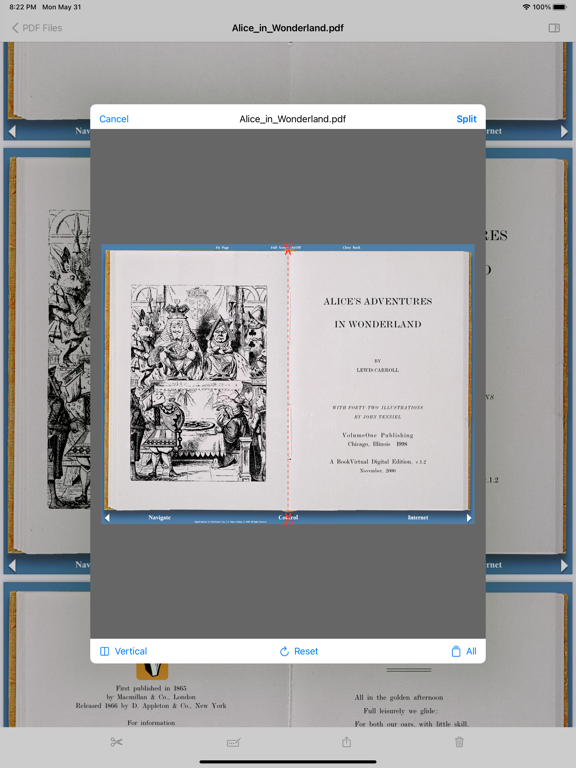
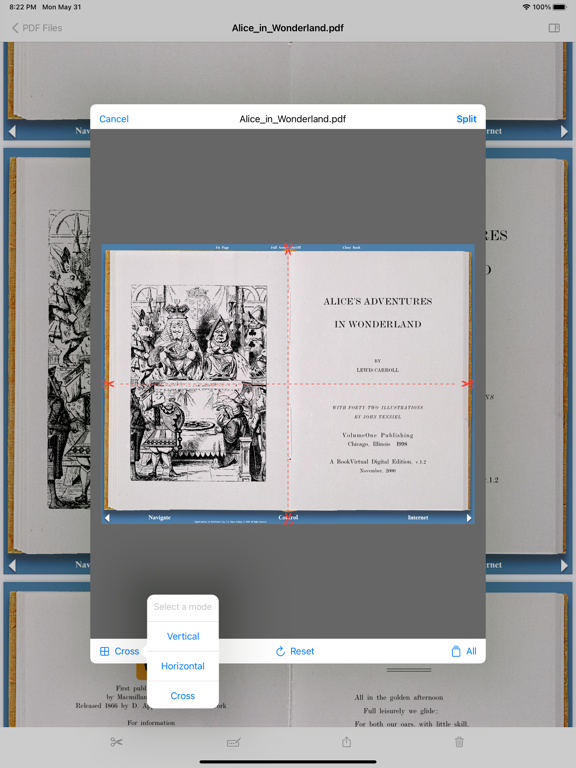
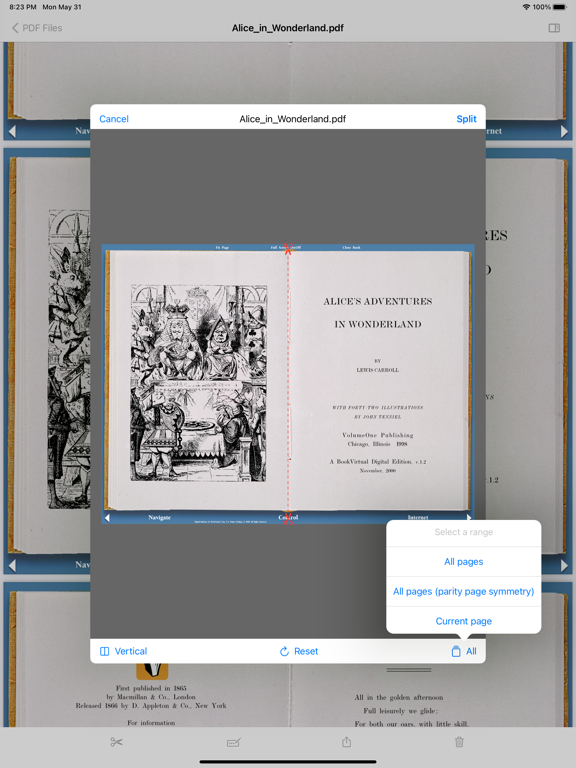
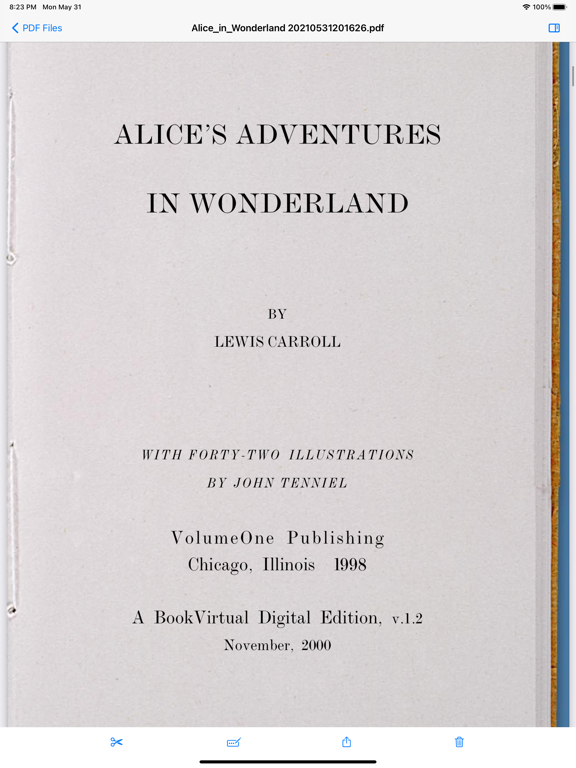
PDF Splitter is a utility app which has one straight forward purpose: Split the pages of a PDF file and generate a new PDF file. The typical workflow of this app is simply made up of 3 steps: - Import your PDF file(s) from other apps or locations. - Split the PDF file(s) in this app (generating a new PDF file). - Export or save your split PDF file(s) to other apps / locations. Currently supported platforms: iOS (iPhone), iPadOS (iPad) and macOS. Purchase once, run everywhere. Features: - 3 Split modes: Vertical, Horizontal and Cross. - Extra options: Parity page symmetry or single page splitting. - Keep outlines in the split PDF file. - Easy drag & drop to import/export PDF files.
Latest release
What’s New
- Added PDF outlines view. - Added Japanese and Korean languages. If you like this app, please consider giving us a rating! This will help us a lot for the future development! Or any problems or suggestions, please let us know: Email: mooteeapps@outlook.com
Audience growth
Ratings growth
Baseline captured. Growth appears after the crawler observes a changed rating count.
Momentum comes from crawler snapshots for the tracked storefront. “Viral growth signal” means unusually fast recent rating gains; it is an indicator, not download data.
Price tracking
Price intelligence
First snapshot captured. The trend line starts after the next crawler price observation.
- First observed Aug 27, 2026 · 6:31 AM $1.99
Screenshots