About this app
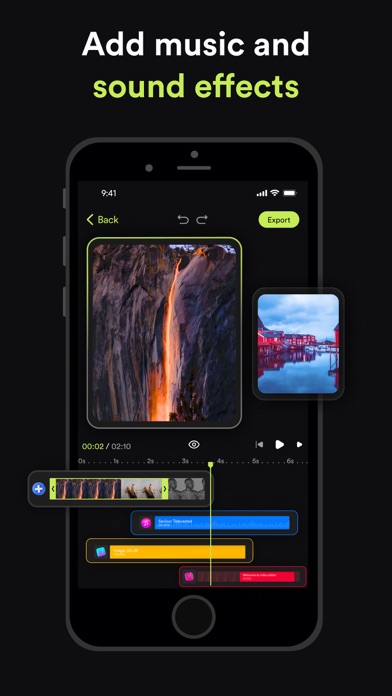
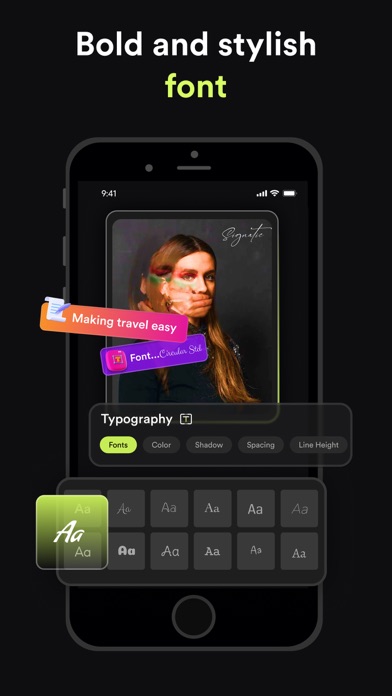
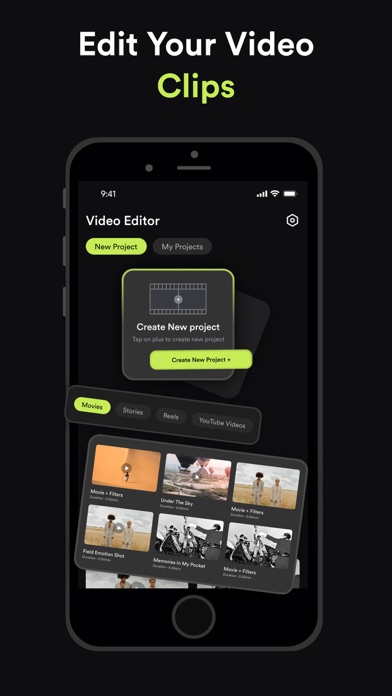
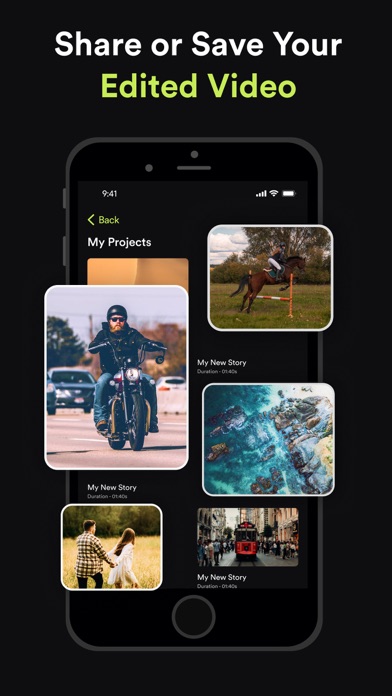
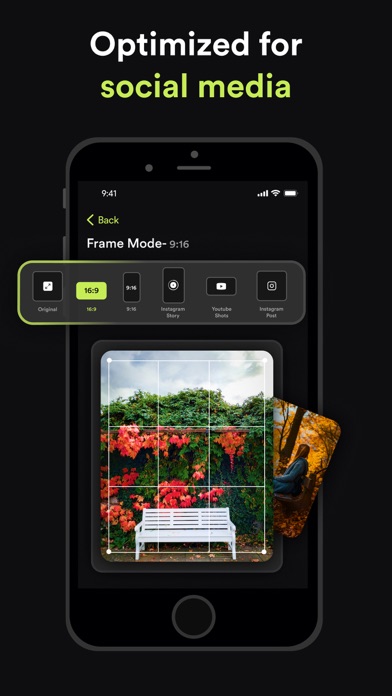
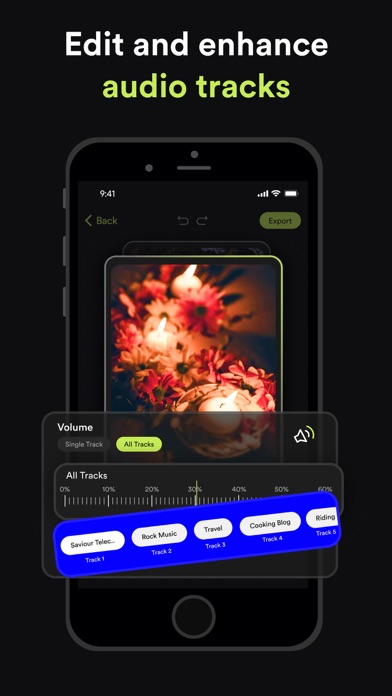
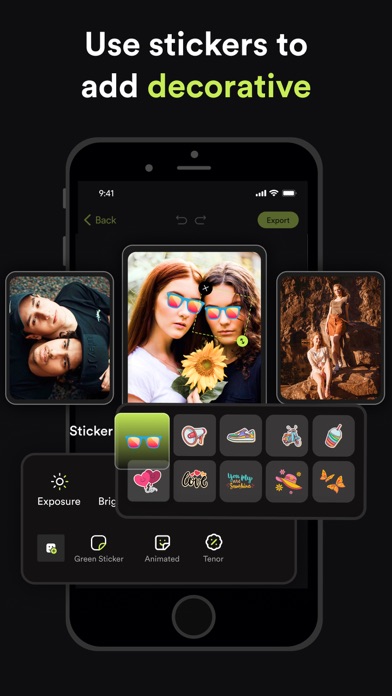
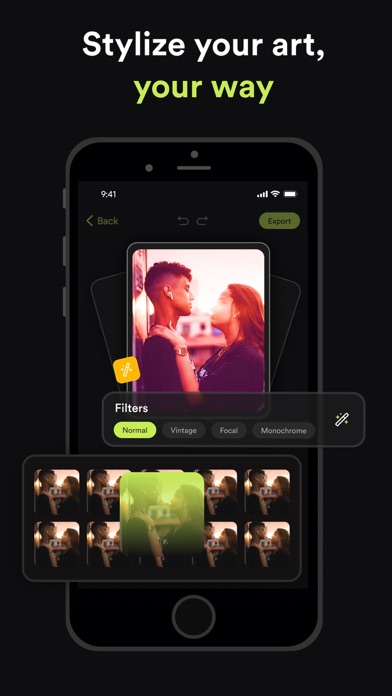
Transform Your Videos with Video Editor – The Ultimate Video Editing Experience! Are you ready to elevate your video content to the next level? Whether you’re an aspiring influencer, a social media enthusiast, or just someone who loves creating memorable videos, Video Editor is here to turn your vision into reality. Packed with powerful features and intuitive tools, our app is designed to make professional video editing accessible and fun. Download now and discover the endless possibilities! Key Features: Seamless Clip Merging Combine multiple clips effortlessly into one smooth video. Create stunning montages, highlight reels, or just piece together your favorite moments with our easy-to-use merging tool. Add Music & Audio Effects Enhance your videos with a vast library of music tracks and sound effects. Adjust the volume, add audio effects, and sync your soundtrack perfectly with your visuals to create a captivating experience. Social Media-Ready Orientations Get your content noticed across all platforms! Change your video orientation to fit Instagram Stories, YouTube, or any other social media format with just a few taps. Customize with Text, Stickers, & Media Express yourself with customizable text overlays, trendy stickers, and additional media. Personalize your videos to reflect your style and make your content stand out. Professional Color Grading & Adjustments Bring your footage to life with advanced color grading tools. Adjust brightness, contrast, saturation, and more to give your videos a cinematic look. Green Screen Magic Take your creativity to new heights with our green screen feature. Easily replace backgrounds, add exciting new elements, and transport your videos to any setting you imagine. Precision Trimming & Splitting Trim and split your clips with precision. Remove unwanted sections, focus on key moments, and seamlessly edit your footage to get the perfect cut every time. Speed Control & Opacity Adjustments Play with speed effects to create dramatic slow-motion or fast-paced sequences. Adjust the opacity to blend scenes or highlight key elements in your video. Stunning Blur Effects Add depth and focus to your videos with our blur effects. Create professional-looking bokeh backgrounds or emphasize specific areas with customizable blur. Instagram Stories & YouTube Templates Save time and effort with our pre-designed templates for Instagram Stories and YouTube. Easily add text, media, and effects to make your posts look polished and engaging. Why Choose Video Editor? - User-Friendly Interface: Enjoy a sleek and intuitive design that makes video editing a breeze, even if you’re a beginner. - High-Quality Output: Export your videos in stunning HD quality, ensuring they look their best on any device or platform. - Regular Updates: We’re always adding new features and improvements to keep your editing experience fresh and exciting. - Community Support: Join our vibrant community of creators. Share tips, get inspiration, and connect with fellow video enthusiasts. Subscription Details: Video Editor by MK offers premium features through auto-renewable subscriptions. Payment will be charged to your Apple ID account upon confirmation of purchase. Subscriptions automatically renew unless canceled at least 24 hours before the end of the current period. You can manage your subscription and turn off auto-renewal in your account settings. For more details on managing subscriptions, visit: https://support.apple.com/en-us/HT202039 Privacy Policy: https://videoeditor.mkapps.app/VideoEditorMK/terms/privacy Terms of Use: https://videoeditor.mkapps.app/VideoEditorMK/terms/terms Ready to Create Amazing Videos? Download Video Editor now and unlock your creative potential! Transform your raw footage into polished masterpieces with just a few taps. Your next viral video is just a download away!
Latest release
What’s New
- Performance Improvement
Audience growth
Ratings growth
Baseline captured. Growth appears after the crawler observes a changed rating count.
Momentum comes from crawler snapshots for the tracked storefront. “Viral growth signal” means unusually fast recent rating gains; it is an indicator, not download data.
Price tracking
Price intelligence
First snapshot captured. The trend line starts after the next crawler price observation.
- First observed Aug 20, 2026 · 11:05 AM Free
Screenshots