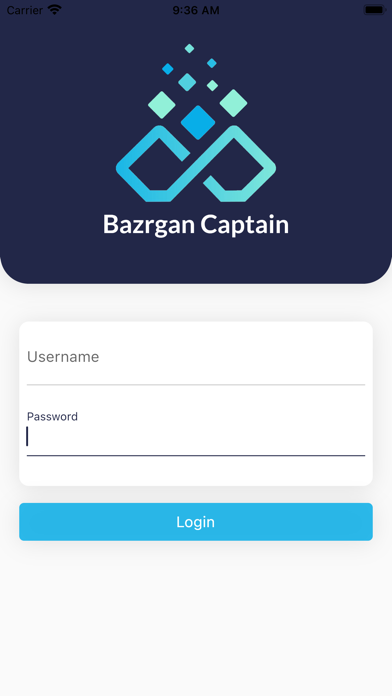
About this app
Quickly fill out guest checks with few taps on the screen—add or remove items to or from the guest check and adjust item quantity if needs be. Servers can include notes to one or more ordered items to meet special customer requests or dietary needs. Ensuring that customers get exactly what they ask for. At the touch of a button send the order ticket right from the guest table straight to the kitchen or beverage printer. Have access to a global view of the entire dining floor, in real-time, including the current status of each table, and effortlessly check all the items ordered by diners right in the app. Add newly ordered items to a guest check or make adjustments to only just ordered items as quickly as a diner requested—the total cost is instantly recalculated for the guest check. Upon diners’ request to change their sitting table, the waitstaff can seamlessly transfer all or any seat item diners might choose from the current table to an unoccupied table using the Seat Item Transfer feature. Easily add or remove a printer that’s used for printing order tickets for the cook or barista section. More than one food and/or beverage category can be linked to a printer.
Latest release
What’s New
Bug fixes and performance improvements.
Audience growth
Ratings growth
Baseline captured. Growth appears after the crawler observes a changed rating count.
Momentum comes from crawler snapshots for the tracked storefront. “Viral growth signal” means unusually fast recent rating gains; it is an indicator, not download data.
Price tracking
Price intelligence
First snapshot captured. The trend line starts after the next crawler price observation.
- First observed Aug 31, 2026 · 12:05 PM Free
Screenshots