About this app
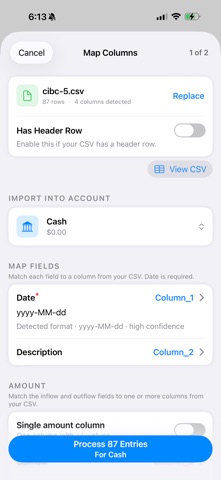
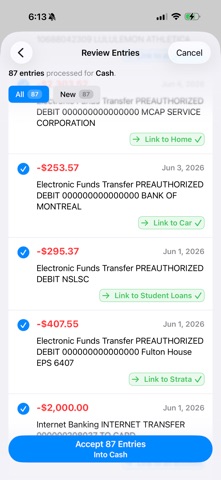
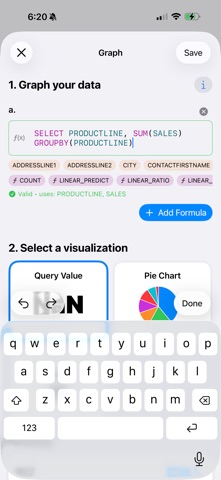
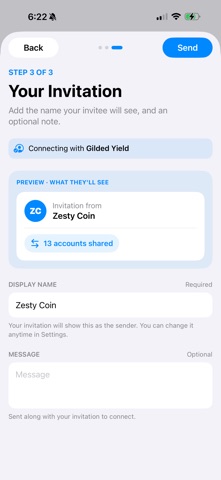
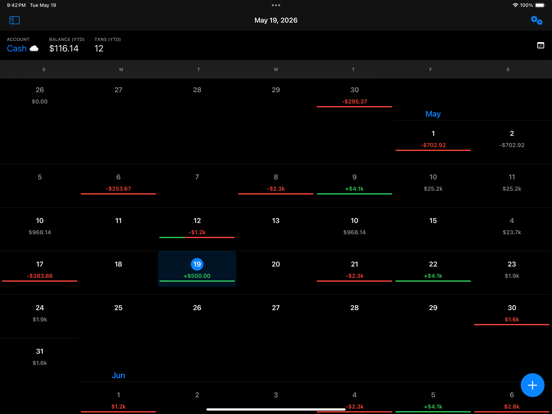
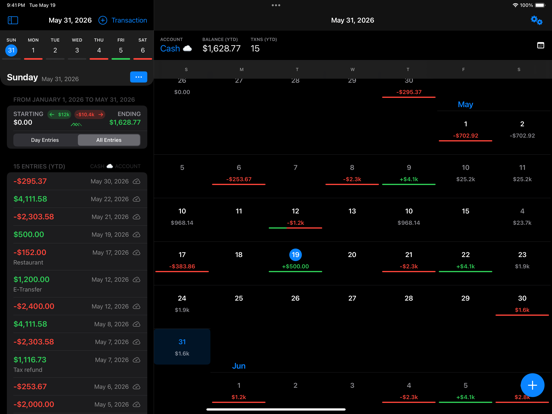
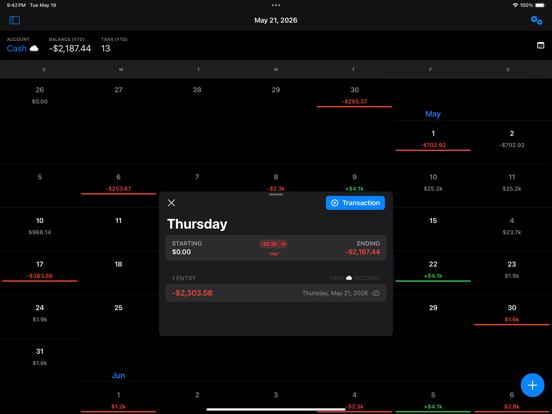
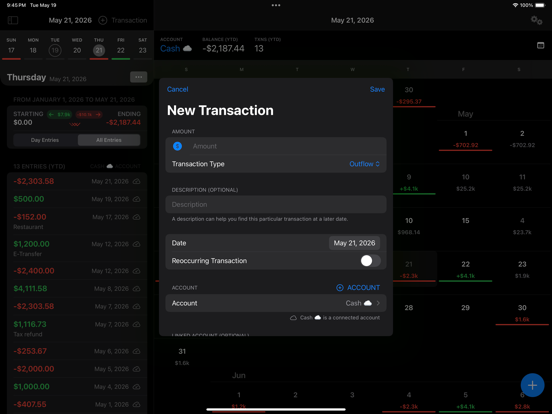
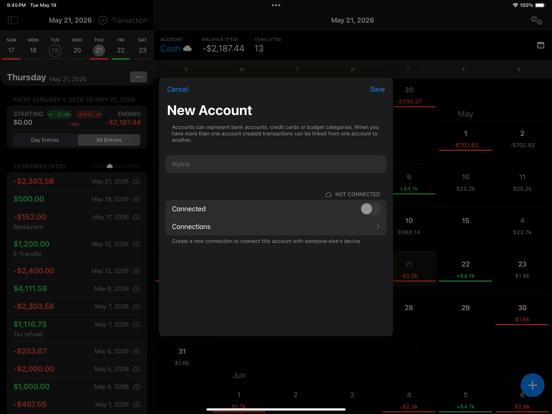
See your money before it moves. Cashflow Calendar turns your accounts into a clear, day-by-day picture of what's coming in, what's going out, and exactly what each balance will be — today, next week, or months from now. A calendar built for cash flow An innovative calendar view lays out your inflows, outflows, and running balances at a glance, so a future low balance is never a surprise. See your balance into the future (NEW) Project your balances forward and watch how today's decisions play out weeks or months ahead. Test a "what-if" — a new bill, a raise, an early payoff — and see the impact on your future balance instantly. Set goals and reach them (NEW) Set savings and payoff goals, then track your progress as your cash flow brings them closer. Track your true investment returns (NEW) Add your investments and see how they're really performing with personal rate of return (XIRR) and time-weighted return (TWR) — the numbers that actually tell you how your money is growing. Set things up your way Create an account for every budget category you want to watch, or mirror your real-world accounts — checking, credit, savings, business. However you think about your money, the app fits around it. Import in seconds Bring transactions in straight from your bank's CSV statements. Cashflow Calendar reads common statement formats and helps you map the columns, so setup is quick. Stay accurate and on time (NEW) Reconcile your accounts with adjusting entries so your balances always match reality, and set reminders so a bill or paycheck never slips by. All your history in one place Add and review transactions from yesterday — or last year. It feels good to have everything together. See the bigger picture Turn your transactions into clear charts and reports — spot trends, compare periods, and see where your money really goes. Share accounts with people you trust Connect with a friend or family member to view and update a shared account together. Changes sync across your devices in real time. Your data, safe and restorable (NEW) Snapshot your whole workspace and restore it anytime. With a subscription, backups are stored securely in the cloud so your setup is protected across devices. No limits Add unlimited accounts, transactions, and connections. Start seeing your money clearly with Cashflow Calendar.
Latest release
What’s New
This update is all about seeing further ahead. • Forecast your balances weeks and months into the future • Set savings and payoff goals and track your progress • See real investment performance with XIRR and TWR • Reconcile accounts with adjusting entries, plus new bill & paycheck reminders • Back up and restore your entire workspace — stored securely in the cloud for subscribers
Audience growth
Ratings growth
Baseline captured. Growth appears after the crawler observes a changed rating count.
Momentum comes from crawler snapshots for the tracked storefront. “Viral growth signal” means unusually fast recent rating gains; it is an indicator, not download data.
Price tracking
Price intelligence
First snapshot captured. The trend line starts after the next crawler price observation.
- First observed Aug 10, 2026 · 11:14 AM Free
Screenshots